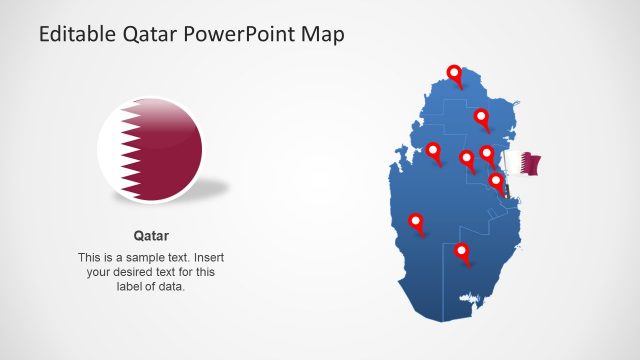
Slide 5 of 8 from Editable Qatar PowerPoint Map
Blue Editable Map Template for Qatar
Editable Qatar PowerPoint Map Slide
- Map
- Country Map
- Context Slide
- 16:9
- 100% Editable
What’s on This Slide
The slide features a blue outline map of Qatar with multiple red location markers positioned across the map. A circular emblem representing Qatar is placed to the right, alongside a text placeholder labeled 'Doha.' The map occupies the left side, while the emblem and text are on the right. The layout emphasizes the map with a clear visual hierarchy, where the markers indicate specific locations. The background is a light gradient, enhancing the map's visibility and focus.
How to Use It
This layout serves as a geographic representation of Qatar, suitable for highlighting specific locations or regions within the country. It fits well in presentations discussing regional analysis, tourism, or business opportunities in Qatar. The slide can be used in a sequence that introduces geographic context before delving into specific data or case studies related to the marked locations. It is effective for both educational and professional settings.
Text Placeholders & Capacity
Keep your copy within these limits so it fits without resizing. Node labels can hold brief text, around 10 characters each.
| Placeholder | Count | Max characters (approx.) |
|---|---|---|
| Slide title | 1 | 30 |
| Item heading | 8 | 10 |
| Item body | 1 | 100 |
Slide Keywords
Download unlimited PowerPoint templates, charts and graphics for your presentations with our annual plan.
DOWNLOADReturn to Editable Qatar PowerPoint Map.