Slide 1 of 6 from Diamond PowerPoint Shapes
Simple Diamond Shape PowerPoint
Diamond Shape PowerPoint Slide
- Shape Object
- Other
- Context Slide
- 16:9
- 100% Editable
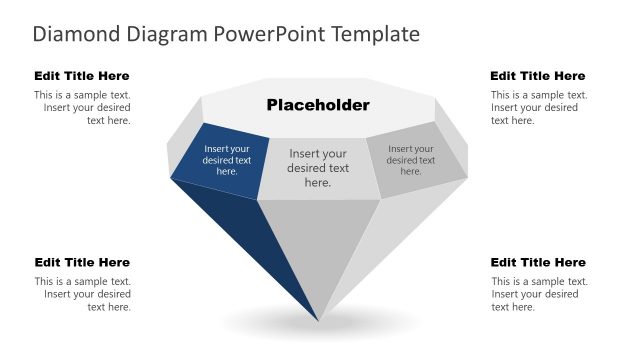
The Diamond Shape with Text Placeholders slide from the Diamond PowerPoint Shapes template offers a professional layout ideal for business presentations and pitch deck templates. Featuring a 3D diamond graphic with editable shapes and vertical text placeholders, this slide supports clear communication of product value and key concepts. Its design suits corporate presentations aiming to highlight success and quality, compatible with both PowerPoint and Google Slides templates.
What’s on This Slide
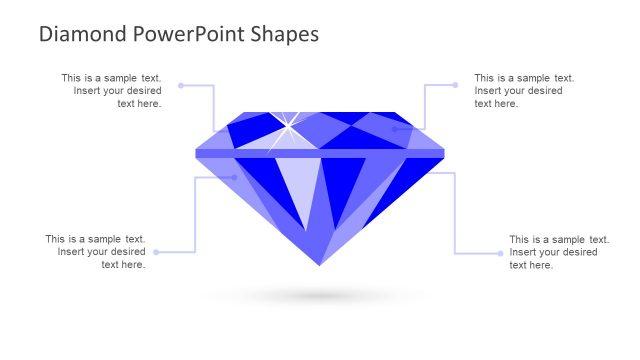
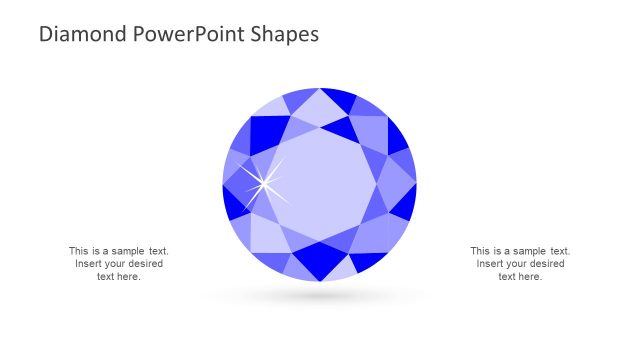
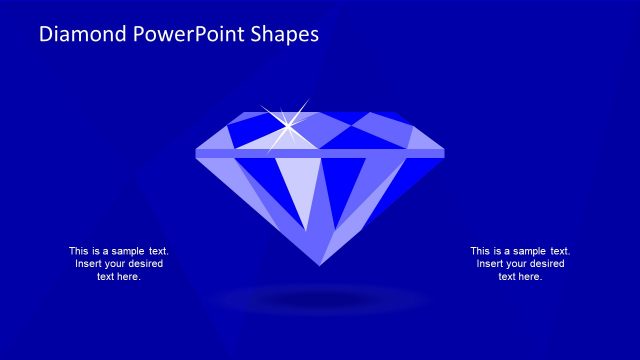
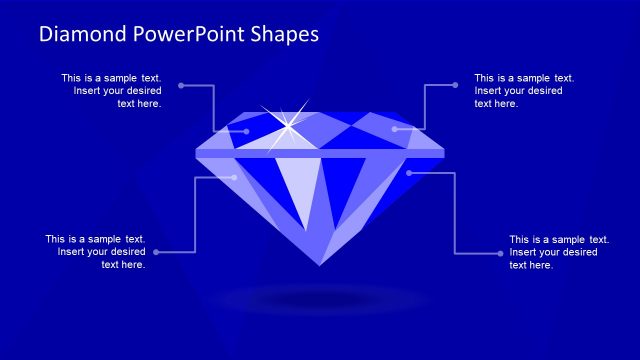
The slide features a large diamond shape centered in the middle, colored in shades of blue and purple. The diamond is three-dimensional, with facets reflecting light, creating a shiny effect. On both the left and right sides, there are text placeholders aligned vertically, allowing for text insertion. The placeholders are designed to hold sample text, indicating where users can add their content. The background is light gray, providing contrast to the diamond. The overall layout emphasizes the diamond, making it the focal point of the slide.
How to Use It
This layout serves as a visual representation of value or quality, suitable for presentations discussing topics like business success, product features, or brand value. It fits well at the beginning of a presentation to introduce key themes or concepts. This slide can be used in marketing, sales pitches, or project proposals where highlighting excellence or premium offerings is essential. It is effective in both formal and creative contexts, allowing for customization based on the audience's needs.
Text Placeholders & Capacity
Keep your copy within these limits so it fits without resizing. Text slots can hold about 8-10 words each.
| Placeholder | Count | Max characters (approx.) |
|---|---|---|
| Body paragraph | 2 | 50 |
Slide Keywords
Download unlimited PowerPoint templates, charts and graphics for your presentations with our annual plan.
DOWNLOADReturn to Diamond PowerPoint Shapes.