Slide 5 of 6 from Diamond PowerPoint Shapes
Shape of Diamond Two Views
Diamond Shape PowerPoint Slide
- Shape Object
- Other
- Strategic Analysis Slide
- 16:9
- 100% Editable
What’s on This Slide
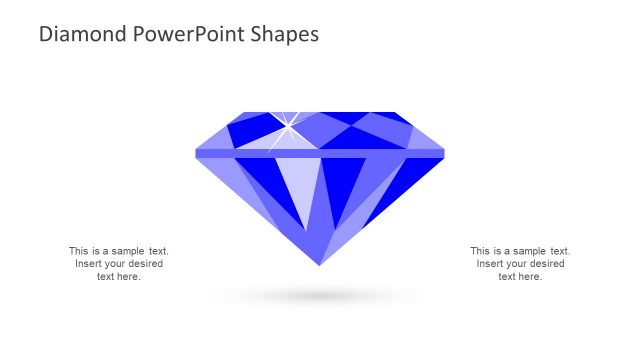
The layout features a large diamond shape centered on the slide. The diamond is composed of various blue shades, with facets that create a reflective appearance. Surrounding the diamond are four text placeholders, positioned at the top, bottom, left, and right. Each placeholder is aligned to the respective sides, allowing for text insertion. The overall composition is balanced, with the diamond as the focal point. The background is a light color, enhancing visibility. The visual hierarchy emphasizes the diamond while providing space for accompanying text.
How to Use It
This layout serves as a visual representation of key concepts or features, making it suitable for presentations that require emphasis on important points. It can be used in business contexts to highlight product features, strategic initiatives, or value propositions. The diamond shape symbolizes value and quality, making it effective for marketing or sales presentations. It fits well in a sequence after a problem statement, leading into solutions or benefits. The design allows for flexibility in content while maintaining a clear visual focus.
Text Placeholders & Capacity
Keep your copy within these limits so it fits without resizing. Text slots can hold about 8-10 words each comfortably.
| Placeholder | Count | Max characters (approx.) |
|---|---|---|
| Item body | 4 | 50 |
Slide Keywords
Download unlimited PowerPoint templates, charts and graphics for your presentations with our annual plan.
DOWNLOADReturn to Diamond PowerPoint Shapes.