Slide 3 of 6 from Diamond PowerPoint Shapes
Diamond Presentation Design Layout
Diamond PowerPoint Shapes - Slide 3
- Shape Object
- Other
- Context Slide
- 16:9
- 100% Editable
What’s on This Slide
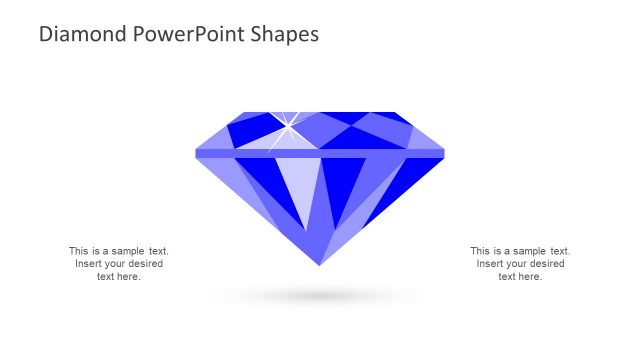
The slide features a diamond shape centered in the middle, with a blue background. The diamond is composed of various triangular facets, showcasing a light reflection effect at the top. Text placeholders are positioned on the left and right sides of the diamond, aligned vertically. Each placeholder is designed to accommodate text, with a simple layout that allows for easy insertion of content. The overall composition emphasizes the diamond graphic, creating a clear visual hierarchy with the title above and placeholders below.
How to Use It
This layout serves as a visual representation of a diamond shape, ideal for presentations about value, luxury, or quality. It fits well in a sequence following an introduction or overview, providing a focal point for discussion. Business scenarios include showcasing product features, branding strategies, or highlighting key attributes. It can be used individually to emphasize a specific concept or theme related to diamonds or valuable items.
Text Placeholders & Capacity
Keep your copy within these limits so it fits without resizing. Body slots can hold about 8-10 words each.
| Placeholder | Count | Max characters (approx.) |
|---|---|---|
| Slide title | 1 | 30 |
| Body paragraph | 2 | 50 |
Slide Keywords
Download unlimited PowerPoint templates, charts and graphics for your presentations with our annual plan.
DOWNLOADReturn to Diamond PowerPoint Shapes.