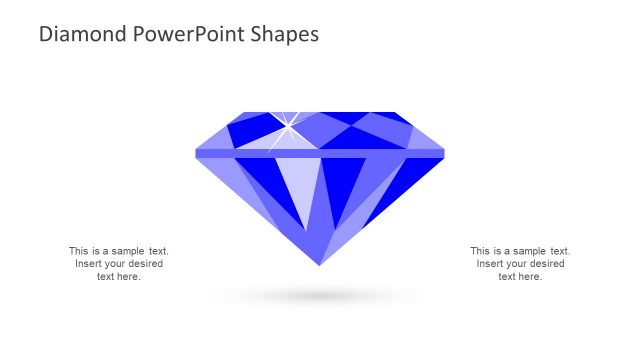
Slide 2 of 6 from Diamond PowerPoint Shapes
Diamond Shape PowerPoint Diagram
Diamond PowerPoint Shapes Overview
- Shape Object
- Other
- Product Overview Slide
- 16:9
- 100% Editable
What’s on This Slide
The slide features two diamond shapes, one in a diamond cut and the other in a round cut. The diamond shape is positioned on the left, while the round shape is on the right. Both shapes are rendered in shades of blue, with highlights suggesting facets and reflections. The background is a light gray, providing contrast to the blue shapes. There is a title at the top left, indicating the subject of the slide. No text placeholders are present in the visual area, and the overall layout is symmetrical.
How to Use It
This layout serves to visually present diamond shapes, suitable for discussions on jewelry design or gemstone characteristics. It can be used in presentations focused on product features, comparisons between diamond cuts, or marketing materials for jewelry. The symmetrical design allows for easy comparison, making it effective in a sequence discussing diamond attributes. It fits well after an introductory slide and before detailed analysis or product offerings.
Text Placeholders & Capacity
Keep your copy within these limits so it fits without resizing. The title slot can hold about 5-6 words comfortably.
| Placeholder | Count | Max characters (approx.) |
|---|---|---|
| Slide title | 1 | 30 |
Slide Keywords
Download unlimited PowerPoint templates, charts and graphics for your presentations with our annual plan.
DOWNLOADReturn to Diamond PowerPoint Shapes.