Slide 4 of 6 from Diamond PowerPoint Shapes
4 Segment Diamond Diagram PPT
Diamond Shape PowerPoint Slide with Text Areas
- Media Layout
- Other
- Concept Explanation Slide
- 16:9
- 100% Editable
What’s on This Slide
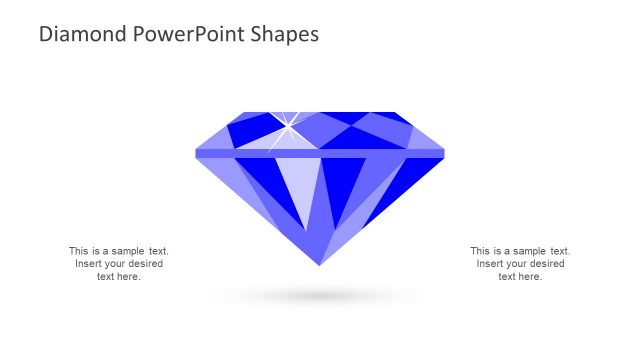
The slide features a diamond shape centered in the middle, with a blue background. Surrounding the diamond are four text placeholders positioned at the top, bottom, left, and right. Each placeholder is connected to the diamond with a thin line, indicating a relationship. The diamond has a shiny effect with facets represented in various shades of blue. The text placeholders are aligned horizontally and vertically, allowing for clear insertion of content. The overall layout emphasizes the diamond as the focal point.
How to Use It
This layout serves as an illustrative tool for highlighting key attributes or features related to a central concept, represented by the diamond. It is suitable for presentations that require a visual representation of value or quality, such as product features or service benefits. The slide fits well in a sequence that introduces a concept and then elaborates on its components. It is ideal for business contexts where visual appeal is essential for engagement.
Text Placeholders & Capacity
Keep your copy within these limits so it fits without resizing. Each text slot can hold about 8 words comfortably.
| Placeholder | Count | Max characters (approx.) |
|---|---|---|
| Item body | 4 | 40 |
Slide Keywords
Download unlimited PowerPoint templates, charts and graphics for your presentations with our annual plan.
DOWNLOADReturn to Diamond PowerPoint Shapes.