Slide 4 of 4 from Dial-up Gauge Infographic PowerPoint Template
Dial-up Gauge Infographic Template Layout
Dial-up Gauge Comparison Slide
- Diagram
- Comparison Split
- Evaluation Slide
- 16:9
- 100% Editable
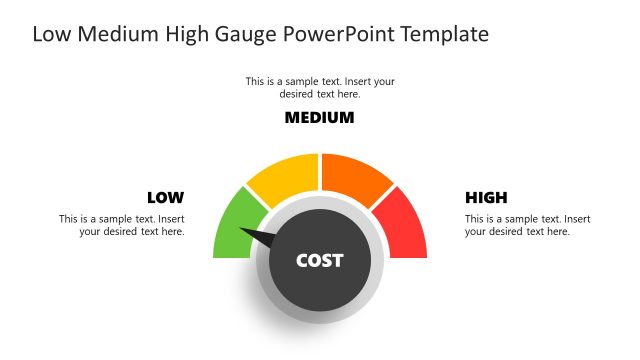
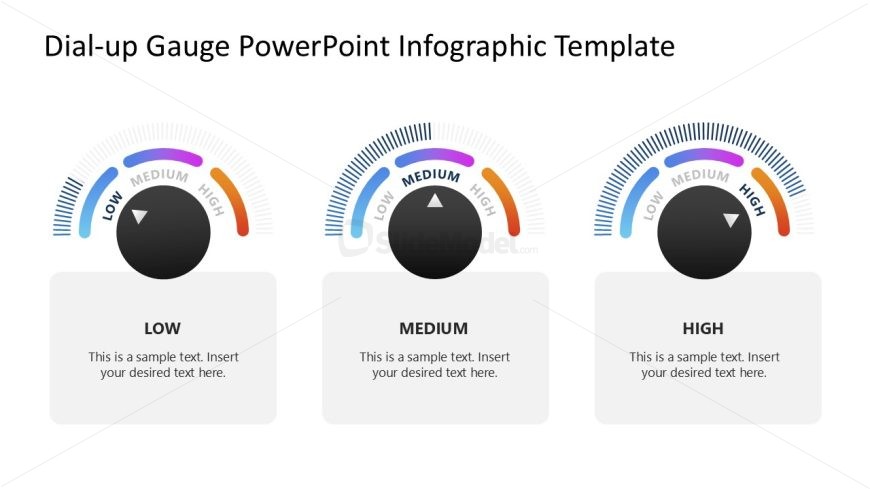
The Dial-up Gauge Comparison slide from the Dial-up Gauge Infographic PowerPoint Template offers a clear visual evaluation of business metrics using three color-coded dial gauges. This layout is ideal for corporate presentations or pitch deck templates focused on KPI presentation and performance evaluation. Its balanced design and editable shapes support effective communication of varying performance levels across departments or projects, enhancing decision-making in business presentations.
What’s on This Slide
The slide features three dial gauges arranged horizontally. Each gauge has a semicircular arc displaying color-coded segments labeled 'LOW', 'MEDIUM', and 'HIGH'. The dials are centered within circular shapes, with a pointer indicating the current level. Below each gauge, there are text placeholders aligned centrally, labeled 'LOW', 'MEDIUM', and 'HIGH' respectively. The background is light, enhancing visibility. The overall composition is balanced, with equal spacing between the gauges, creating a clear visual hierarchy and grouping of related elements.
How to Use It
This layout serves as a performance comparison tool, effectively displaying varying levels of metrics or KPIs. It fits well in presentations discussing business performance, employee evaluations, or project statuses. The gauges can represent different categories or departments, allowing for quick visual assessments. This slide is particularly useful in meetings where stakeholders need to grasp performance levels at a glance, facilitating informed decision-making and discussions.
Text Placeholders & Capacity
Keep your copy within these limits so it fits without resizing. Node body slots can accommodate roughly 10-12 words each.
| Placeholder | Count | Max characters (approx.) |
|---|---|---|
| Item heading | 3 | 20 |
| Item body | 3 | 60 |
Slide Keywords
Download unlimited PowerPoint templates, charts and graphics for your presentations with our annual plan.
DOWNLOAD