Slide 2 of 4 from Dial-up Gauge Infographic PowerPoint Template
Customizable Dial-up Gauge Infographic PPT Template
Dial-up Gauge Infographic Slide
- Diagram
- Gauge
- Evaluation Slide
- 16:9
- 100% Editable
The Dial-up Gauge Infographic slide from the Dial-up Gauge Infographic PowerPoint Template offers a clear visual tool for evaluating performance metrics and project status updates. This slide layout features a centrally positioned circular gauge with segmented indicators, making it ideal for business presentations that require concise communication of employee evaluations or key performance data. Its design integrates editable shapes and vector icons to enhance customization within professional slide decks.
What’s on This Slide
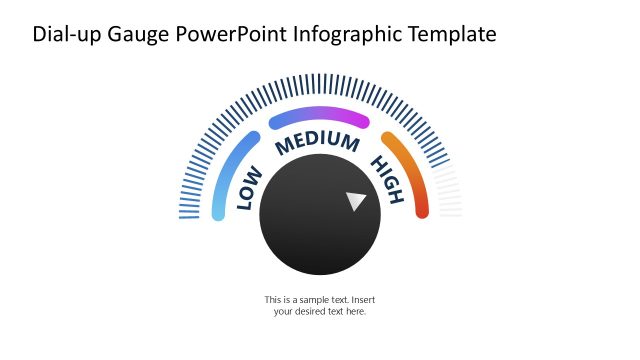
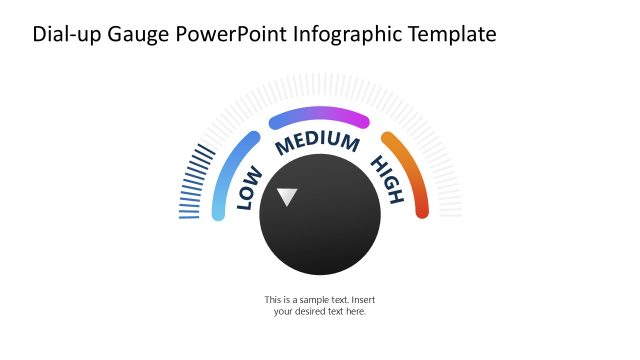
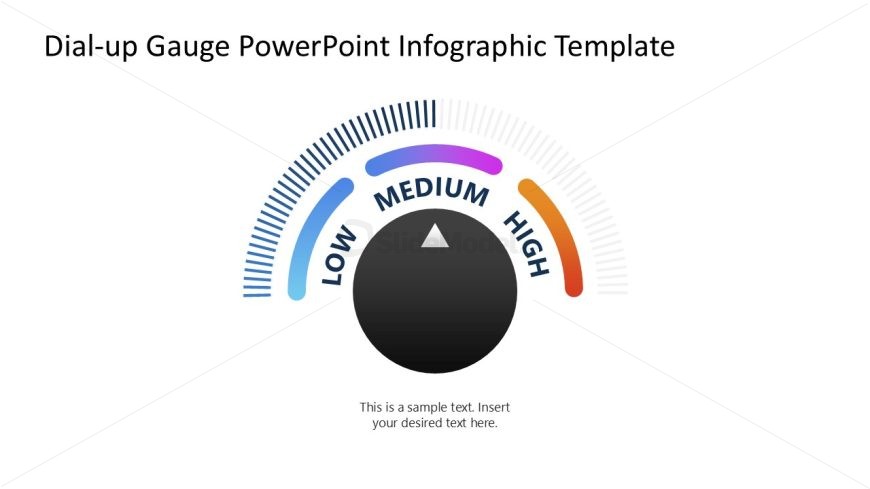
The slide features a circular gauge positioned centrally, displaying three segments labeled 'LOW', 'MEDIUM', and 'HIGH'. The gauge is outlined with a gradient color scheme transitioning from blue to purple and orange. An arrow points to the 'MEDIUM' segment, indicating a specific value. Below the gauge, a text placeholder is centered, allowing for custom text input. The background is white, providing contrast to the colorful gauge. The overall layout emphasizes the gauge's central position, with clear visual hierarchy established through size and color.
How to Use It
This layout serves as a performance indicator, ideal for showcasing metrics in business presentations. It fits well after problem identification slides, providing a visual representation of performance levels. Use it to communicate employee performance, project status, or other key metrics. This slide is effective for summarizing data in a visually engaging manner, making it suitable for reports or updates. It can be used in various business contexts, such as performance reviews or project evaluations.
Text Placeholders & Capacity
Keep your copy within these limits so it fits without resizing. Text slots can accommodate short phrases or single words.
| Placeholder | Count | Max characters (approx.) |
|---|---|---|
| Item heading | 3 | 10 |
| Body paragraph | 1 | 50 |
Slide Keywords
Download unlimited PowerPoint templates, charts and graphics for your presentations with our annual plan.
DOWNLOAD