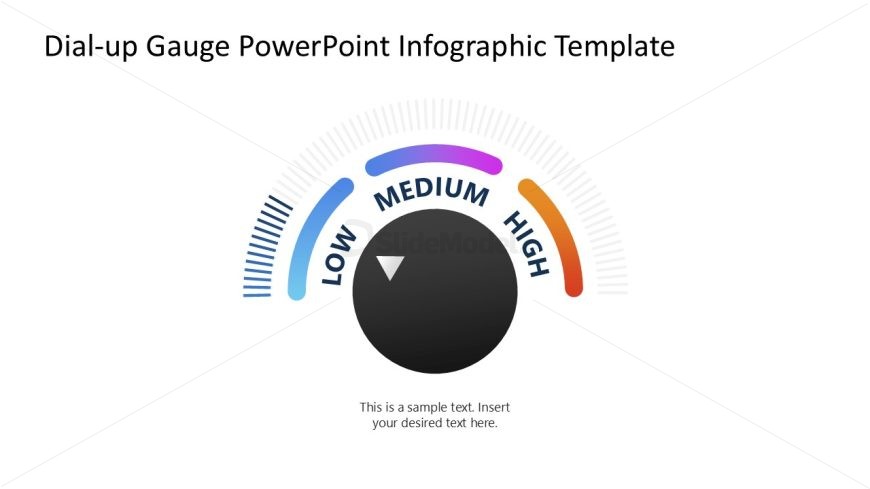
Slide 1 of 4 from Dial-up Gauge Infographic PowerPoint Template
Editable Dial-up Gauge Infographic PPT Template
Dial-up Gauge Infographic PowerPoint Template
- Diagram
- Gauge
- Evaluation Slide
- 16:9
- 100% Editable
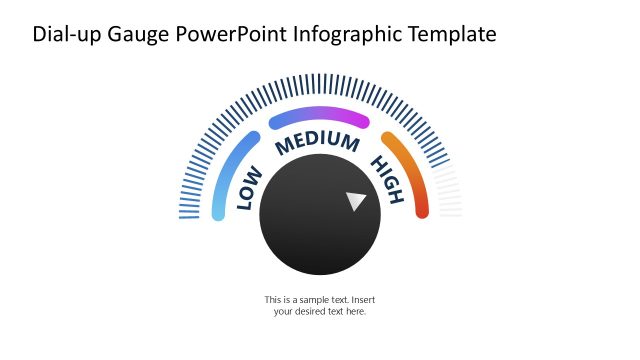
The Dial-up Gauge Infographic slide from the Dial-up Gauge Infographic PowerPoint Template offers a clear visual tool for evaluating performance metrics and project status updates. This slide layout uses editable shapes and vector icons to create a balanced gauge diagram, making it suitable for business presentations and employee evaluations within slide decks and Google Slides templates.
What’s on This Slide
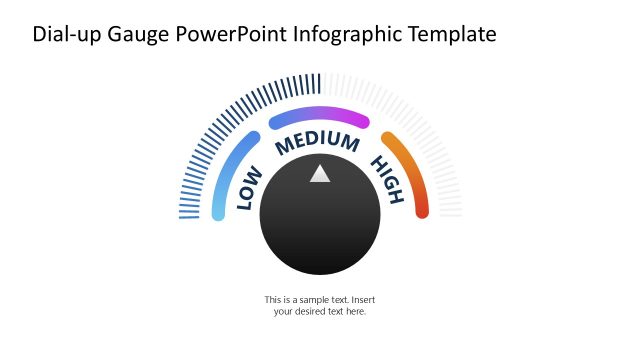
The layout features a circular gauge positioned centrally, with a black circular center and a triangular pointer indicating a value. The gauge displays three color-coded sections labeled 'LOW,' 'MEDIUM,' and 'HIGH' in blue, purple, and orange respectively. A series of short lines extend from the gauge's edge, enhancing the visual representation. Below the gauge, there is a text placeholder centered for additional information. The overall composition is balanced, with the gauge being the focal point against a white background.
How to Use It
This layout serves as a performance gauge, ideal for illustrating metrics or evaluations. It fits well in presentations discussing business performance, employee assessments, or project status updates. The gauge format allows for quick visual comprehension of performance levels. It is effective in contexts where a clear, immediate understanding of performance metrics is necessary, such as quarterly reviews or strategic planning sessions.
Text Placeholders & Capacity
Keep your copy within these limits so it fits without resizing. Body slots can hold roughly 15-20 words each.
| Placeholder | Count | Max characters (approx.) |
|---|---|---|
| Slide title | 1 | 50 |
| Body paragraph | 1 | 100 |
| Item heading | 3 | 10 |
Slide Keywords
Download unlimited PowerPoint templates, charts and graphics for your presentations with our annual plan.
DOWNLOAD