Download and prepare your presentations about diabetes mellitus with our professional Diabetes Presentation Template. Diabetes is a disease characterized by a high glucose level in the blood. It can happen when the pancreas (an endocrine gland) does not produce enough insulin, the hormone responsible for maintaining healthy glucose levels. It can also be caused when the body cells become resistant to insulin and don’t regulate the glucose levels at required levels. This sustained high level of glucose (BSL) can impact all organs of the body majorly, including kidneys, heart, eyes, and joints. Thus, it is essential to make everyone aware of the early symptoms so that they can be covered before any severe damage occurs. This diabetes PPT template carries all the important slides for discussing diabetes, its diagnosis, management, and impacts. Users can edit it for their medical seminars, raise awareness, discuss its key aspects with their students or fellows, or guide their patients about this disease.
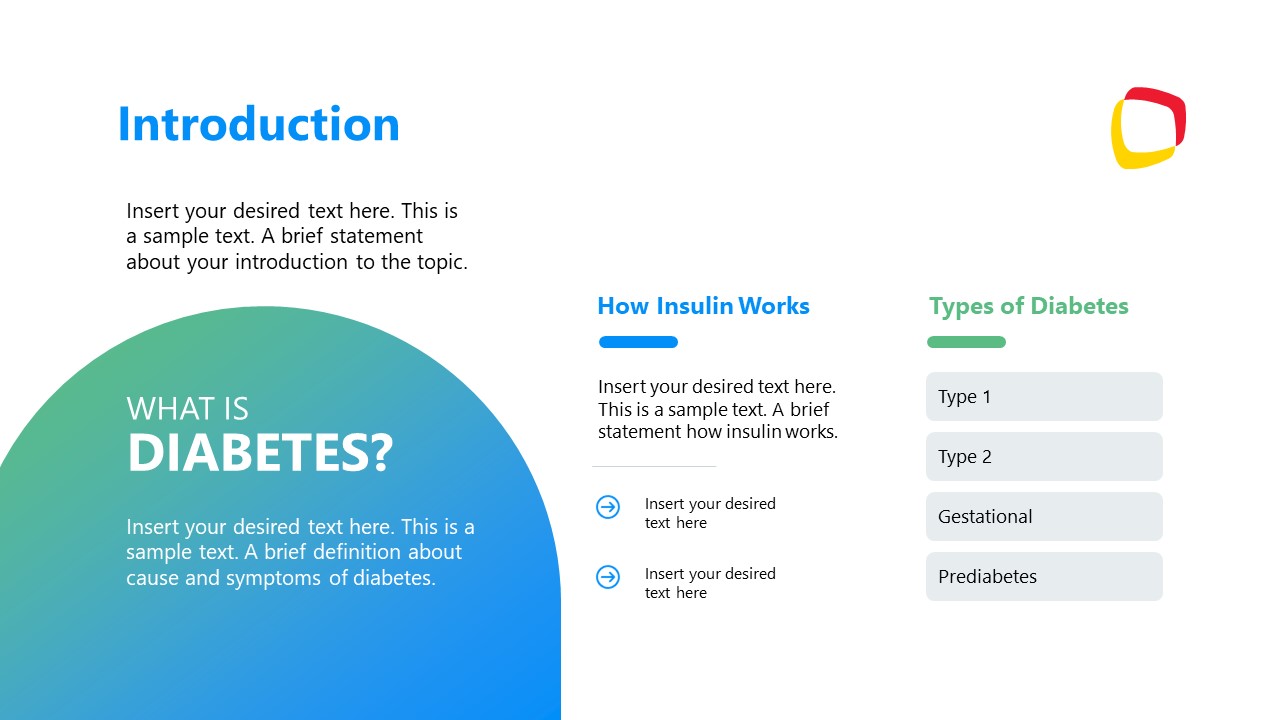
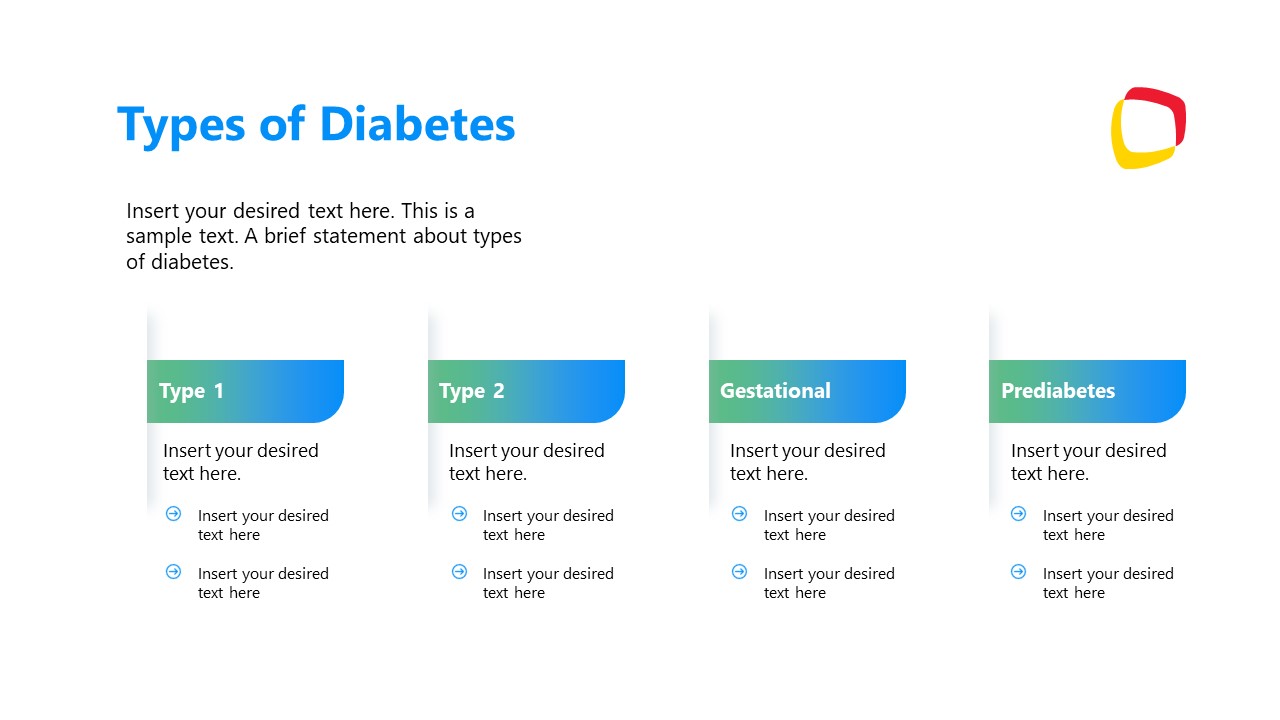
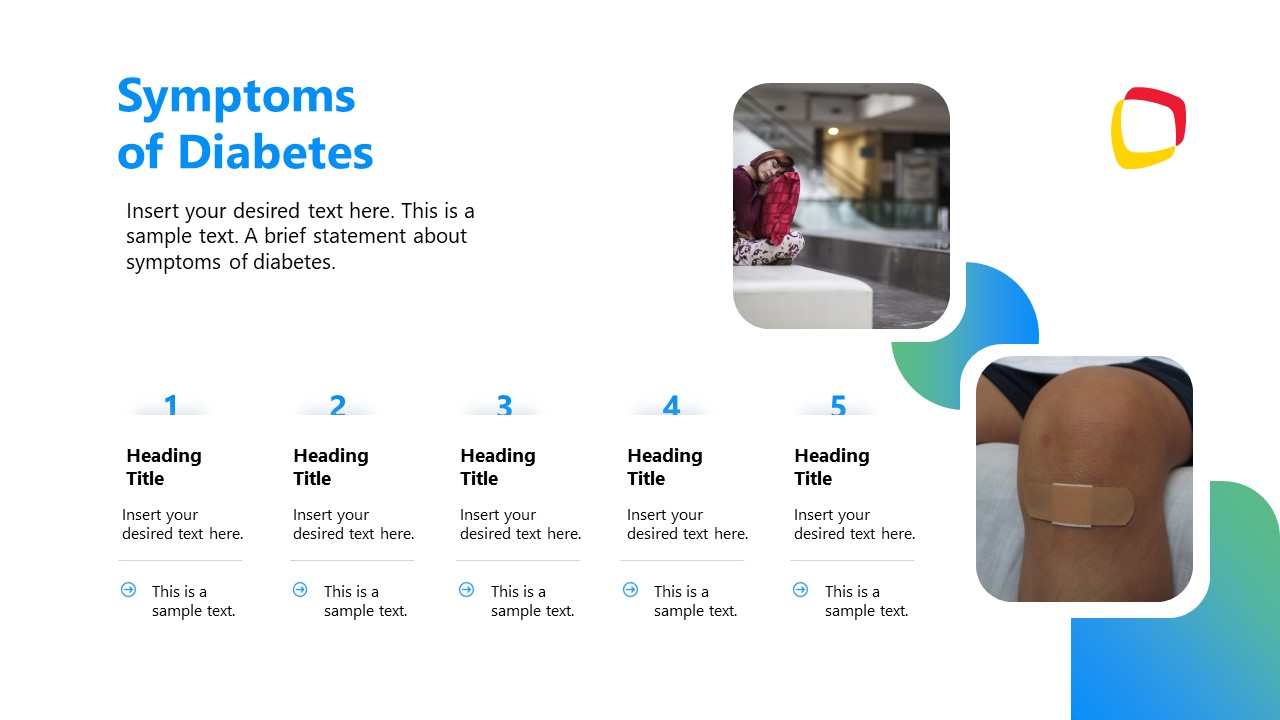
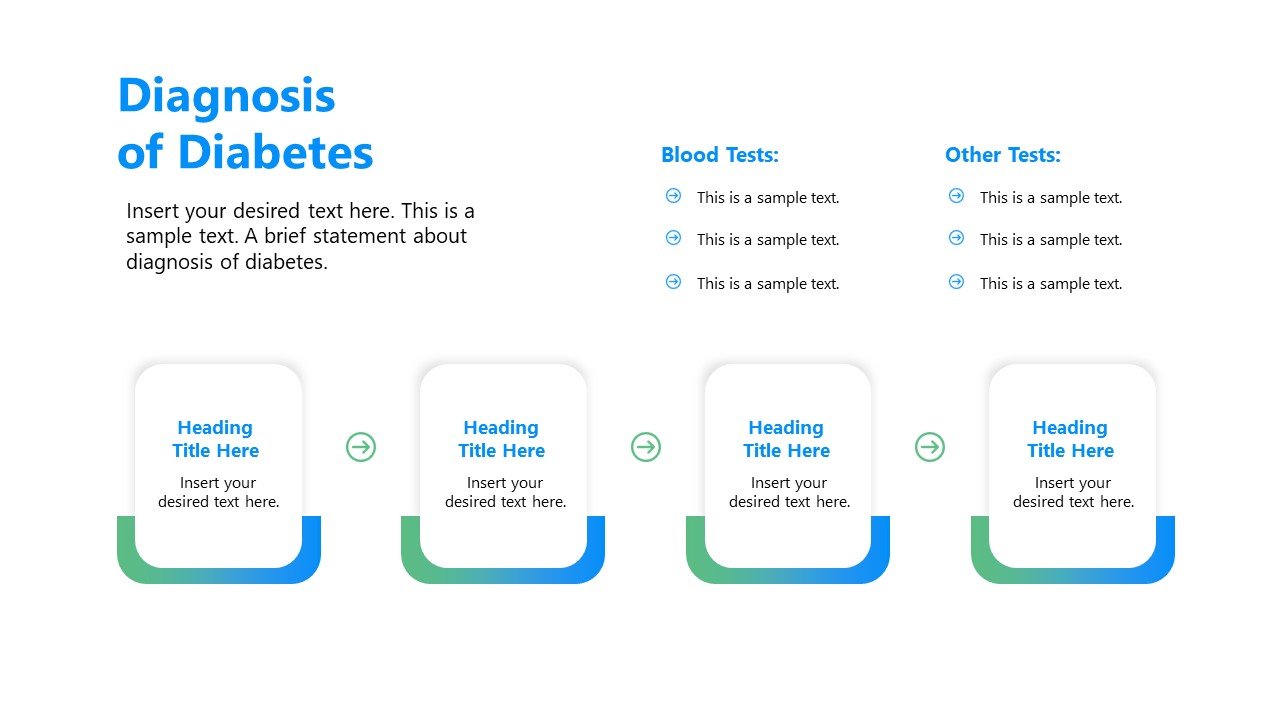
In this Diabetes Presentation Template, we have used visually descriptive images and provided text boxes in appropriate positions to add relevant information to the slides. This diabetes presentation template starts with a cover slide showing a person’s hand holding a pricker pen on his finger. It is followed by slides that present a table of contents and an introduction to the disease. Coming up slides are to cover the types of diabetes (Type 1&2, gestational, and prediabetes) and the significant symptoms (including slow wound healing, fatigue, frequent urination, etc.). Likewise, the professionals can use the next slide to show different methods of diagnosis of diabetes and their importance. The next couple of slides are for the complications & management strategies. Here, presenters can mention how people diagnosed with diabetes can control their BSL through methods other than medication. We have also included the slides for presenting the importance of regular monitoring and support resources in this diabetes slide deck PowerPoint template.
Medical professionals, researchers, and students can also use these slides in their research presentations. This PPT template provides slides for stress management, conclusion, and contact information. Thus, our users can prepare comprehensive presentations about diabetes and its types with this customizable template. Alternatively, you can download other diabetes PPT templates, and medical presentation slides, ready for Microsoft PowerPoint and Google Slides presentations, like the diabetes PowerPoint template.
What’s inside this template
Example presentation scenarios
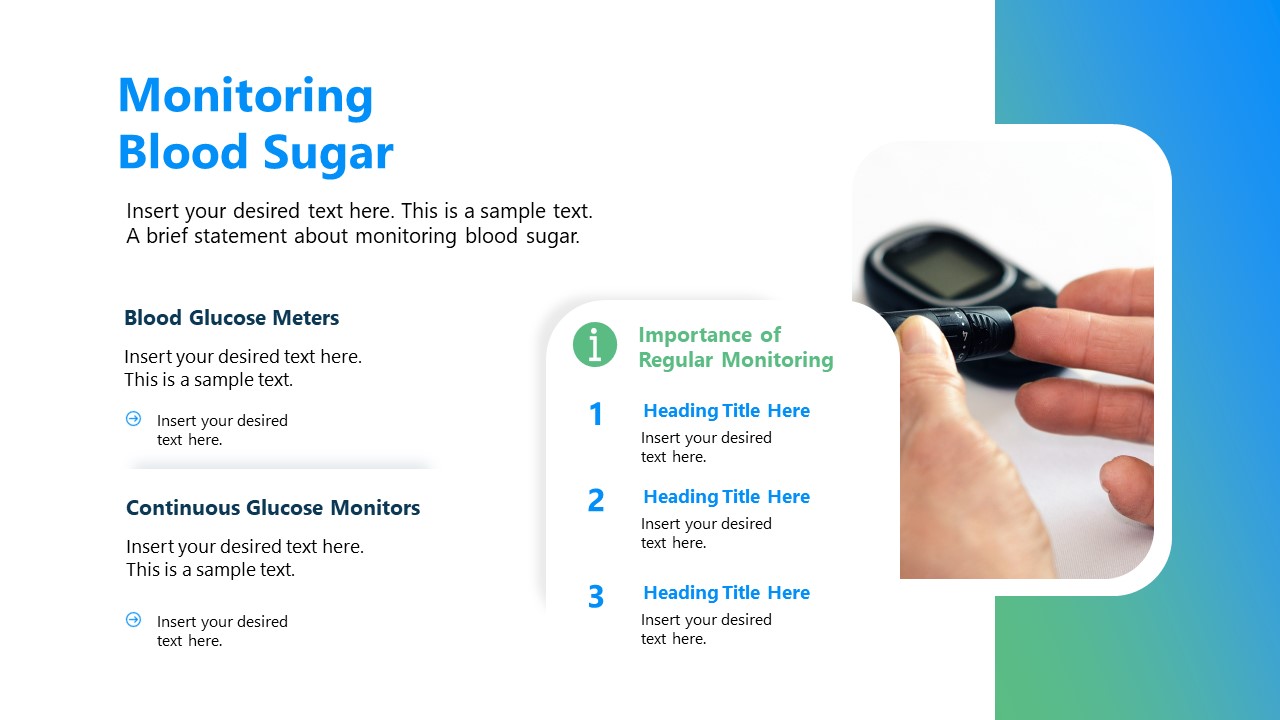
- A diabetes educator can use the types, symptoms, and blood sugar monitoring slides to teach newly diagnosed patients what to watch, measure, and discuss with their care team.
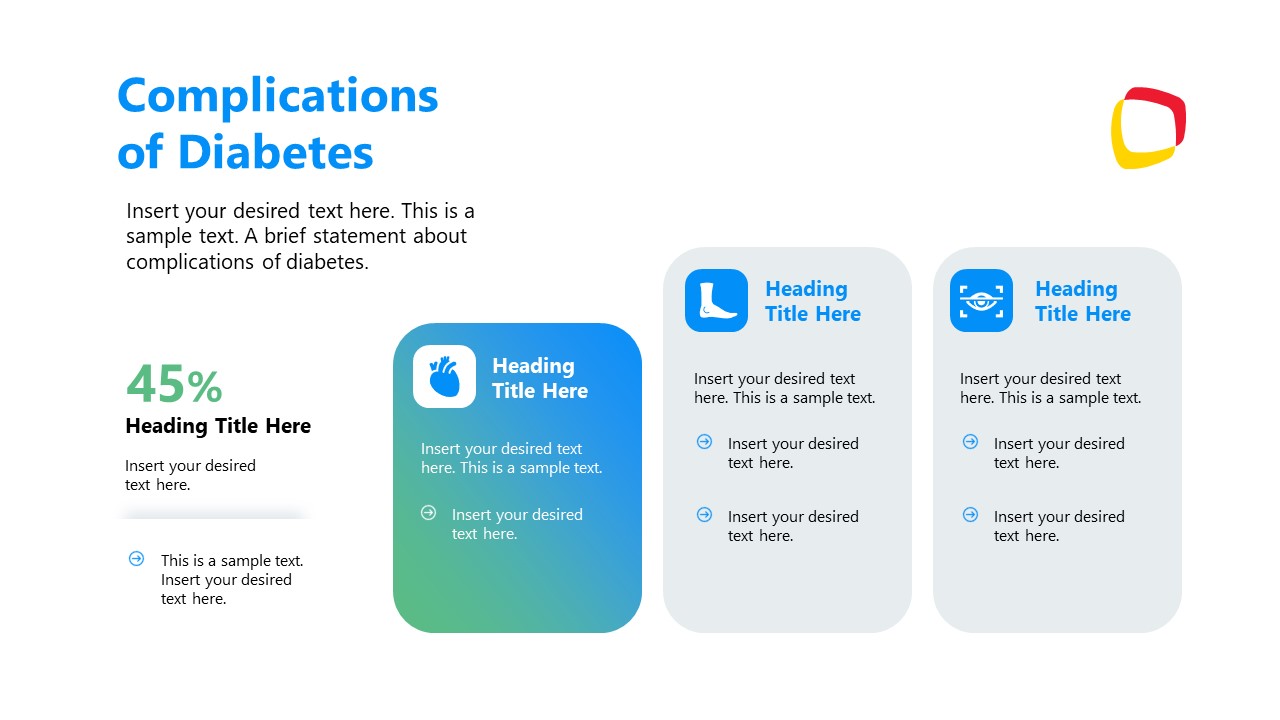
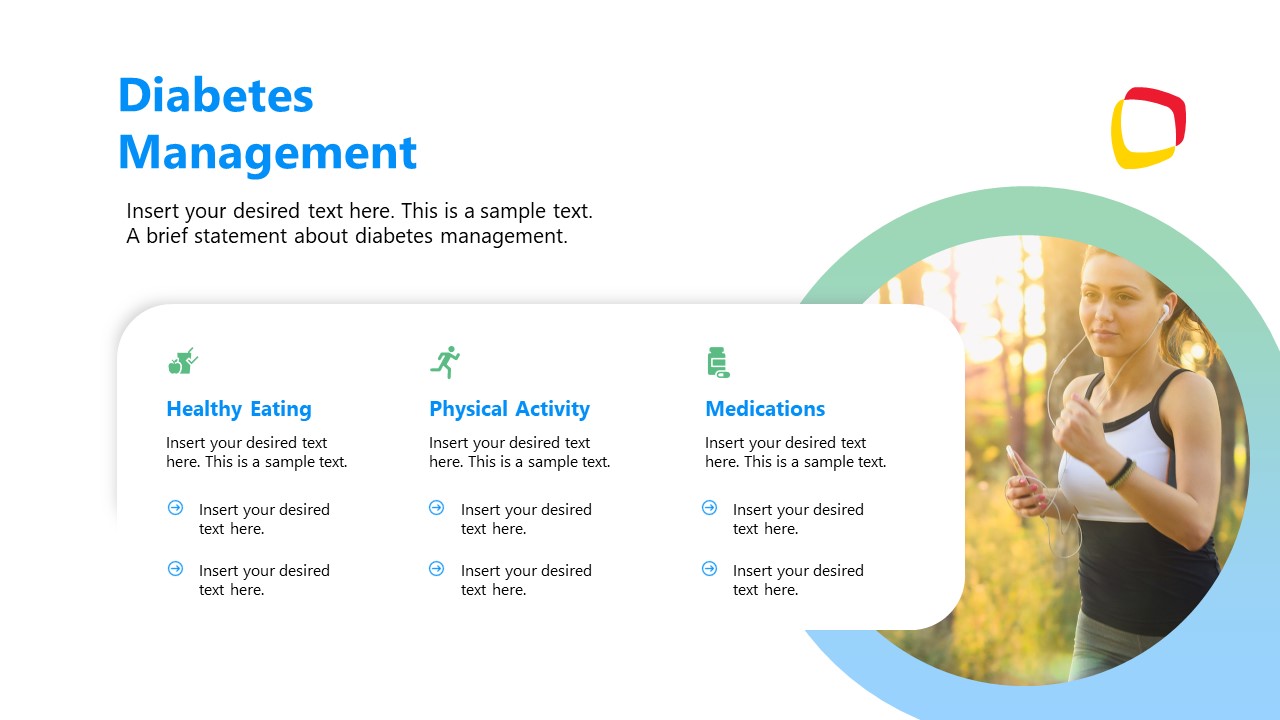
- A physician can use the diagnosis process, complications cards, and management columns to explain a clinical overview during a patient awareness seminar.
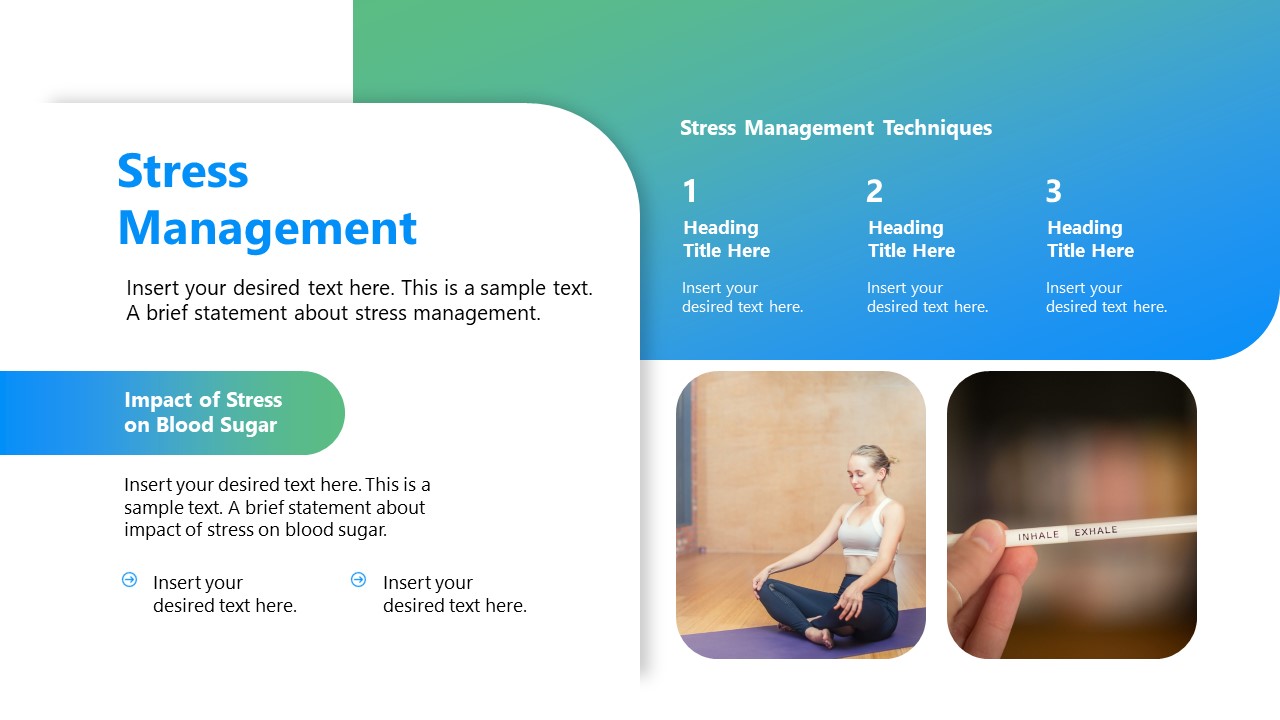
- A medical instructor can use the introduction, types of diabetes, and stress management slides to organize a classroom lesson for students learning chronic disease basics.
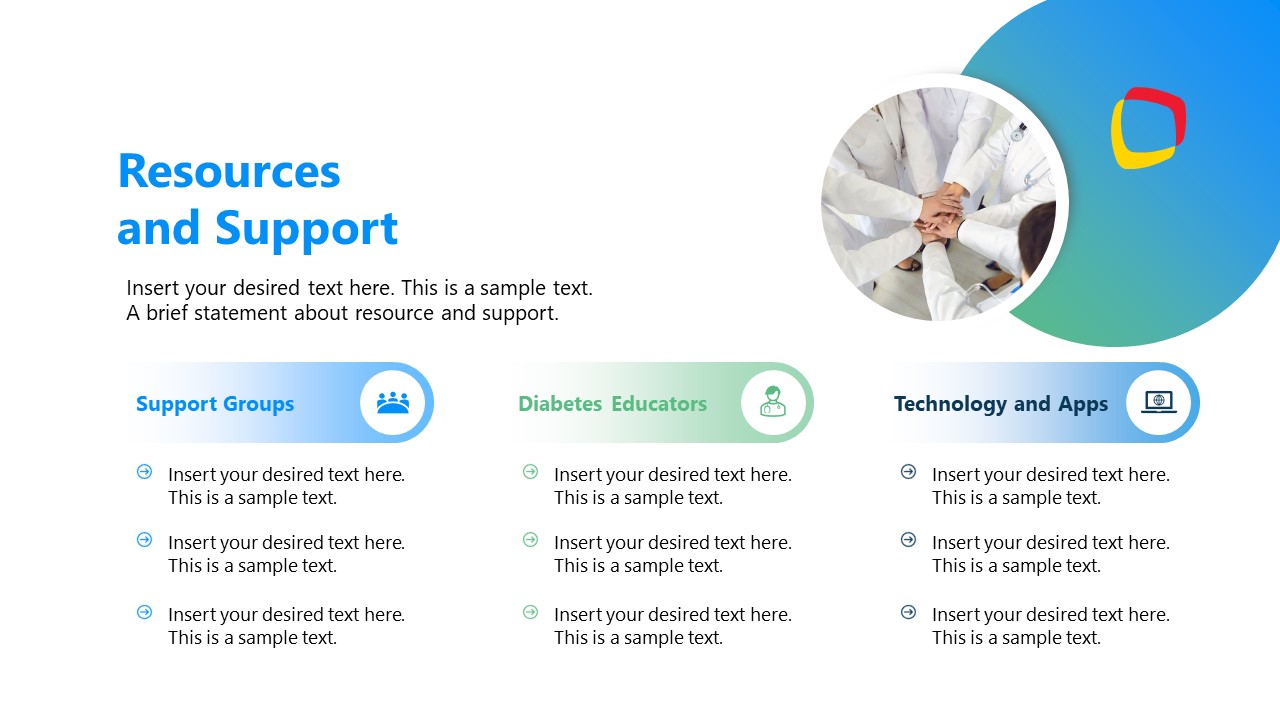
- A public health presenter can use the symptoms list, resources and support slide, and contact page to guide a community outreach session toward screening and follow-up.
Features
- 100% editable presentation template
- Compatible with Microsoft PowerPoint
- 16:9 aspect ratio slides
- Scalable vector shapes, icons and illustrations
- Ready with Animations & Transitions in PowerPoint
- AI-Ready for Microsoft Copilot and Claude
- Instant access and download
Frequently asked questions
Q: How should a presenter structure a diabetes education talk with this deck?
A: Start with the cover and table of contents to set expectations, then use the introduction and types slides to build shared vocabulary. Move into symptoms, diagnosis, and complications before discussing management, monitoring, stress, and support. This order helps the audience understand risk first, then practical behavior and care actions.
Q: Who is this template best suited for in a healthcare presentation setting?
A: It is best for clinicians, diabetes educators, nurses, medical instructors, and public health presenters who need to explain diabetes in plain terms. The visible layouts support awareness and training: symptom columns for recognition, diagnosis steps for clinical pathways, and management cards for lifestyle and medication topics.
Q: Why do the rounded cards, circles, and gradient medical visuals work for this topic?
A: The rounded cards separate complex health information into small, less intimidating sections, which is useful for patient education. Circular photos humanize the subject without crowding the slides. Blue and green gradients create a calm medical tone while keeping attention on key sections such as diagnosis, monitoring, and support.





Diabetes Presentation Template
13-slide medical presentation template for diabetes education, diagnosis, symptoms, management, and patient support
The Diabetes Presentation Template is a 13-slide Microsoft PowerPoint deck for explaining diabetes in clinical, educational, or patient-facing settings. It includes a table of contents, diabetes type cards, symptom list, diagnosis process, management categories, blood sugar monitoring slide, resources, conclusion, and contact page.
- Category
- PowerPoint Templates
- Rating


 Loading...
- Aspect ratio
- 16:9
- Item ID
- 85060-01
- Colors
 Microsoft PowerPoint
 Microsoft Copilot
 Claude for PowerPoint
Other formats supported
Subscribe today and get immediate
access to download our PowerPoint templates.