Slide 1 of 8 from Detroit PowerPoint Template
Detroit PowerPoint Skyscraper Template
Detroit Skyline PowerPoint Slide
- Media Layout
- Full Bleed Image
- Context Slide
- 16:9
- 100% Editable
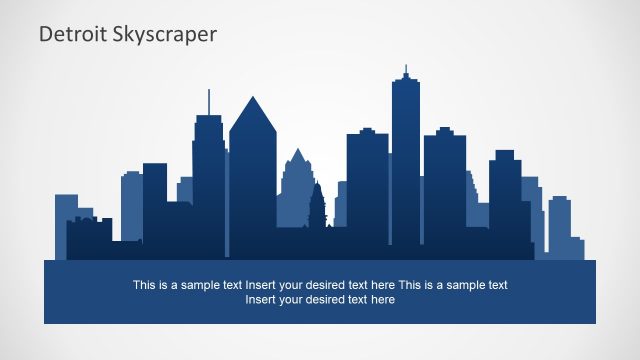
The Detroit Skyline with Text slide from the Detroit PowerPoint Template offers a visually engaging introduction to urban development or tourism topics. Featuring editable slides with a full-bleed image of Detroit's skyline, this layout supports clear contextual presentation in business presentations and slide decks focused on city-related themes.
What’s on This Slide
The slide features a silhouette of Detroit's skyline in dark blue, occupying the top two-thirds. Various building shapes are represented, including a tall, narrow structure and a wider, more angular one. The title 'Detroit' is prominently placed at the bottom left in white, with a larger font size. Below the title, there are two text placeholders aligned to the right, allowing for additional content. The background is a light gradient, transitioning from white at the top to a darker blue at the bottom, enhancing the skyline's visibility.
How to Use It
This layout serves as an introductory slide, ideal for presenting information about Detroit. It can be used at the beginning of a presentation to set the geographical context or to introduce a topic related to the city. In a business context, it is suitable for discussions on urban development, tourism, or economic opportunities in Detroit. The slide's visual hierarchy emphasizes the city name, making it effective for capturing audience attention early in a presentation sequence.
Text Placeholders & Capacity
Keep your copy within these limits so it fits without resizing. Body slots can accommodate roughly 30-35 words each.
| Placeholder | Count | Max characters (approx.) |
|---|---|---|
| Slide title | 1 | 20 |
| Body paragraph | 2 | 150 |
Slide Keywords
Download unlimited PowerPoint templates, charts and graphics for your presentations with our annual plan.
DOWNLOADReturn to Detroit PowerPoint Template.