Slide 7 of 8 from Detroit PowerPoint Template
Silhouette PowerPoint of Detroit Skyscraper
Detroit Skyscraper Slide Overview
- Media Layout
- Other
- Context Slide
- 16:9
- 100% Editable
What’s on This Slide
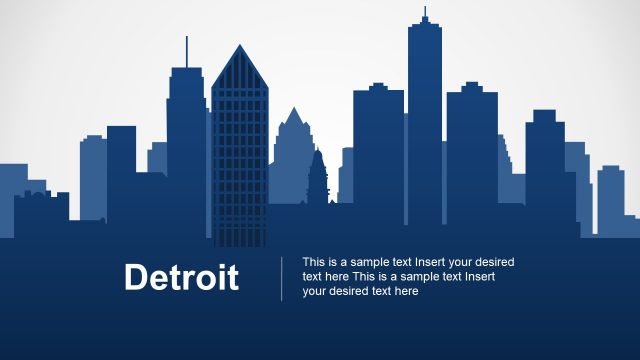
The slide features a silhouette of Detroit's skyline, prominently displayed at the top. The skyline consists of various building shapes, including tall skyscrapers and unique architectural designs, arranged in a visually balanced manner. Below the skyline, there are two text placeholders centered within a solid blue rectangular container. The placeholders are designed for body text and are aligned to allow for multiple lines of text. The background is a light gradient, enhancing the contrast with the dark silhouette and blue container. The overall composition emphasizes the skyline while providing space for textual information.
How to Use It
This layout serves as a visual representation of Detroit's skyline, suitable for presentations focused on urban development, city features, or architectural highlights. It fits well after introductory slides about Detroit, providing a transition into more detailed discussions. This slide can be used in contexts such as real estate presentations, tourism marketing, or city planning discussions, where showcasing the city's identity is essential. It is effective for emphasizing key points about Detroit's urban landscape.
Text Placeholders & Capacity
Keep your copy within these limits so it fits without resizing. Body slots can accommodate roughly 20-25 words each.
| Placeholder | Count | Max characters (approx.) |
|---|---|---|
| Slide title | 1 | 30 |
| Body paragraph | 2 | 150 |
Slide Keywords
Download unlimited PowerPoint templates, charts and graphics for your presentations with our annual plan.
DOWNLOADReturn to Detroit PowerPoint Template.