Slide 1 of 1 from Data Strategy Center of Excellence PowerPoint Template
Data Strategy Center of Excellence PPT Slide Template
Data Strategy Center of Excellence Overview
- Diagram
- Circular Cycle
- Strategic Analysis Slide
- 16:9
- 100% Editable
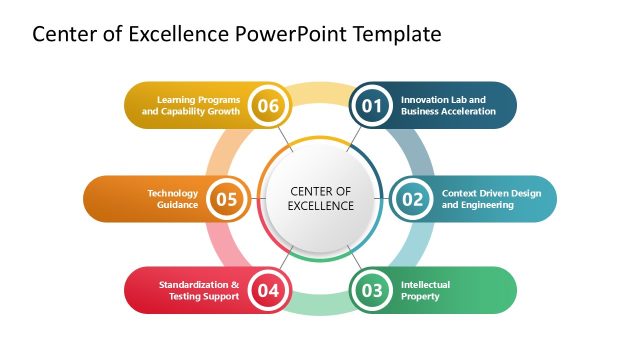
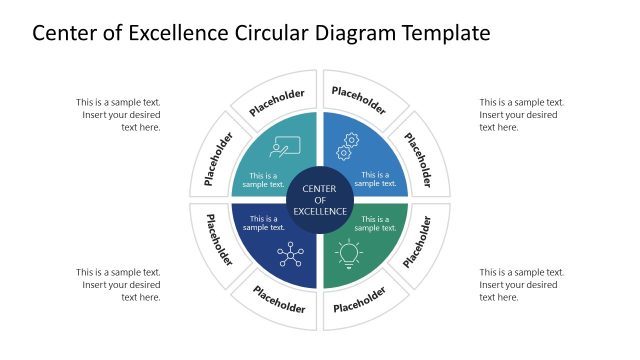
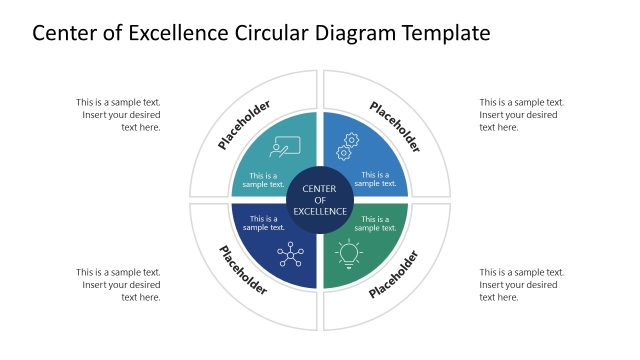
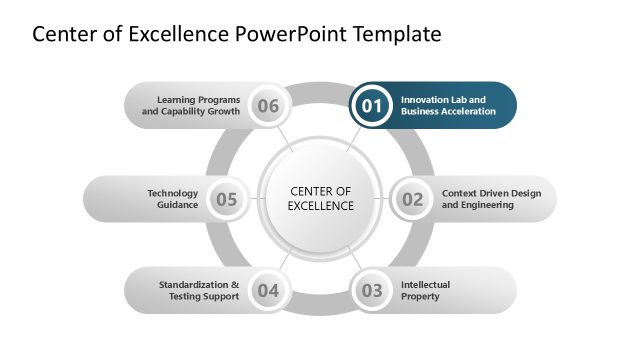
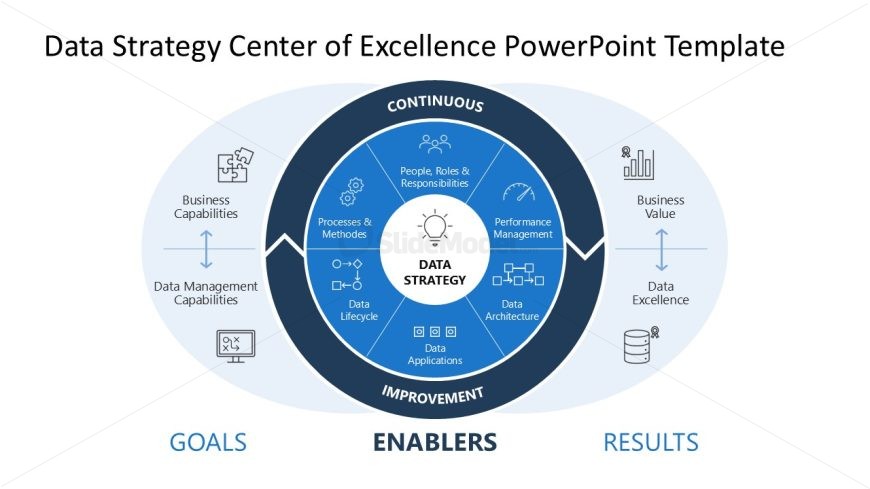
The Data Strategy Overview Diagram slide from the Data Strategy Center of Excellence PowerPoint Template provides a clear visual framework for presenting key data management components. This slide template is ideal for business presentations focused on strategic analysis, featuring editable shapes arranged in a circular flow to illustrate continuous improvement. It supports effective communication in management training sessions and data governance discussions, making it a practical choice for corporate presentation slide decks.
What’s on This Slide
The layout features a central circular node labeled 'DATA STRATEGY' surrounded by eight smaller circular nodes representing various components like 'People, Roles & Responsibilities' and 'Data Applications'. These nodes are arranged in a circular flow, emphasizing a continuous improvement process. Two larger oval shapes at the bottom and top indicate 'GOALS' and 'RESULTS', respectively, with arrows connecting them to the central node. Text placeholders are present for titles and labels, aligned centrally and at the edges. The overall color scheme is blue and white, with a clean, structured composition.
How to Use It
This layout serves as a strategic framework for presenting a data strategy overview. It fits well at the beginning of a presentation to outline key components and objectives related to data management. This structure is useful in business contexts such as strategy meetings, data governance discussions, or management training sessions. It visually represents relationships between data strategy elements, making it suitable for conveying complex information in a digestible format.
Text Placeholders & Capacity
Keep your copy within these limits so it fits without resizing. Node labels can accommodate roughly 5-6 words each.
| Placeholder | Count | Max characters (approx.) |
|---|---|---|
| Slide title | 1 | 40 |
| Item heading | 8 | 30 |
| Footer | 2 | 20 |
Slide Keywords
Download unlimited PowerPoint templates, charts and graphics for your presentations with our annual plan.
DOWNLOADReturn to Data Strategy Center of Excellence PowerPoint Template.