Slide 2 of 7 from Center of Excellence PowerPoint Template
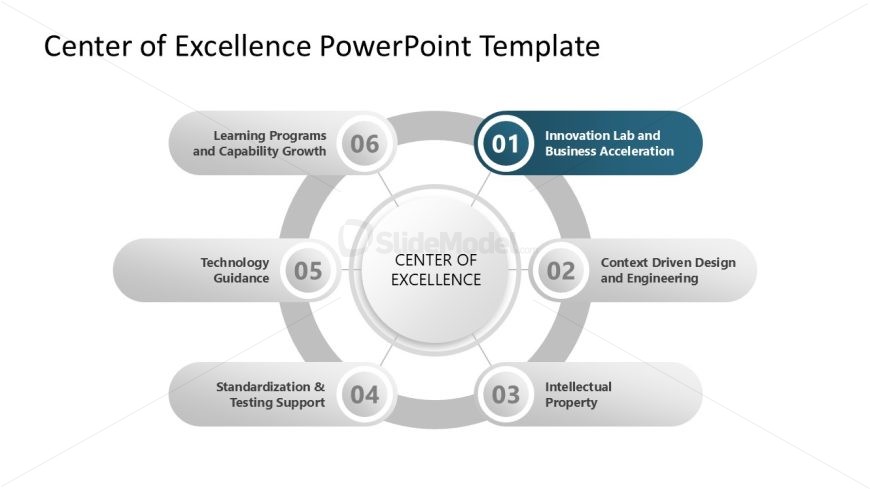
Spotlight Slide for Step 1 – Center of Excellence Template
Center of Excellence Diagram for Presentations
- Diagram
- Circular Cycle
- Strategic Analysis Slide
- 16:9
- 100% Editable
The Center of Excellence Diagram slide from the Center of Excellence PowerPoint Template uses a circular layout to clearly present strategic initiatives and organizational frameworks. This slide is ideal for business presentations requiring visual emphasis on core program highlights, utilizing editable shapes and vector icons to enhance clarity and engagement within a corporate presentation or pitch deck template.
What’s on This Slide
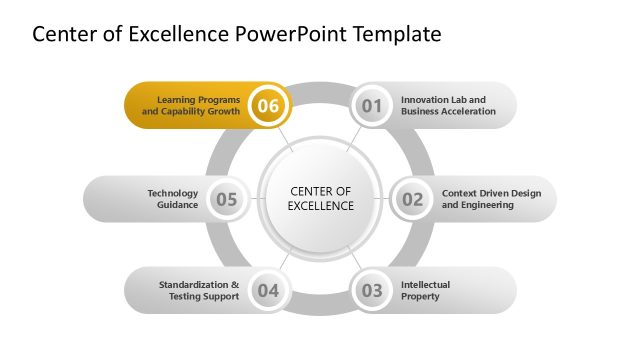
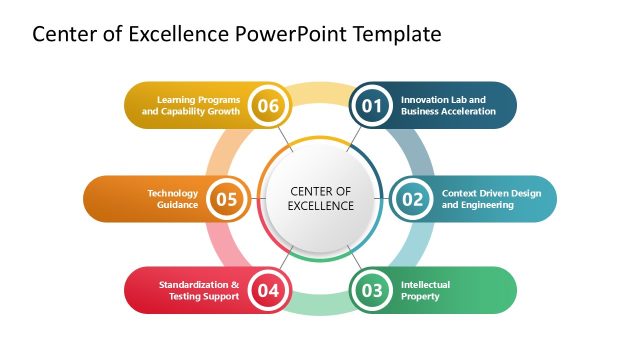
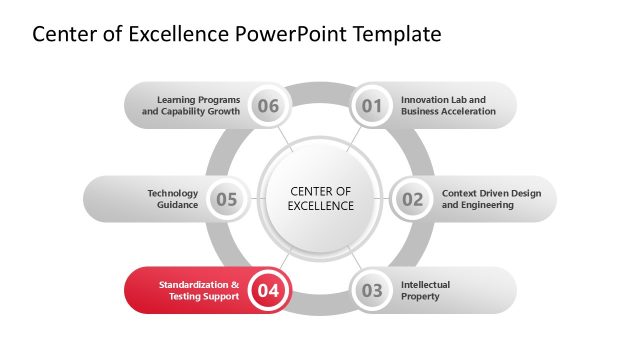
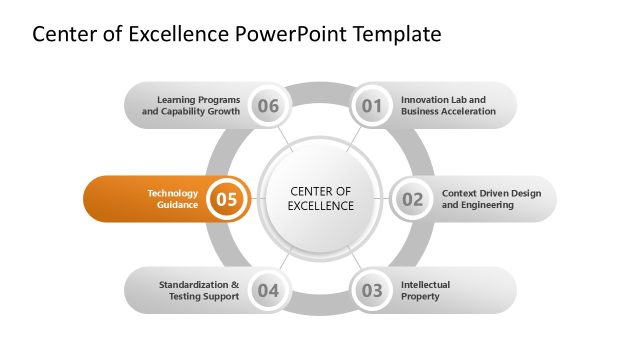
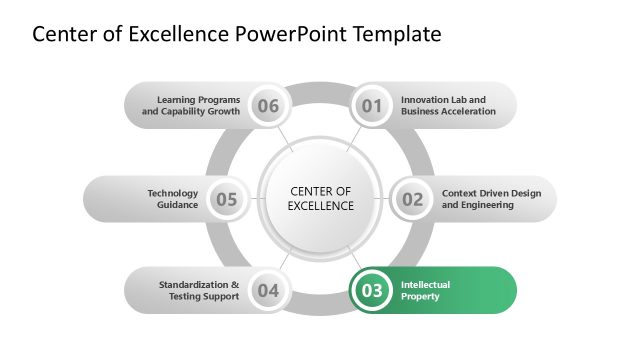
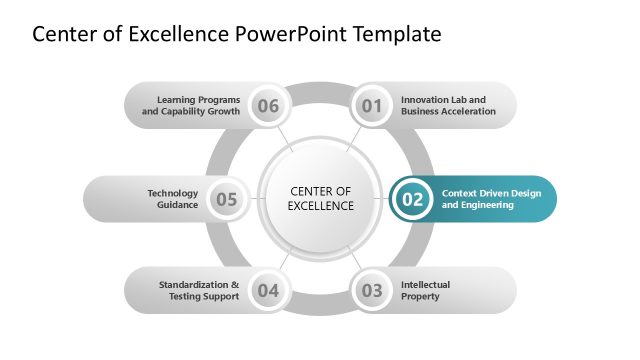
The slide features a circular diagram at the center labeled 'CENTER OF EXCELLENCE.' Surrounding this central node are six oval nodes arranged in a circular pattern, each containing a title and a number. The top node is highlighted in a darker color, indicating its primary focus. The remaining nodes are evenly spaced around the circle, with connecting lines to the central node. Text placeholders exist within each node for titles and numbers, aligned centrally. The background is white, providing contrast to the gray and blue elements.
How to Use It
This layout serves as a circular diagram to illustrate key components of a Center of Excellence. It fits well after an introduction slide, summarizing critical areas of focus. This structure is useful for presenting strategic initiatives, organizational frameworks, or program highlights in business contexts. It can effectively convey relationships between different elements while emphasizing a central theme, making it suitable for leadership presentations and strategic planning discussions.
Text Placeholders & Capacity
Keep your copy within these limits so it fits without resizing. Node labels can hold up to 40 characters each, while numbers are limited to 2 characters.
| Placeholder | Count | Max characters (approx.) |
|---|---|---|
| Item heading | 6 | 40 |
| Node number | 6 | 2 |
| Body paragraph | 1 | 100 |
Slide Keywords
Download unlimited PowerPoint templates, charts and graphics for your presentations with our annual plan.
DOWNLOADReturn to Center of Excellence PowerPoint Template.