Slide 6 of 7 from Center of Excellence PowerPoint Template
Center of Excellence PPT Slide with Focus Effect
Center of Excellence Diagram Overview
- Diagram
- Circular Cycle
- Strategic Analysis Slide
- 16:9
- 100% Editable
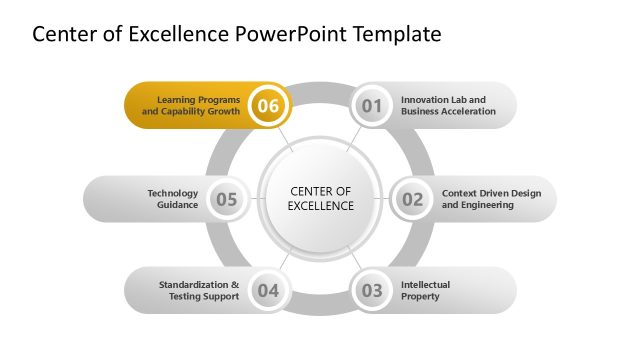
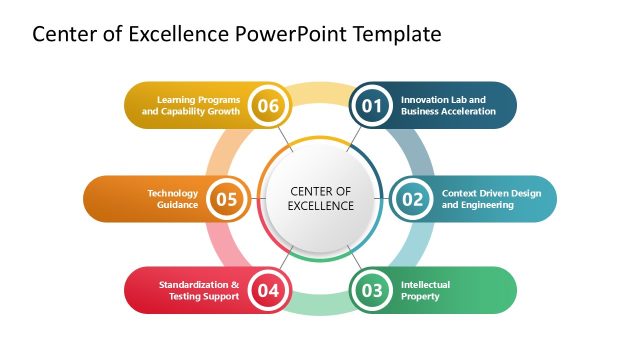
The Center of Excellence Diagram slide from the Center of Excellence PowerPoint Template offers a clear visual framework for strategic planning and leadership discussions. This slide template uses editable shapes arranged in a circular cycle to highlight key organizational components and their interconnections, making it a practical choice for corporate presentations focused on organizational frameworks and strategic analysis.
What’s on This Slide
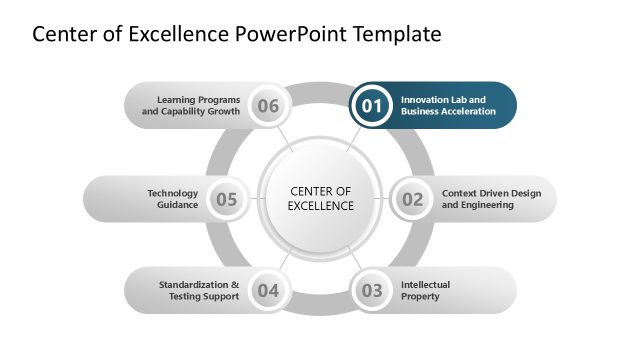
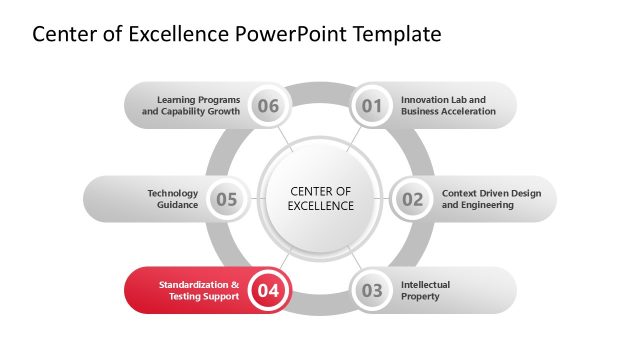
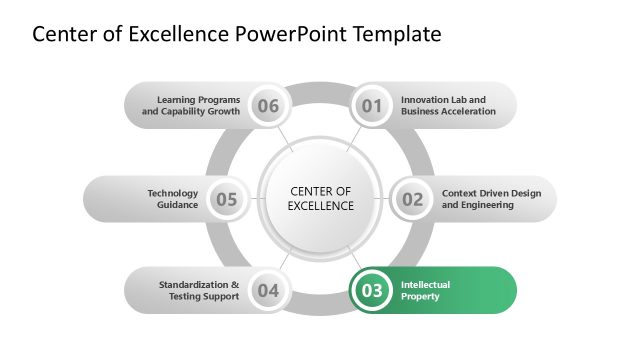
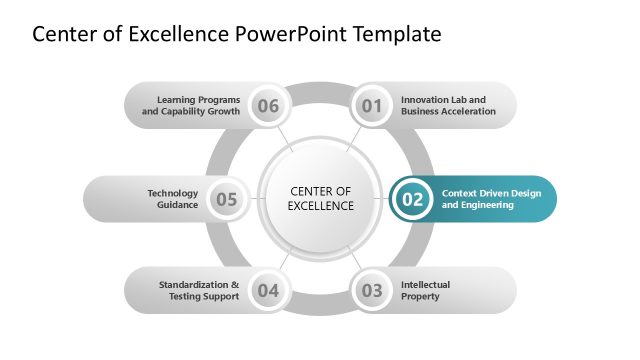
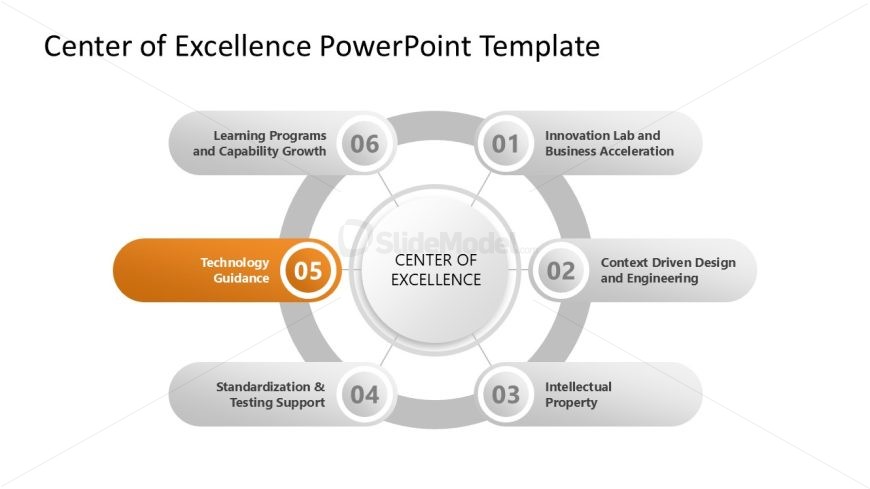
The layout features a central circular node labeled 'CENTER OF EXCELLENCE' surrounded by five additional nodes arranged in a circular format. Each node contains a label and a number, with the fifth node highlighted in orange. The nodes are connected by thin lines, emphasizing their relationship to the central concept. Text placeholders exist for each node, positioned within their respective shapes. The overall composition is balanced, with a white background and a clean, professional look, supporting clarity and focus on the content.
How to Use It
This layout serves as a visual representation of a Center of Excellence framework, illustrating key components and their interconnections. It fits well in presentations discussing organizational strategies or initiatives. This structure is useful for showcasing various focus areas, such as technology guidance or innovation, making it suitable for leadership discussions or strategic planning sessions. It can effectively convey complex relationships in a simplified manner, enhancing audience understanding.
Text Placeholders & Capacity
Keep your copy within these limits so it fits without resizing. Node labels can accommodate up to 30 characters each.
| Placeholder | Count | Max characters (approx.) |
|---|---|---|
| Item heading | 5 | 30 |
| Slide title | 1 | 50 |
Slide Keywords
Download unlimited PowerPoint templates, charts and graphics for your presentations with our annual plan.
DOWNLOADReturn to Center of Excellence PowerPoint Template.