Dart Board Design for PowerPoint
What’s inside this template
Example presentation scenarios
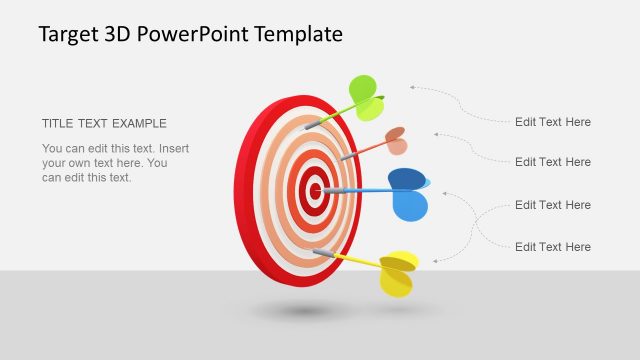
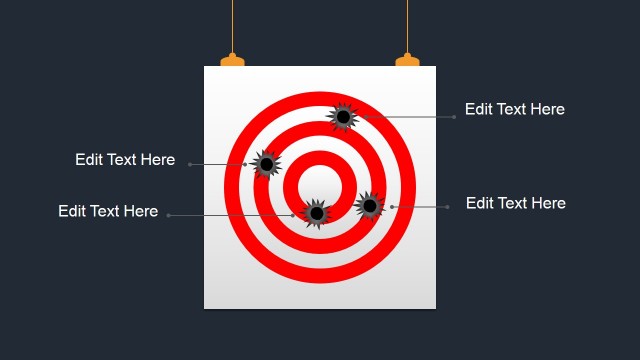
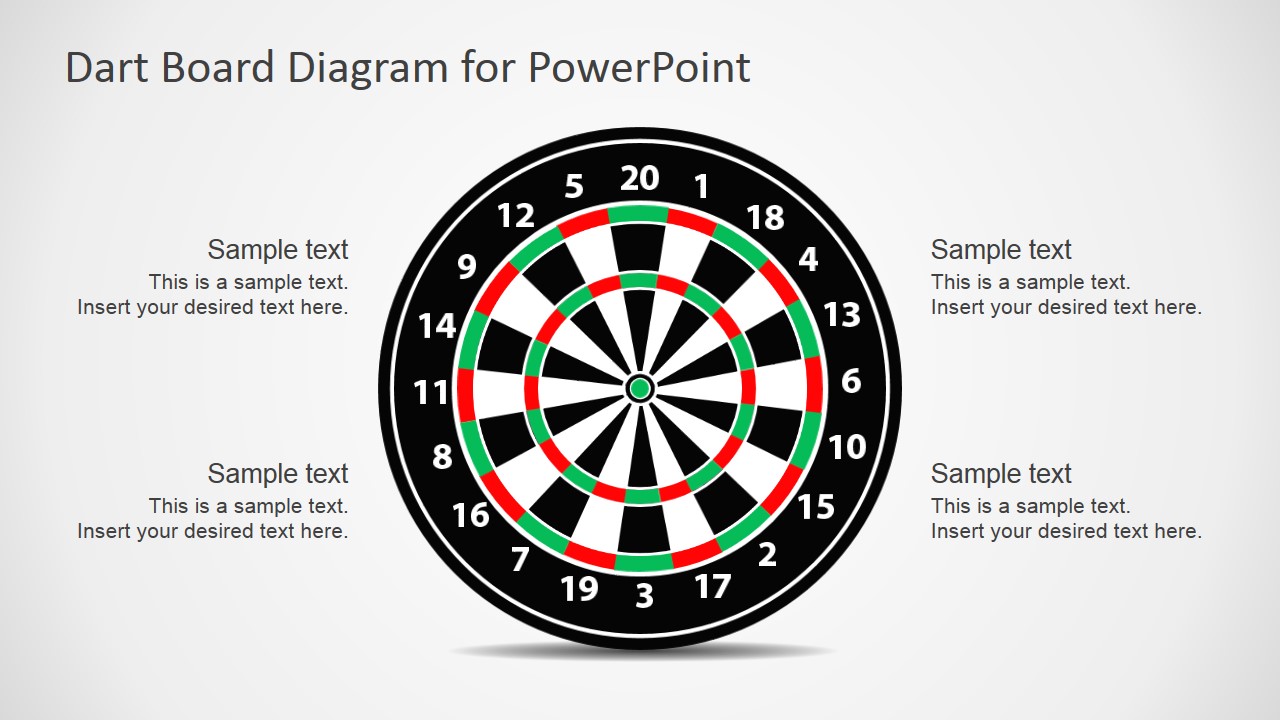
- A sales manager can use the dart board callout slide to explain quarterly revenue targets and assign each callout to a key sales focus area.
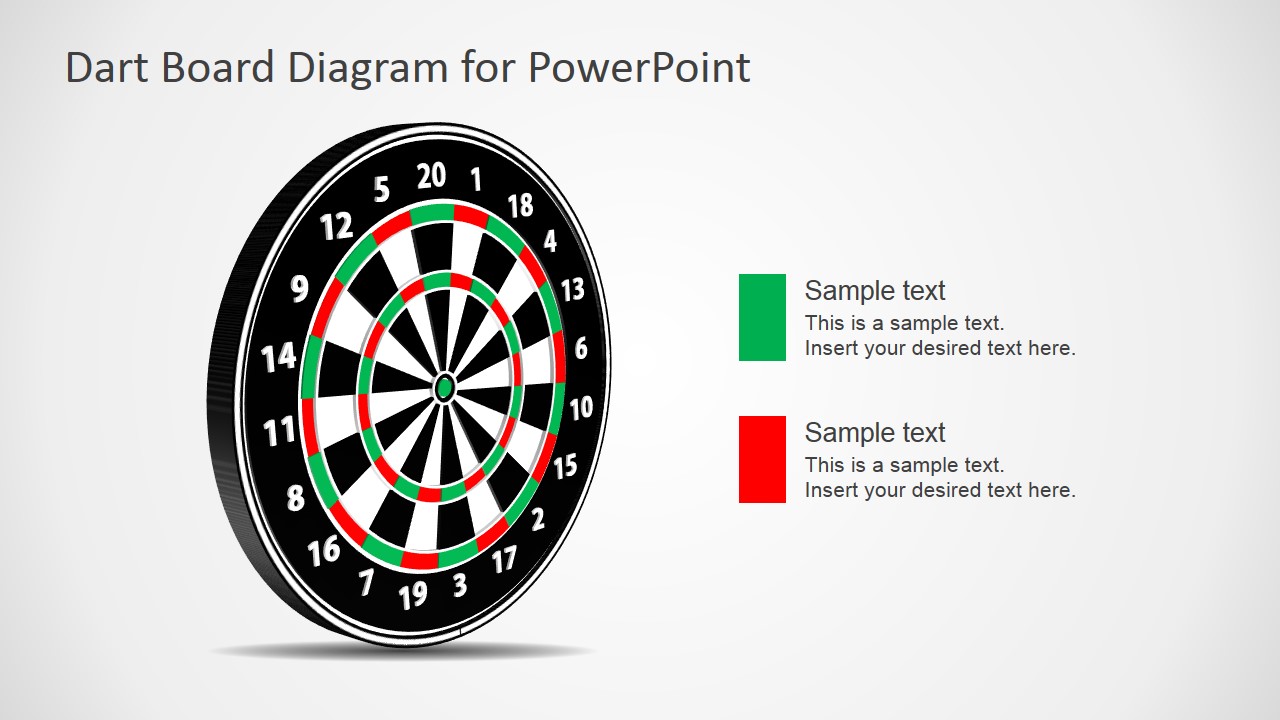
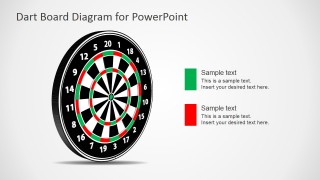
- A project manager can use the two-item legend layout to compare on-target and off-target workstreams with green and red markers.
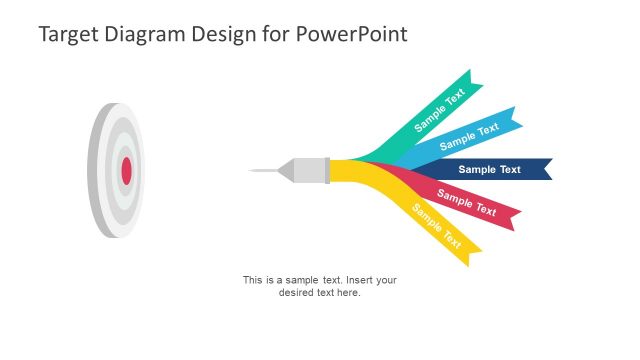
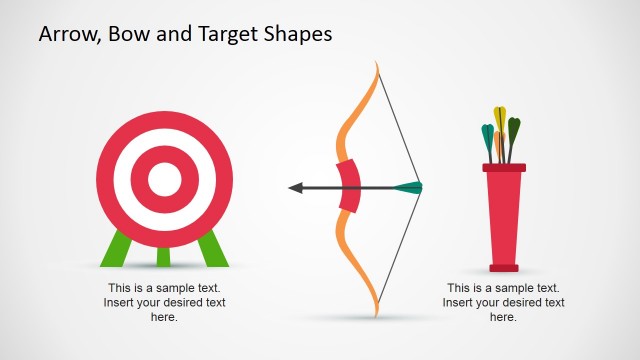
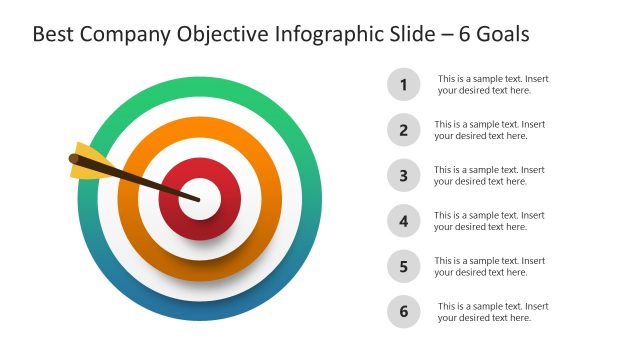
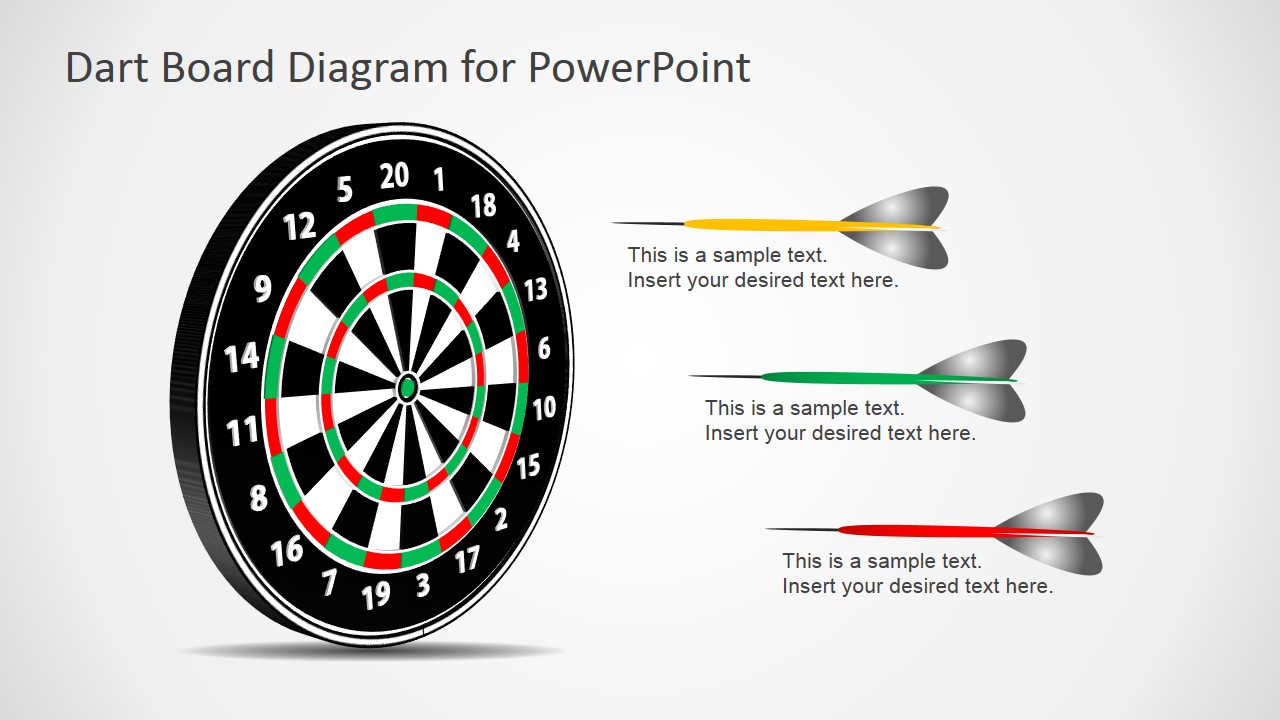
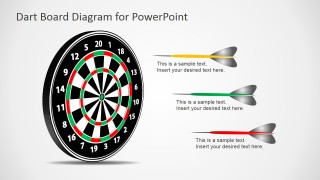
- A training facilitator can use the dart annotation slide to connect three learning objectives to the idea of aiming at a defined outcome.
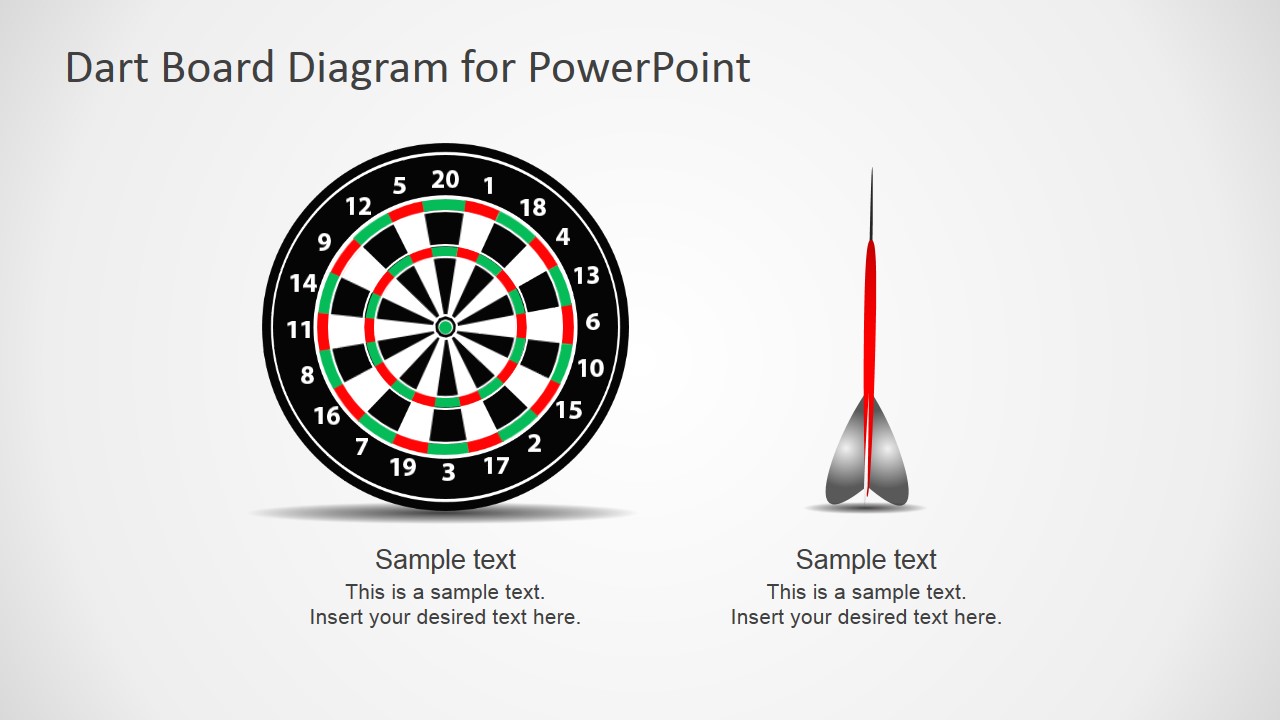
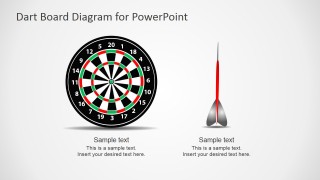
- A consultant can use the side-by-side target comparison to contrast current performance with a desired goal state.
Features
- 100% editable presentation template
- Compatible with Microsoft PowerPoint and Google Slides
- 16:9 aspect ratio slides
- Scalable vector shapes, icons and illustrations
- AI-Ready for Microsoft Copilot and Claude
- Instant access and download
Frequently asked questions
Q: How should a presenter use the dart board metaphor without making the message feel too literal?
A: Use the dart board as the organizing idea, then keep each text area tied to one measurable target or decision. On the four-callout slide, assign each callout to a separate priority. On the dart annotation slide, use the darts as action paths, not decoration, so the audience understands what must move toward the target.
Q: Who is this template best suited for in a business presentation?
A: This template fits presenters who need to discuss goals, scoring, focus, or accuracy in a short visual section. Sales leaders, project managers, consultants, and trainers can use the target layout to frame outcomes, compare priorities, or introduce a performance challenge before moving into supporting detail.
Q: Why do the target and dart layouts help communicate goals effectively?
A: The dart board gives the audience an immediate mental model: a center point, surrounding zones, and visible aim. That metaphor helps separate primary goals from supporting actions. The callouts, color markers, and dart annotations turn an abstract objective into a spatial story about focus, precision, and progress.
Dart Board Design for PowerPoint
4-slide presentation template with dart board targets, goal callouts, and score-focused visual metaphors
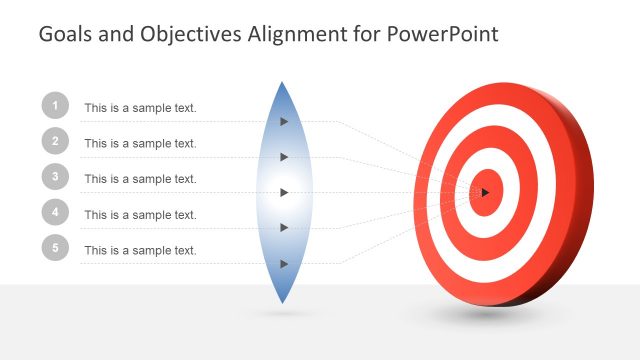
Dart Board Design for PowerPoint is a 4-slide diagram template for goal, score, and target messaging. It includes a central dart board with four callouts, a two-item legend layout, a dart-arrow annotation slide, and a side-by-side target comparison for Microsoft PowerPoint and Google Slides.
- Category
- Shapes
- Rating


 Loading...
- Aspect ratio
- 16:9
- Item ID
- 7123-02
- Colors
 Microsoft PowerPoint
  Microsoft Copilot
  Claude for PowerPoint
 Other formats supported
Subscribe today and get immediate
access to download our PowerPoint templates.