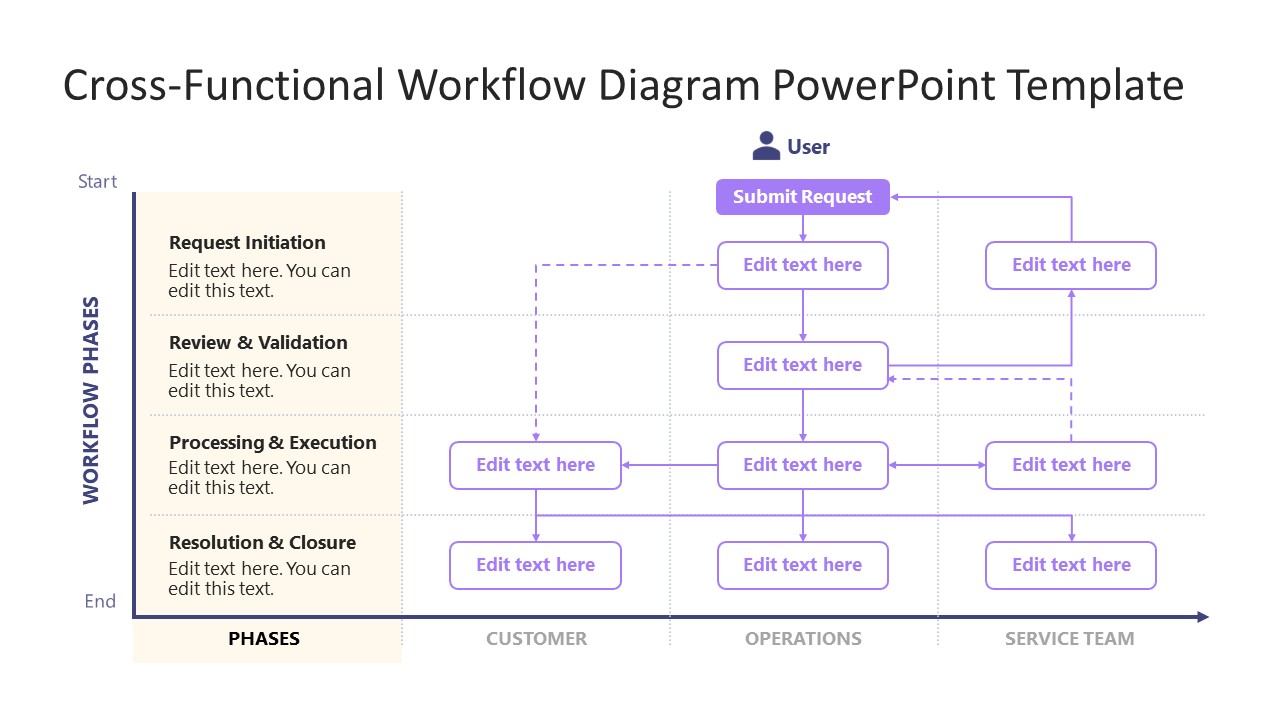
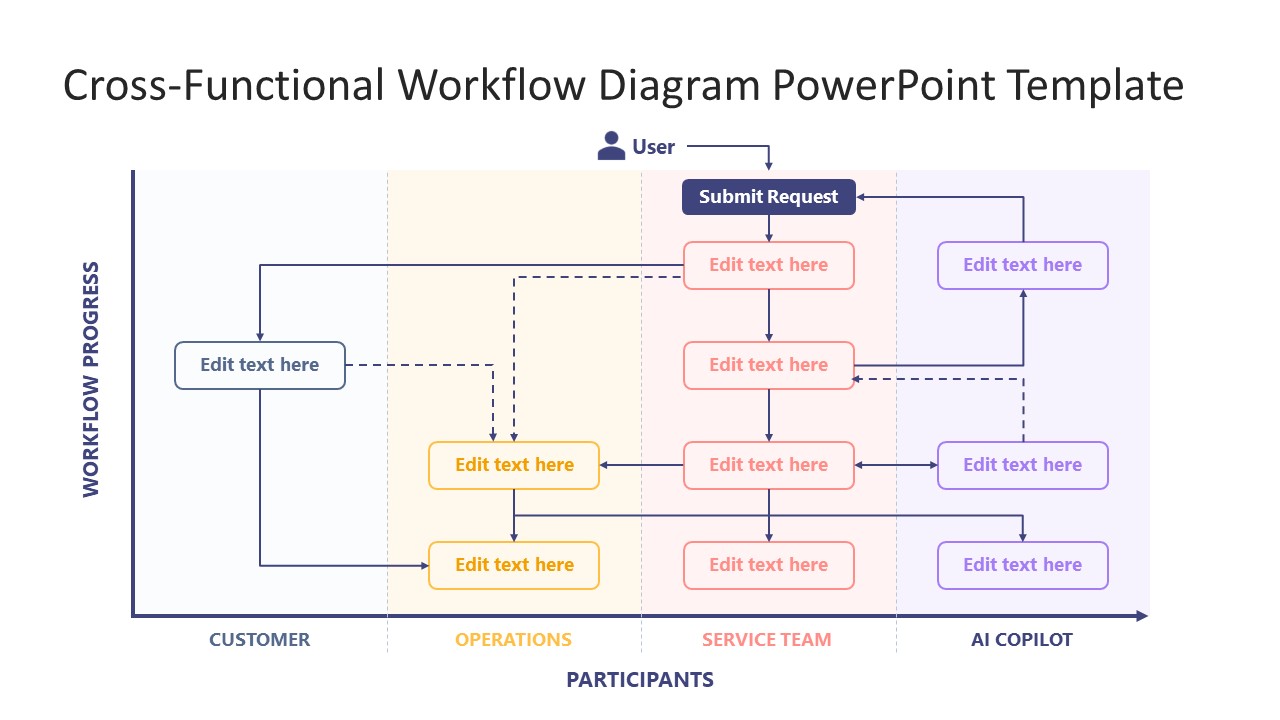
Present the interconnection in multiple workflows with our editable Cross-functional Workflow Diagram PowerPoint Template. Organizations design cross-functional workflows in which different business components interact simultaneously in an ordered pattern. For instance, when a user submits a request, the workflow is initiated, triggering teams such as the service team, AI agents, the customer, and operations. The overall process in the diagram executes in four workflow phases, which are:
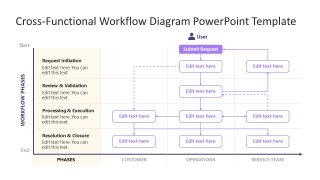
- Request Initiation
- Review & Validation
- Processing & Execution
- Resolution & Closure
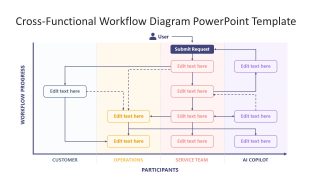
Service delivery managers working on SOP documentation use the cross-functional workflow diagram in their client presentations. Business process analysts also use this diagram template to share the improvement points across multiple stages in the process. HR managers use the Cross-functional Workflow Diagram PowerPoint Template, which features two slides. They explain how different teams will work together and generate the full response to the request. The first slide helps project managers outline the details of multiple workflow stages on the left and the workflow diagram on the right. The second slide is useful for presenting the complete workflow in which four teams work together. The overall flow is divided into four components, and a color label distinguishes each team from the other.
Process owners use multi-team workflows for their team presentations and customize them in Google Slides. You can also change the functions, the types of departments that interact, and the process stages based on your specific workflows and your company’s nature. Additionally, our users can adjust the colors, shapes, or fonts to match their needs. Download the cross-functional workflow diagram PPT template and showcase your collective actions in the executive presentations.
What’s inside this template
Example presentation scenarios
- A service delivery manager can explain how a customer request moves from initiation to closure using the phase panel and participant workflow boxes.
- A business process analyst can present handoff gaps to stakeholders by walking through the customer, operations, service team, and AI Copilot lanes.
- An HR manager can train team leads on shared responsibilities by replacing the workflow labels with department-specific actions and review points.
- A project manager can align a new operating procedure by using the arrows and dashed connectors to show escalation, validation, and execution paths.
Features
- 100% editable presentation template
- Compatible with Microsoft PowerPoint and Google Slides
- 16:9 aspect ratio slides
- Scalable vector shapes, icons and illustrations
- AI-Ready for Microsoft Copilot and Claude
- Instant access and download
Frequently asked questions
Q: How should I present a complex workflow without losing the audience?
A: Start with slide 1 to define the four phases and the main participant columns before following every connector. Then use slide 2 to trace one request from the user submission through each lane. This sequence lets the audience understand the process logic first, then inspect responsibilities and handoffs.
Q: Who is this template best suited for?
A: It is best for process owners, service delivery managers, operations leads, and analysts who need to show how work moves between functions. The swimlane format is especially useful when the message depends on ownership, escalation, validation, or timing between customer, operations, service team, and AI-supported roles.
Q: Why use a swimlane metaphor for this workflow?
A: The swimlane metaphor turns a process into a responsibility map. Each lane represents a participant, while the arrows show where work crosses boundaries. The colored lanes and phase labels reduce ambiguity because viewers can see both the order of actions and the team accountable for each step.
Cross-functional Workflow Diagram PowerPoint Template
2-slide presentation template for cross-functional workflow diagrams, swimlanes, and team handoff process flows
The Cross-functional Workflow Diagram PowerPoint Template is a 2-slide process diagram deck for mapping handoffs across teams. It includes a swimlane workflow with phase descriptions and a full cross-functional flow chart with participant lanes, routing arrows, and editable text boxes for operations, service, customer, and AI Copilot roles in PowerPoint and Google Slides.
- Category
- Process Diagrams
- Rating

 Loading...
- Aspect ratio
- 16:9
- Item ID
- 94201-02
- Colors
 Microsoft PowerPoint
  Microsoft Copilot
  Claude for PowerPoint
 Other formats supported
Subscribe today and get immediate
access to download our PowerPoint templates.