3-Item Horizontal Process Flow Diagram for PowerPoint
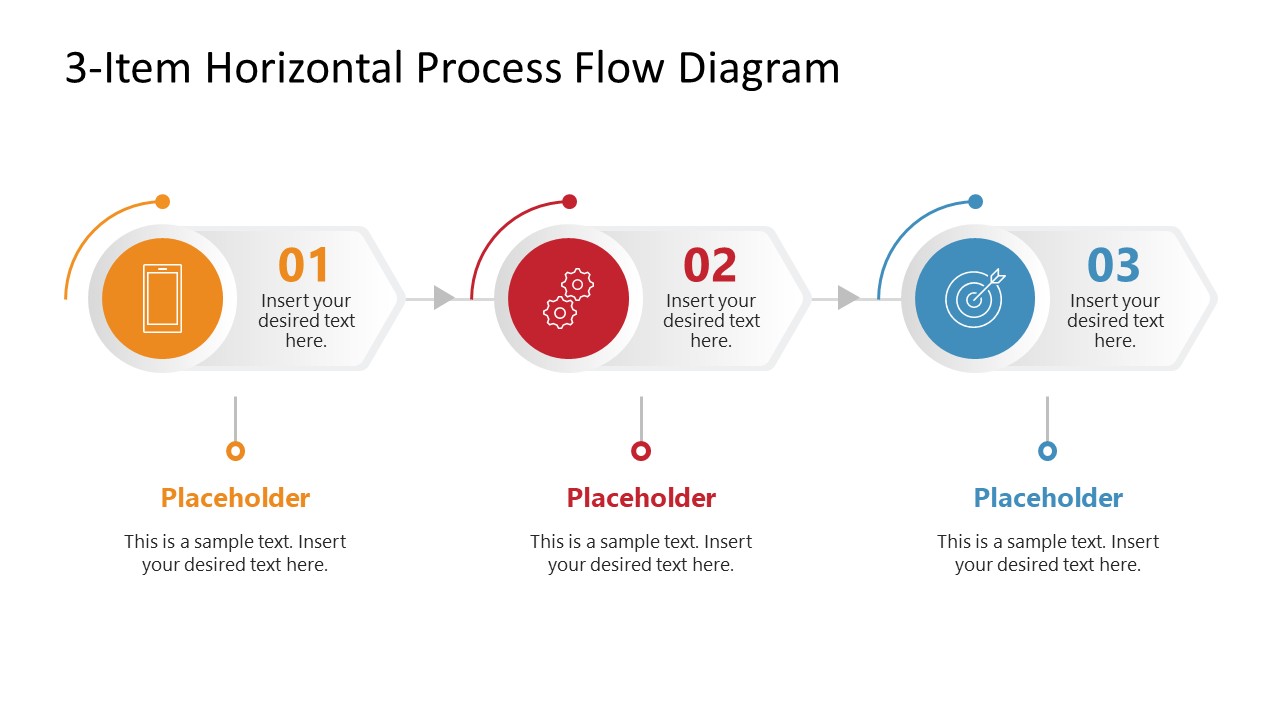
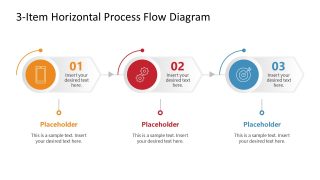
Present a structured three-step workflow in your operational process presentations using our modern 3-Item Horizontal Process Flow Diagram for PowerPoint. The diagram uses three horizontal process blocks connected by directional arrows. This creates a clear linear path from one stage to the next. Each stage includes a circular icon, a numbered marker, and a short text area for details. The main layout helps supply chain leads present the product delivery workflow across a single horizontal line. Each process block contains a large colored icon, a stage number, and a compact placeholder area positioned within the same unit. Small arrows show the relationship between stages, making the direction clear for the audience. Below the process line, presenters use matching colored headings and supporting text sections to explain purpose, output, or key information.
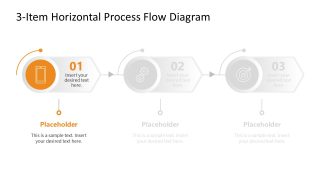
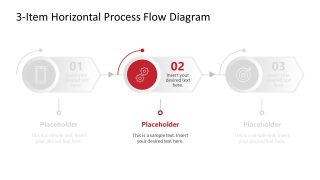
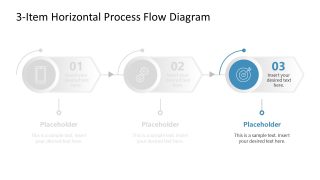
The 3-Item Horizontal Process Flow Diagram for PowerPoint includes four slide variants, with the cover slide helping users showcase all three stages using orange, red, and blue accents. The remaining three slides focus on one stage at a time by retaining its accent color while muting the other stages to light gray. For example, a procurement workflow can separate purchasing into three stages and show what information must be resolved before the next handoff. For a client onboarding presentation, the diagram helps BD managers separate initial intake, account setup, and service activation. They can clarify where intake ends and account activation begins. In a quality management presentation, the structure helps quality assurance managers organize three checkpoints within an operational workflow. The highlighted versions can then draw attention to the checkpoint under review when a specific decision needs discussion.
For an academic presentation, researchers can use this PPT diagram template to organize three phases of a research procedure. You can also customize the slide design and layout to meet your needs. Download the 3-item horizontal diagram template for project meetings to display three major project milestones in team presentations. Edit this layout with Google Slides.


You must be logged in to download this file.
DOWNLOAD- Category
- Process Diagrams
- Rating

 Loading...
- Size
- 16x9
- Item ID
- 23740-02
- Colors
Subscribe today and get immediate
access to download our PowerPoint templates.