Organize information for a dynamic presentation using the Cluster Analysis Concept Diagram for PowerPoint. The slide designs contain different variations of the diagram, to fit any type of purpose.
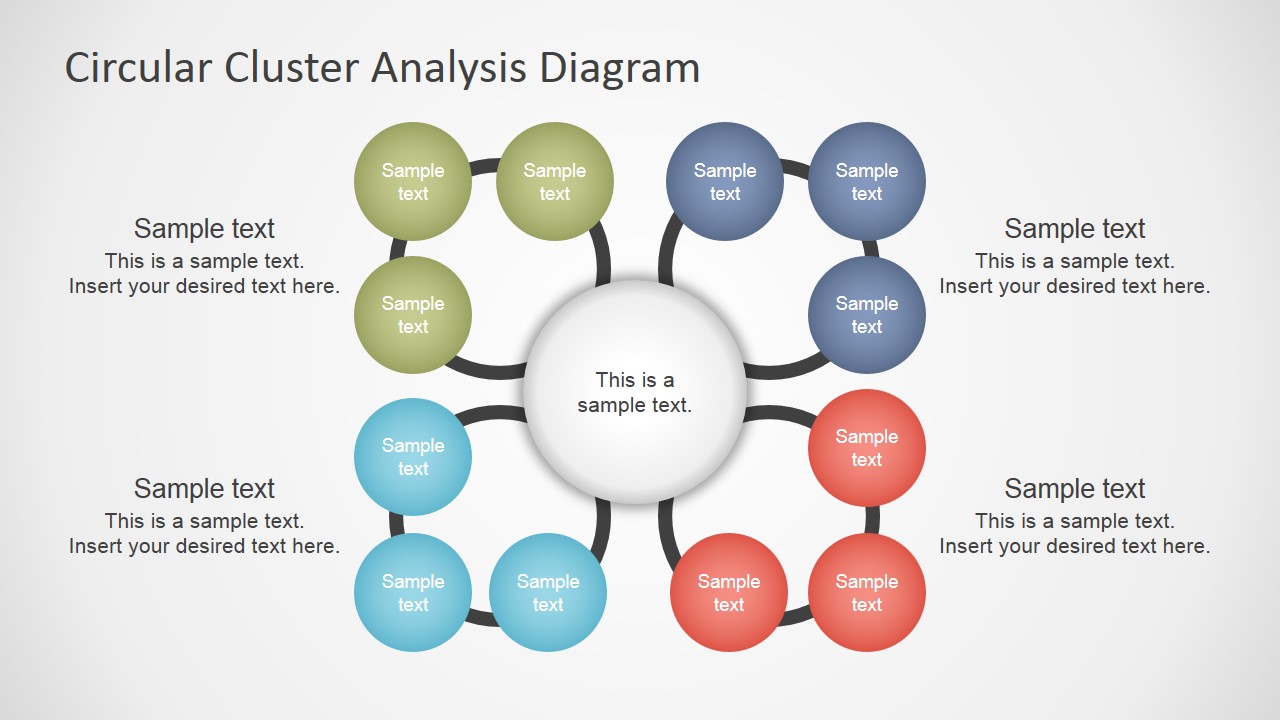
Cluster Analysis is a type of brainstorming and analysis technique that uses diagrams to track patterns. This is executed by grouping sources that contain similar terms or values. Using this type of diagram, the specific similarities and differences of certain sections of data can be highlighted. The user can group related subsets of data and present the summarized conclusions using each of the cluster containers in the presentation.
With its clean and professional look and feel, the slide designs are applicable to brainstorming sessions for discussing a business plan or new strategy. The cluster analysis diagram allows the user to highlight any flaws or deficiencies in the plan in order to make sure that all loose ends have been tied.
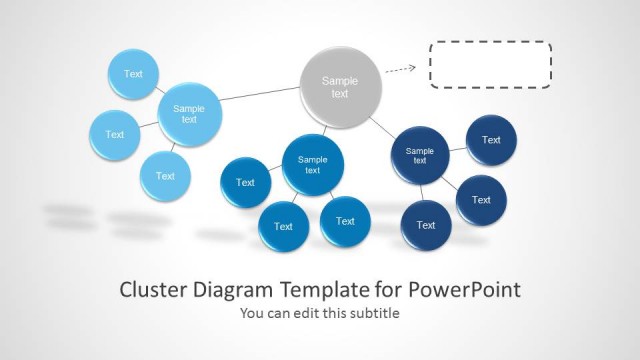
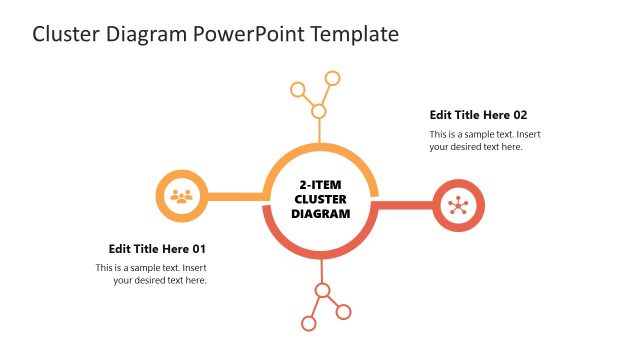
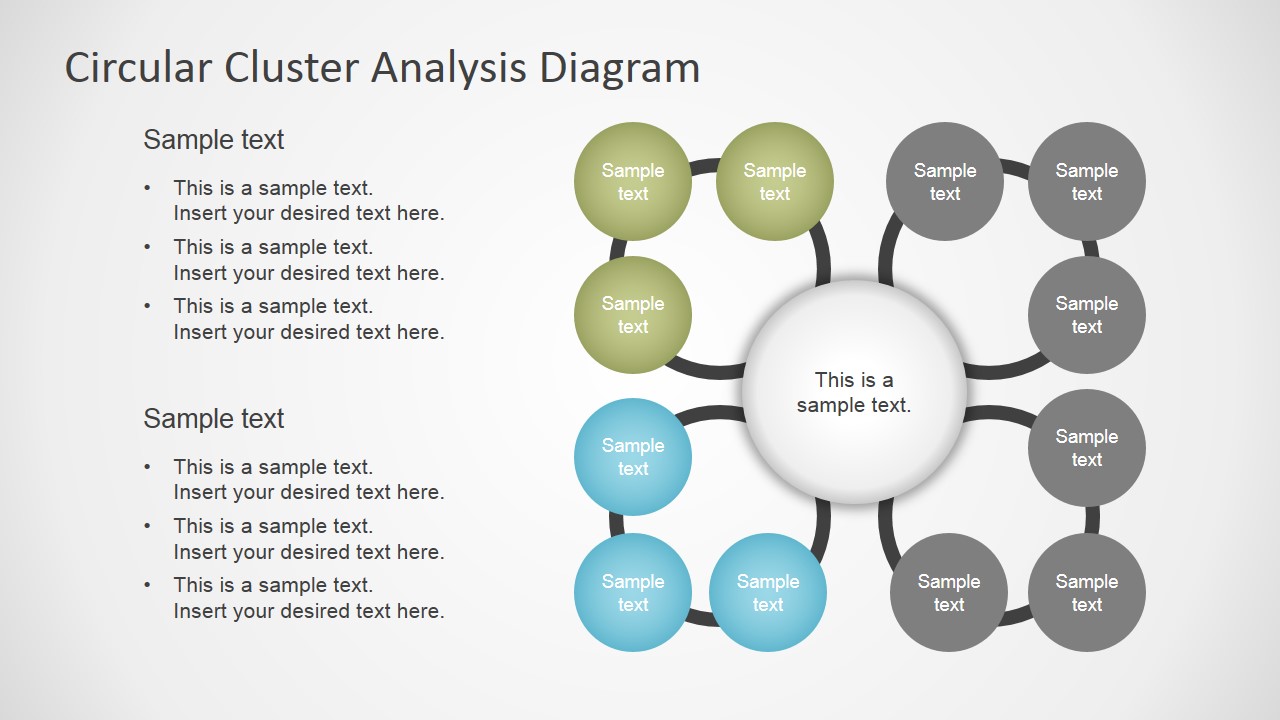
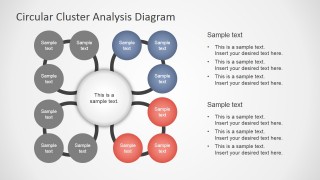
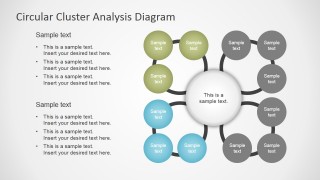
The basic design of the PowerPoint template is a large circle at the middle of the slide. It contains a text placeholder and a blurred gray outline. Four circular outlines intersect the circle to form four quadrants. On each circular outline is a set of three smaller circles with gradient fills. The colors of the quadrants differ, such as blue, green, cyan, and red. The template contains slides where one half of the quadrants are filled in with black, while the other half remains colored. This type of design emphasizes two quadrants so that their characteristics can be analyzed.
The Cluster Analysis Concept Diagram for PowerPoint is most suitable for projects that have different stages or parts. With the use of the template, the presenter can effectively sort out any redundancies and errors in the described sequence. The PowerPoint objects in the PowerPoint template are fully customizable, so that the content can be smoothly fitted to the corresponding audience.
The users can browse and download any of the PowerPoint Templates of our gallery and complement the Cluster Analysis Concept Diagram with additional layouts and graphics.
What’s inside this template
Example presentation scenarios
- A business analyst can present customer feedback themes by placing the main question in the central circle and using the full circular cluster to group recurring comments.
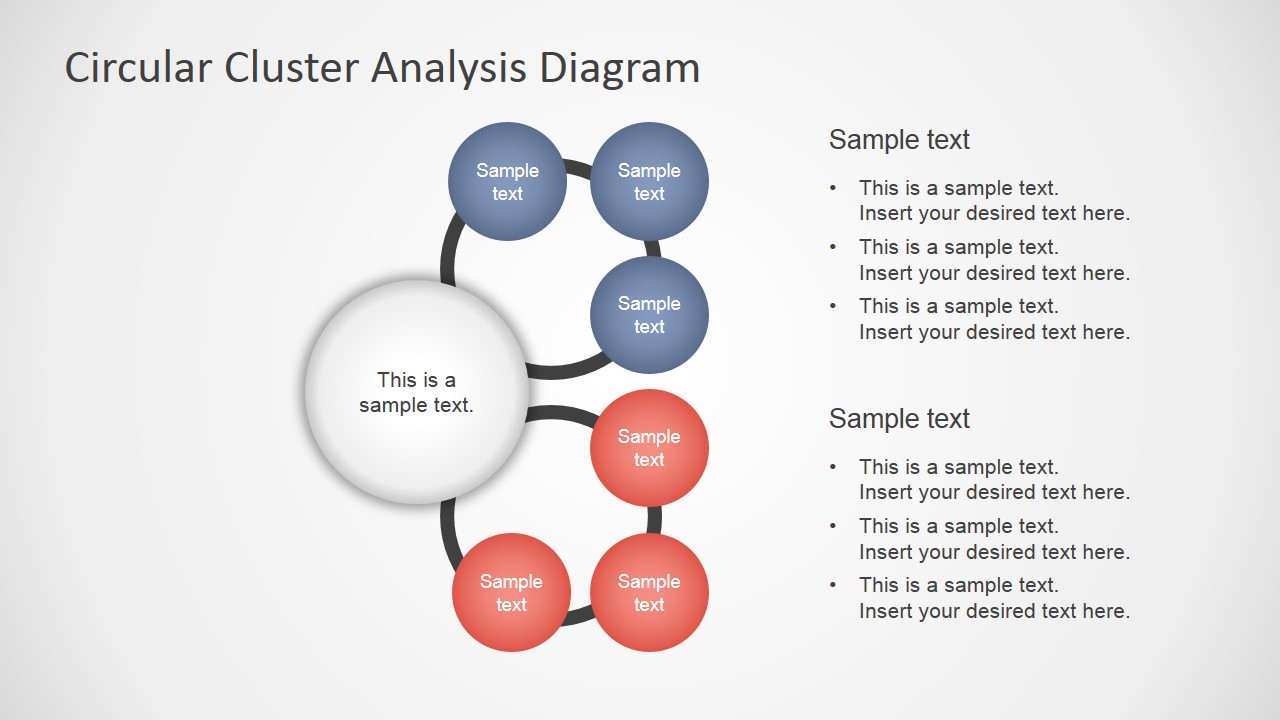
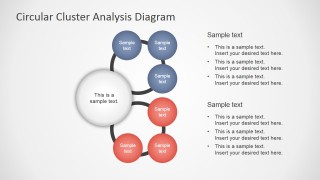
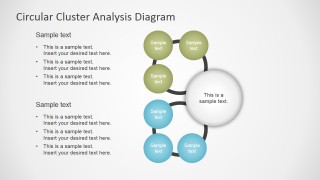
- A strategy consultant can guide an executive workshop by using the side-note layouts to connect clustered issues with bullet-point observations and next-step discussion points.
- A product manager can compare feature request categories by showing colored node groups for priority areas and gray nodes for categories that are not the current focus.
- An educator or trainer can explain a classification method by using the half-cluster slides to introduce one set of related categories at a time.
Features
- 100% editable presentation template
- Compatible with Microsoft PowerPoint and Google Slides
- 16:9 aspect ratio slides
- Scalable vector shapes, icons and illustrations
- AI-Ready for Microsoft Copilot and Claude
- Instant access and download
Frequently asked questions
Q: How should a presenter explain the cluster diagram without making it feel crowded?
A: Start with the central circle as the main question, topic, or decision area. Then introduce one colored cluster at a time and keep each small node to a short label. Use the text callouts or bullet panels for interpretation, not repetition, so the audience sees both the grouping logic and the conclusion.
Q: Who is this template best suited for in a business presentation?
A: This template fits analysts, consultants, product managers, and workshop facilitators who need to organize qualitative findings into clear categories. It works well for customer insights, risk themes, strategy options, feature requests, or root-cause analysis where the audience must understand how separate observations connect to one central issue.
Q: Why use a circular cluster metaphor instead of a list or matrix?
A: The circular design shows that all categories orbit the same central concept, which is useful when the groups are related but not strictly sequential. Colored node clusters make patterns visible, while gray de-emphasized groups help the presenter control attention and compare active focus areas against background context.


Cluster Analysis Concept Diagram for PowerPoint
5-slide presentation template for cluster analysis, circular grouping diagrams, and brainstorming categories.
Cluster Analysis Concept Diagram for PowerPoint is a 5-slide diagram template for grouping ideas, issues, or data categories. It includes a central circular cluster, four-quadrant grouping layout, side-note variations, and half-highlight cluster diagrams for comparison. It is built for Microsoft PowerPoint and Google Slides.
- Category
- Diagrams
- Rating


 Loading...
- Aspect ratio
- 16:9, 4:3
- Item ID
- 7061-01
- Colors
 Microsoft PowerPoint
  Microsoft Copilot
  Claude for PowerPoint
 Other formats supported
Subscribe today and get immediate
access to download our PowerPoint templates.