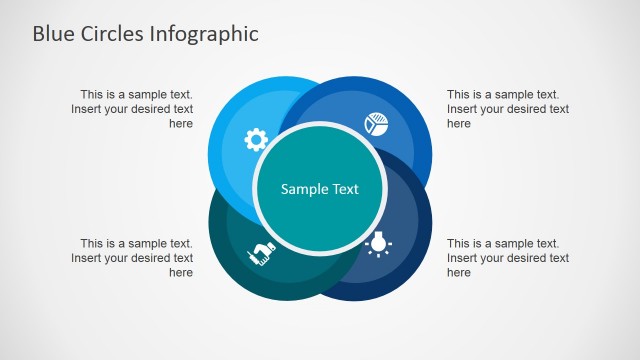
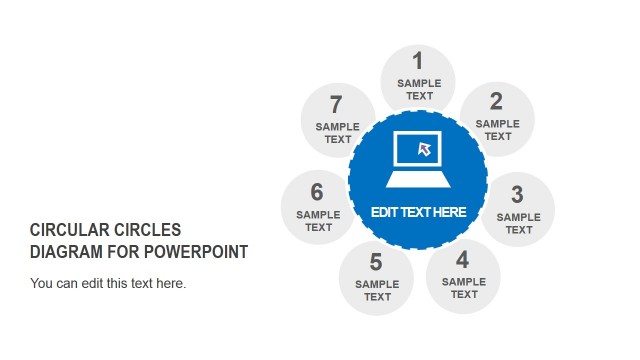
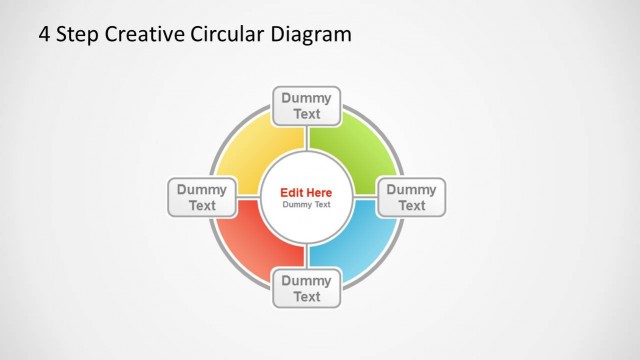
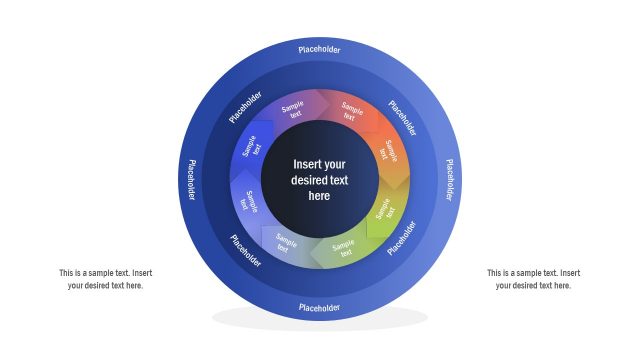
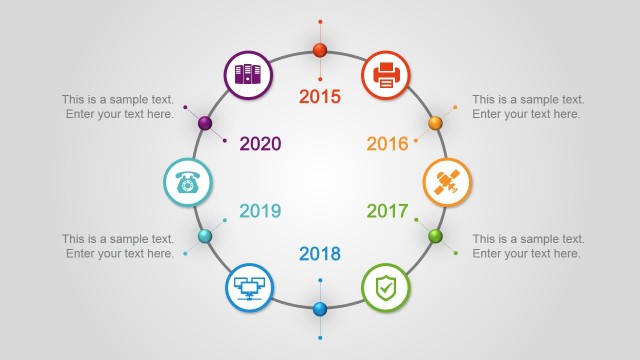
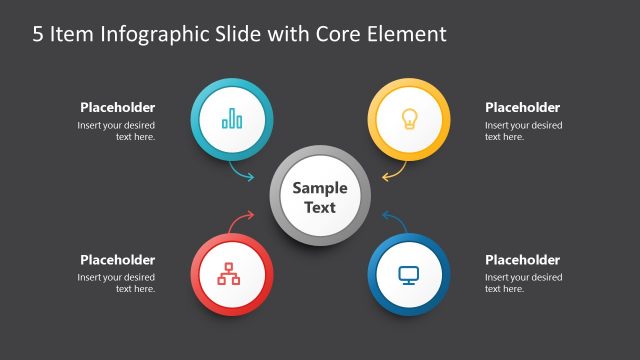
Creative Liquid Circles PowerPoint Diagram is a template that contains an assortment of generic yet visually attractive PowerPoint icons and circular connected shapes. They may represent any progression or sequence of tasks, events, or processes. These standard, non-specific PowerPoint clipart could illustrate several ideas or concepts relatable to corporate organizations and businesses. The Creative Circles PowerPoint diagram will most suit presentations involving seven steps, stages or a shape with seven sides, or bulleted lists.
Choose this unique template with cool circles liquid design for presentations that involve a continuing procedure of an event or task in constant looping movement. Although no arrows can be seen connecting the circles, there is sequence nevertheless through numbering. The colorful PowerPoint slides in a blue background will captivate the audience’s attention. When presentations are attractive and visually interesting, the presenter may be able to focus more on the core message that needs to be communicated.
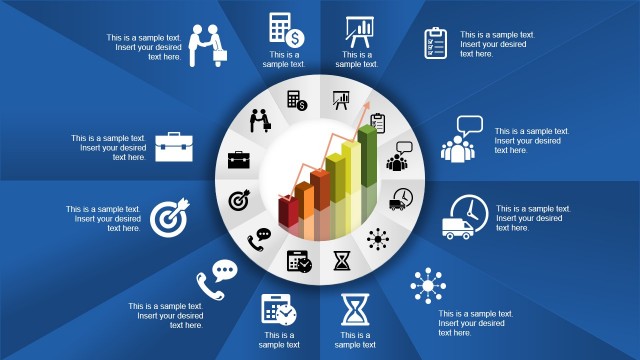
Replace bulleted lists with the set of flat material icons provided. They feature familiar scenes and are therefore applicable to so many subject matters. The standard icons will enable the audience to recognize concepts more quickly, understand the points better, and enjoy the presentation.
The PowerPoint icons are high-definition vectorial graphics, and modification to their appearance will not affect the image resolution. The presenter may customize the size and color of any PowerPoint clipart to suit the presenter’s needs or requirements. The arrangement of the icons can be edited or replaced with any of our PowerPoint Icons. The excellent, blue background color is soothing to the eye and is an ideal setting for formal PowerPoint presentations, but the user can adapt to its need or theme preference. Detailed captions or brief explanations may be added in the placeholder expressly indicated.
Create Professional Presentations that appeal to global audiences with our Creative Liquid Circles PowerPoint Diagram.
What’s inside this template
Example presentation scenarios
- A project manager can use the numbered 7-step circle to explain a recurring workflow and assign short descriptions to each stage.
- A consultant can use the liquid circle diagram with icons to turn a dense list of recommendations into a more memorable visual sequence.
- A trainer can use the icon set slide to introduce key concepts before mapping them to the circular process diagram.
- A marketing presenter can use the connected circles to show campaign activities that repeat across planning, launch, review, and follow-up.
Features
- 100% editable presentation template
- Compatible with Microsoft PowerPoint and Google Slides
- 16:9 aspect ratio slides
- Scalable vector shapes, icons and illustrations
- AI-Ready for Microsoft Copilot and Claude
- Instant access and download
Frequently asked questions
Q: How should a presenter explain the 7-step circle without making it feel like a decorative graphic?
A: Start by naming the overall process in the title, then use the numbered circle slide to walk clockwise through the seven stages. Keep each callout to one short action or outcome. If the audience needs context first, introduce the icons on the icon set slide before showing how they connect in the circle.
Q: Who is this template best suited for in a business presentation?
A: This template works best for presenters explaining a repeated process, service method, training path, or seven-part framework. Project managers, consultants, trainers, and marketing teams can use the circular layout when the message is about connected stages rather than a simple linear checklist or data report.
Q: Why does the liquid circle metaphor help communicate a process?
A: The connected circle shapes suggest motion, continuity, and relationship between stages, even without arrows. That makes the layout useful for processes that loop, repeat, or depend on adjacent steps. The larger and smaller circles also create visual emphasis, helping the presenter distinguish major stages from supporting points.


Creative Liquid Circles PowerPoint Diagram
3-slide presentation template for 7-step circle processes, liquid diagrams, and icon-based lists.
Creative Liquid Circles PowerPoint Diagram is a 3-slide diagram template for showing a 7-step circular process, numbered sequence, and matching icon set. It uses connected liquid circles, text callouts, and flat vector icons for business presenters who need editable layouts in Microsoft PowerPoint or Google Slides.
- Category
- Diagrams
- Rating

 Loading...
- Aspect ratio
- 16:9, 4:3
- Item ID
- 6790-02
- Colors
 Microsoft PowerPoint
 Microsoft Copilot
 Claude for PowerPoint
Other formats supported
Subscribe today and get immediate
access to download our PowerPoint templates.