Slide 8 of 9 from Creative Lessons Learned PowerPoint Template
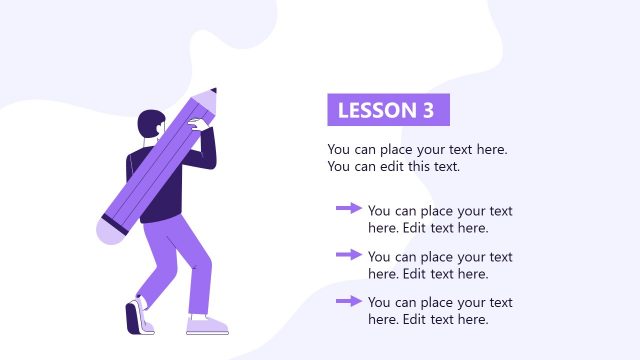
Vector Illustration Slide for Lesson Three Presentation
Lesson Overview Slide with Editable Text
- Text Layout
- Single Statement
- Concept Explanation Slide
- 16:9
- 100% Editable
The Lesson Overview with Icon slide from the Creative Lessons Learned PowerPoint Template offers a clear layout for educational presentations, training sessions, and workshops. Featuring editable slides with a balanced design of illustration and text placeholders, it supports effective communication of lesson summaries within a corporate presentation or slide deck.
What’s on This Slide
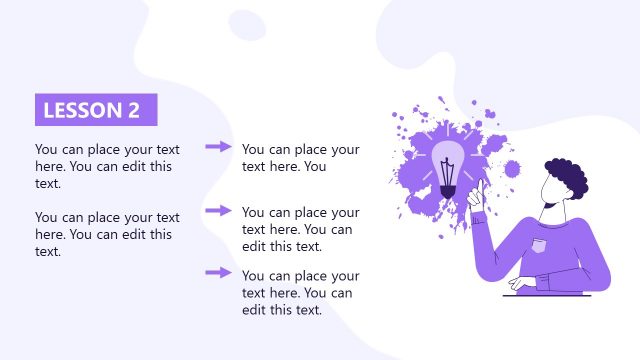
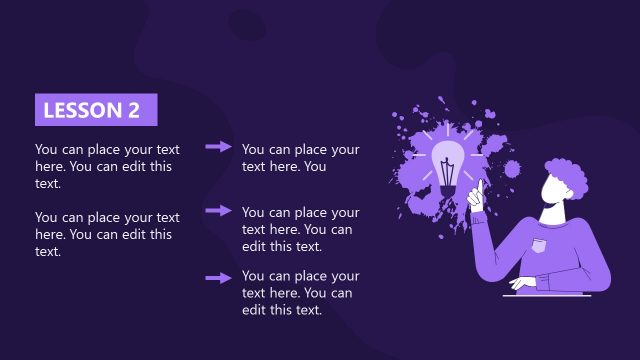
The slide features a dark purple background with a central illustration of a person holding a large pencil on the left side. The title 'LESSON 3' is prominently displayed at the top center in white text. Below the title, there are three text placeholders aligned vertically on the right side, each accompanied by a rightward arrow icon. The placeholders are designed for editable text, with the first placeholder being the largest. The overall composition balances the illustration and text, creating a clear visual hierarchy.
How to Use It
This layout serves as a lesson overview, ideal for educational presentations. It fits well after introductory slides, summarizing key takeaways or lessons learned. It can be used in training sessions, workshops, or instructional design contexts where clear communication of lessons is necessary. The structure allows for easy adaptation to various lesson topics, ensuring clarity and engagement.
Text Placeholders & Capacity
Keep your copy within these limits so it fits without resizing. Text slots can hold roughly 5-8 words each comfortably.
| Placeholder | Count | Max characters (approx.) |
|---|---|---|
| Slide title | 1 | 30 |
| Item body | 3 | 40 |
Slide Keywords
Download unlimited PowerPoint templates, charts and graphics for your presentations with our annual plan.
DOWNLOADReturn to Creative Lessons Learned PowerPoint Template.