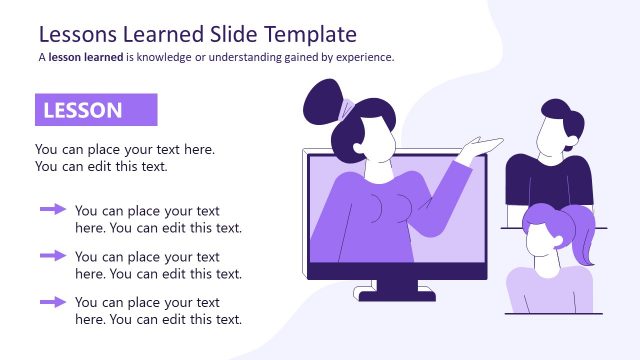
Slide 6 of 9 from Creative Lessons Learned PowerPoint Template
Dark Background Lesson One Presentation Slide
Lesson Overview Slide for Presentations
- Text Layout
- List Blocks
- Context Slide
- 16:9
- 100% Editable
What’s on This Slide
The slide features a dark purple background with a prominent title box at the top left labeled 'LESSON 1.' Below the title, there are four text placeholders arranged vertically. The first placeholder is larger and positioned above a graphic of a person gesturing from a computer screen. Three smaller placeholders follow, each accompanied by a right-facing arrow icon. The icons are simple and consistent in style. The overall layout emphasizes the title and the main content, with a clear visual hierarchy guiding the viewer's attention.
How to Use It
This layout serves as an overview for lessons or key points in a presentation. It fits well in a sequence following an introduction or context slide, providing a structured way to present educational content. Ideal scenarios include training sessions, workshops, or instructional design presentations where clear takeaways are necessary. The layout allows for easy editing to customize lesson details, making it versatile for various educational contexts.
Text Placeholders & Capacity
Keep your copy within these limits so it fits without resizing. Body slots can hold about 8-10 words each.
| Placeholder | Count | Max characters (approx.) |
|---|---|---|
| Slide title | 1 | 20 |
| Body paragraph | 4 | 40 |
| Item heading | 3 | 20 |
Slide Keywords
Download unlimited PowerPoint templates, charts and graphics for your presentations with our annual plan.
DOWNLOADReturn to Creative Lessons Learned PowerPoint Template.