Slide 1 of 3 from Core Element PowerPoint Template
Core Element Presentation Template
Core Element Overview Slide
- Diagram
- Matrix Quadrant
- Context Slide
- 16:9
- 100% Editable
The Core Element Overview slide from the Core Element PowerPoint Template offers a structured matrix quadrant layout ideal for summarizing objectives and presenting core values. This slide design supports business presentations by clearly contrasting key points using editable shapes and vector icons, making it a practical choice for pitch deck templates and corporate presentation slide decks.
What’s on This Slide
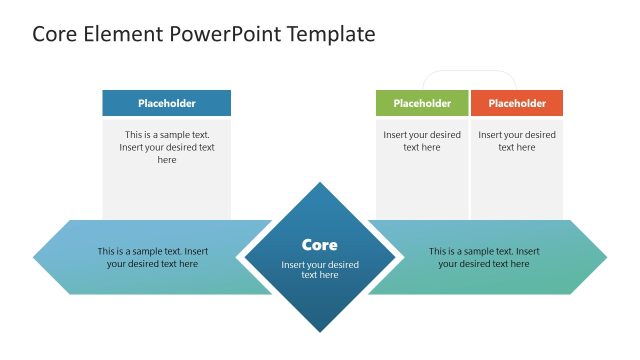
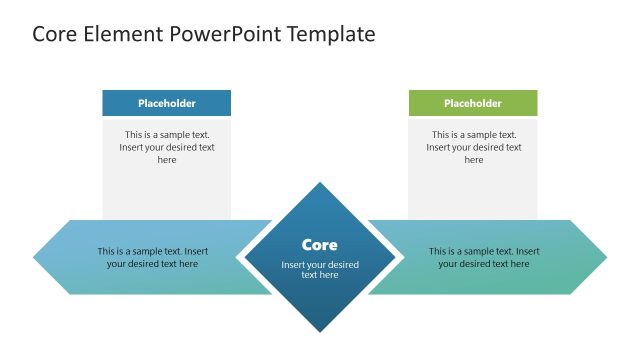
The layout features a central diamond shape labeled 'Core' with two rectangular sections above it on the left and right. Each rectangle contains a list of five placeholders aligned vertically, with checkmarks next to each item. The diamond shape contains two text placeholders, one above and one below, centered within it. The background is a gradient transitioning from light blue to green, while the rectangles are colored blue, green, and orange. The overall composition is symmetrical, emphasizing the central diamond as the focal point.
How to Use It
This layout serves as a summary or overview slide, effectively presenting key points or core values. It fits well at the beginning of a presentation to outline main themes or objectives. Ideal for business contexts, it can be used to highlight essential KPIs or core values in team meetings, strategy sessions, or project kick-offs. The symmetrical design allows for easy comparison of two sets of information, making it suitable for contrasting ideas or initiatives.
Text Placeholders & Capacity
Keep your copy within these limits so it fits without resizing. Each list item can hold about 30 characters, while the core text slots can accommodate around 50 characters each.
| Placeholder | Count | Max characters (approx.) |
|---|---|---|
| Item body | 5 | 30 |
| Item body | 5 | 30 |
| Item body | 1 | 50 |
| Item body | 1 | 50 |
Slide Keywords
Download unlimited PowerPoint templates, charts and graphics for your presentations with our annual plan.
DOWNLOADReturn to Core Element PowerPoint Template.