Slide 3 of 16 from Professional Annual Report PowerPoint Template
Executive Summary Slide – Professional Annual Report PPT Presentation
Executive Summary Slide for Annual Report
- Text Layout
- Other
- Context Slide
- 16:9
- 100% Editable
The Executive Summary Slide from the Professional Annual Report PowerPoint Template offers a clear layout combining editable slides with text and image placeholders, ideal for summarizing strategic overviews or project updates in a corporate presentation. This slide design supports effective communication by balancing content and visuals, making it suitable for business presentation templates focused on annual reports.
What’s on This Slide
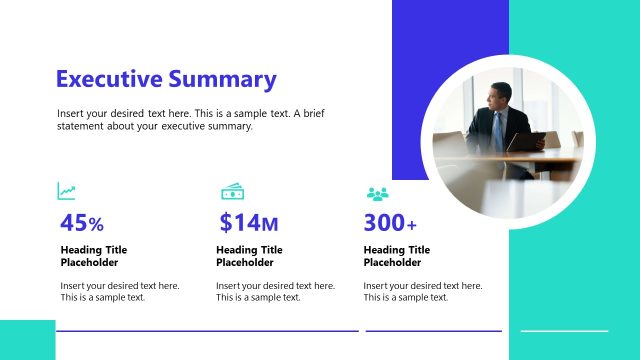
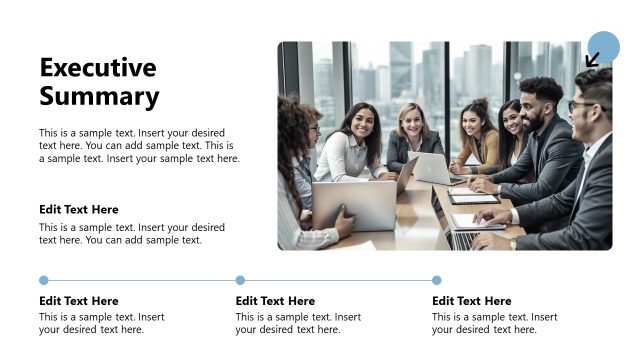
The layout features a large title at the top left, stating 'EXECUTIVE SUMMARY SLIDE' in bold text. Below the title, there are two text placeholders aligned vertically, each labeled 'Edit Text Here' with sample text underneath. On the right side, there are two image placeholders, one above the other, each with sample text indicating numerical values. The images are framed and positioned to create a balanced composition. The background has a gradient with purple tones, enhancing the visual hierarchy and separating the text from the images.
How to Use It
This layout serves as an executive summary, summarizing key points or data in a concise manner. It fits well in the early sections of a presentation, following an introduction or overview slide. Ideal for business contexts, it can be used to present highlights from an annual report, project updates, or strategic initiatives. The combination of text and visuals allows for effective communication of important information at a glance.
Text Placeholders & Capacity
Keep your copy within these limits so it fits without resizing. Body slots can accommodate roughly 15-20 words each.
| Placeholder | Count | Max characters (approx.) |
|---|---|---|
| Slide title | 1 | 30 |
| Body paragraph | 4 | 100 |
| Item heading | 2 | 20 |
Slide Keywords
Download unlimited PowerPoint templates, charts and graphics for your presentations with our annual plan.
DOWNLOAD