Slide 7 of 8 from Construction PowerPoint Shapes
Construction Shapes Clipart Presentation
Construction Worker Slide with Icons and Text
- Media Layout
- Other
- Context Slide
- 16:9
- 100% Editable
The Construction Worker Illustration with Icons slide from the Construction PowerPoint Shapes template offers a clear visual framework for presenting workforce safety and project management topics. Featuring editable shapes and vector icons, this layout supports professional business presentations and pitch deck templates focused on construction themes. Its balanced design enhances communication in corporate presentations and slide decks related to engineering and construction projects.
What’s on This Slide
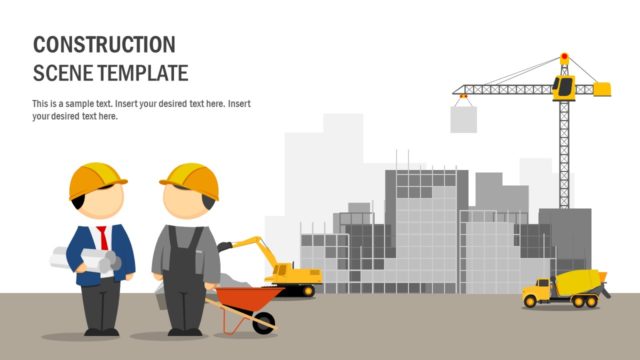
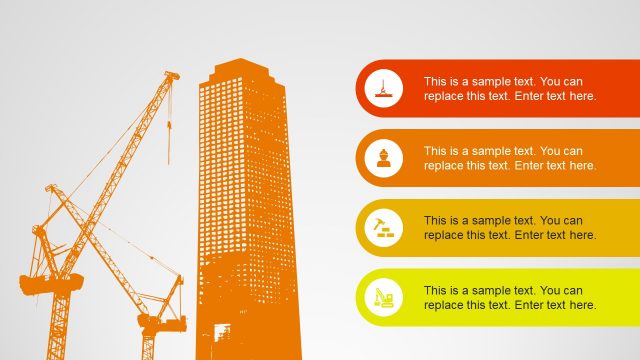
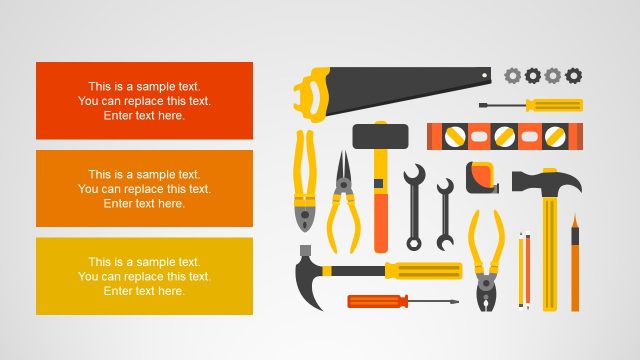
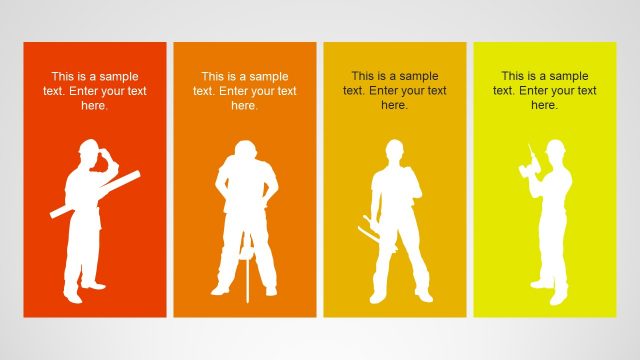
The layout features a central title area at the top, with a large text placeholder for the title. Below, there are two illustrated construction workers positioned on the left side, each wearing a hard hat and safety gear. To the right, various construction-related icons, including gears, a crane, and a building, are arranged. Additional text placeholders are present beneath the title, allowing for sample text entry. The background is light gray, creating contrast with the colorful elements. The overall composition is balanced, with visual elements grouped on either side of the central text.
How to Use It
This layout serves as an introductory slide or section divider in a presentation about construction or related topics. It can effectively introduce a discussion on workforce, safety, or project management. Positioned as slide 7 of 8, it follows a series of visual content, making it suitable for summarizing key points or transitioning to new sections. This structure is ideal for presentations aimed at stakeholders in construction, engineering, or project management environments where visual representation enhances understanding.
Text Placeholders & Capacity
Keep your copy within these limits so it fits without resizing. Body slots are tight, roughly 10-12 words each.
| Placeholder | Count | Max characters (approx.) |
|---|---|---|
| Slide title | 1 | 30 |
| Body paragraph | 3 | 50 |
Slide Keywords
Download unlimited PowerPoint templates, charts and graphics for your presentations with our annual plan.
DOWNLOADReturn to Construction PowerPoint Shapes.