Slide 4 of 8 from Construction PowerPoint Shapes
Forklift Skyscraper Building PowerPoint
Construction Icons with Text Layout
- Text Layout
- List Blocks
- Context Slide
- 16:9
- 100% Editable
The Construction Icons with Text slide from the Construction PowerPoint Shapes template offers a clear layout combining editable shapes and vector icons to highlight key construction concepts. Ideal for business presentations, this slide supports project updates and service highlights with a balanced design that integrates visual elements and descriptive text, enhancing communication in corporate presentations and pitch deck templates.
What’s on This Slide
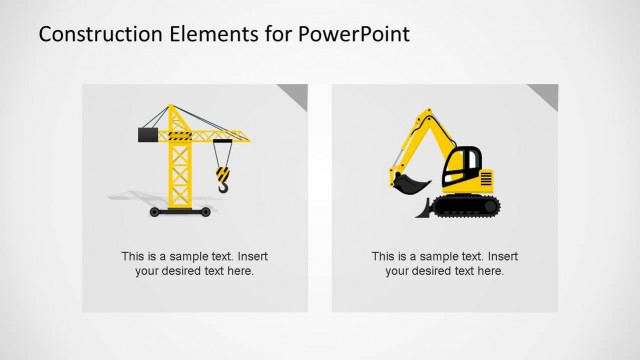
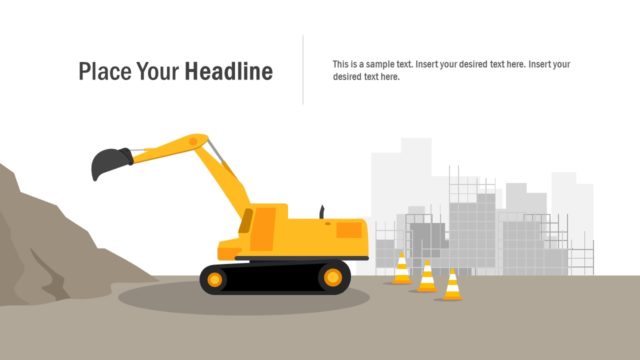
The slide features a vertical layout with a large image of a construction crane and a building on the left. On the right, there are four horizontal sections, each containing a circular icon and a text placeholder. The icons represent construction themes, with colors alternating between orange and yellow. The text placeholders are aligned to the left within each section, providing space for descriptive content. The overall background is a light gradient, enhancing the visibility of the elements. The visual hierarchy emphasizes the icons and text, while the crane image adds context.
How to Use It
This layout serves as an icon-based information display, suitable for highlighting key construction concepts or services. It fits well in a presentation sequence after introducing a project overview, allowing for detailed explanations of specific elements. This structure is effective for business scenarios such as project updates, service offerings, or feature highlights in construction-related presentations. It can be used individually to create focused content on specific topics within the construction industry.
Text Placeholders & Capacity
Keep your copy within these limits so it fits without resizing. Node body slots can hold roughly 15-20 words each.
| Placeholder | Count | Max characters (approx.) |
|---|---|---|
| Item heading | 4 | 50 |
| Item body | 4 | 100 |
Slide Keywords
Download unlimited PowerPoint templates, charts and graphics for your presentations with our annual plan.
DOWNLOADReturn to Construction PowerPoint Shapes.