Slide 5 of 8 from Construction PowerPoint Shapes
Construction PowerPoint Shapes Clipart
Construction Tool Icons with Text Placeholders
- Media Layout
- Image + Text Split
- Product Overview Slide
- 16:9
- 100% Editable
What’s on This Slide
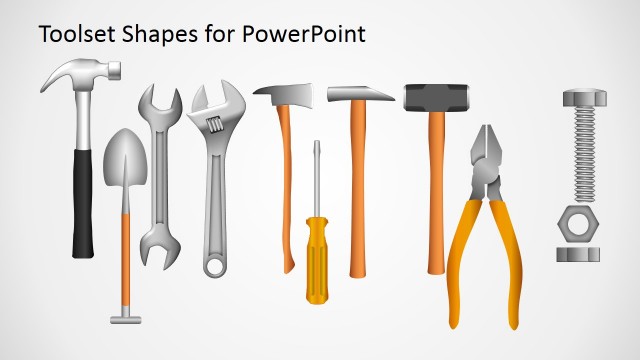
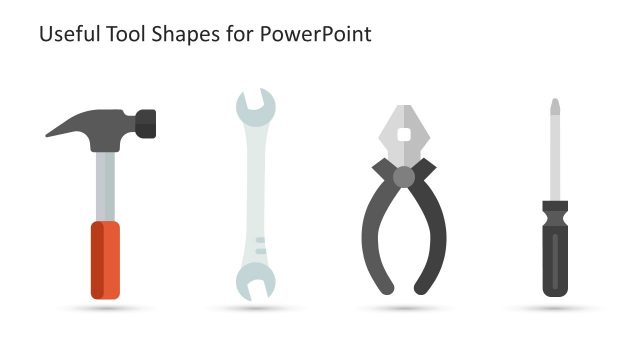
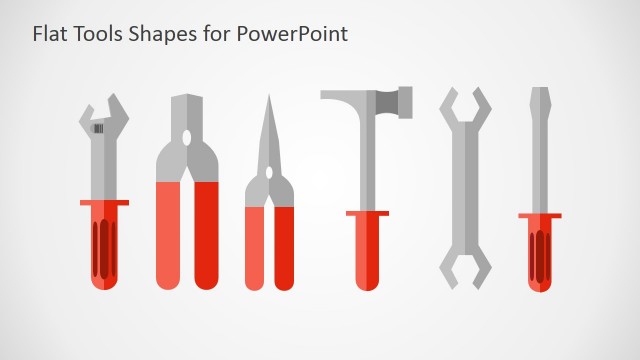
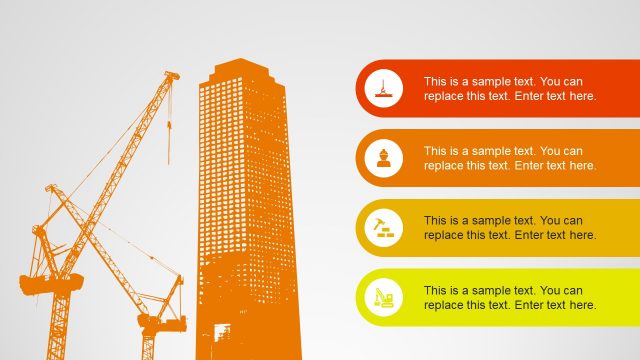
The layout features three rectangular text placeholders aligned vertically on the left side, each with a different background color: red, orange, and yellow. To the right, a collection of construction tool icons is displayed, including a saw, pliers, hammer, and screwdriver, arranged in a visually balanced manner. The icons vary in size but are generally uniform, creating a cohesive look. The text placeholders are positioned to allow for easy readability, with ample space around them. The background is light gray, enhancing the visibility of both text and icons.
How to Use It
This layout serves as a visual tool to present information about construction tools or related topics. It is suitable for instructional or promotional content within a presentation. This slide can be effectively used to highlight features or benefits of specific tools, making it ideal for training sessions or product showcases. Positioned after introductory slides, it can help transition into detailed discussions or demonstrations. The clear separation of text and visual elements aids in audience comprehension and retention.
Text Placeholders & Capacity
Keep your copy within these limits so it fits without resizing. Text slots can hold about 8 words each comfortably.
| Placeholder | Count | Max characters (approx.) |
|---|---|---|
| Body paragraph | 3 | 50 |
Slide Keywords
Download unlimited PowerPoint templates, charts and graphics for your presentations with our annual plan.
DOWNLOADReturn to Construction PowerPoint Shapes.