Slide 3 of 8 from Construction PowerPoint Shapes
Construction Workers Silhouette PowrrPoint
Construction Worker Icons Layout for Presentations
- Media Layout
- Other
- Team Slide
- 16:9
- 100% Editable
The Construction Worker Icons Layout from the Construction PowerPoint Shapes template offers a structured design ideal for team introductions and role descriptions. Featuring four distinct colored sections with construction worker silhouettes, this slide supports clear communication of project responsibilities. It integrates seamlessly into business presentations and pitch deck templates, providing editable slides that enhance workforce and project management discussions.
What’s on This Slide
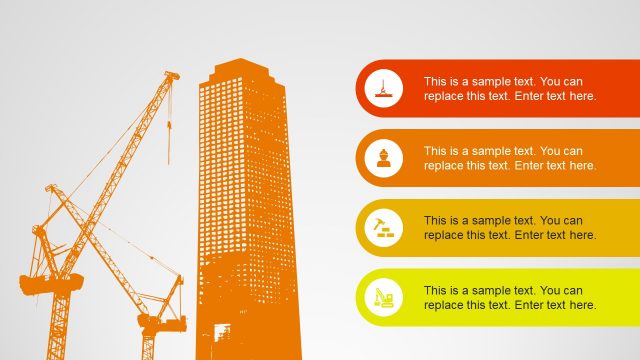
The layout features four vertical sections, each with a solid background color: orange, yellow, light orange, and green. Each section contains a silhouette of a construction worker in white, positioned centrally. Text placeholders are located at the top of each section, aligned to the center, labeled as 'This is a sample text. Enter your text here.' The overall composition is clean, with a gradient background that transitions from light gray to white, enhancing the visibility of the colored sections. The sections are evenly spaced and grouped, creating a balanced visual hierarchy.
How to Use It
This layout serves as a comparison tool for showcasing different construction roles or tasks. It fits well in a presentation sequence after introducing a topic related to workforce or project management. This format is suitable for business scenarios such as team introductions, role descriptions, or project responsibilities. It can be used individually to highlight specific roles within a construction project or to present various aspects of workforce management.
Text Placeholders & Capacity
Keep your copy within these limits so it fits without resizing. Each text slot can hold about 8 words comfortably.
| Placeholder | Count | Max characters (approx.) |
|---|---|---|
| Item body | 4 | 40 |
Slide Keywords
Download unlimited PowerPoint templates, charts and graphics for your presentations with our annual plan.
DOWNLOADReturn to Construction PowerPoint Shapes.