Slide 2 of 8 from Construction PowerPoint Shapes
Logistic Background PowerPoint Template
Construction Site Background Slide
- Text Layout
- Single Statement
- Context Slide
- 16:9
- 100% Editable
The Construction Site Background with Title slide from the Construction PowerPoint Shapes template provides a clear and professional layout ideal for construction updates and project proposals. Featuring a construction site silhouette and a balanced text arrangement, this slide supports effective communication in business presentations. It integrates seamlessly into slide decks focused on construction industry overviews, utilizing editable shapes to enhance visual impact.
What’s on This Slide
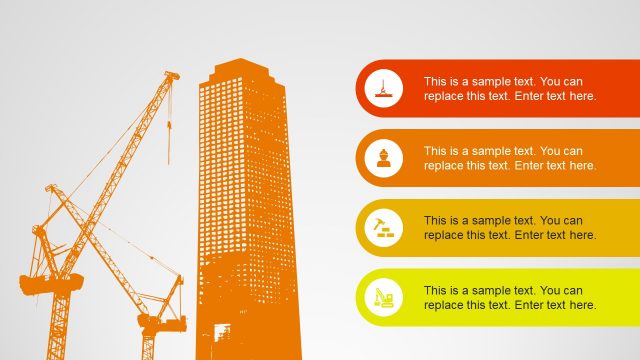
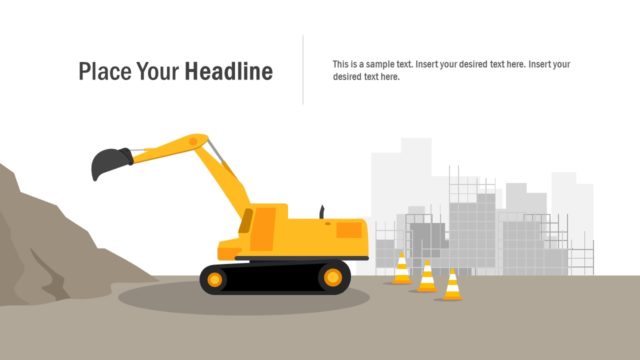
The layout features a construction site silhouette at the bottom, with cranes and buildings in orange against a light gray background. The title placeholder is centered at the top in a bold font, while the body text placeholders are aligned centrally below it. The body text is arranged in a single paragraph format, allowing for multiple lines of text. The visual hierarchy emphasizes the title, followed by the body text, which is smaller. The overall composition is balanced with a clear separation between the title and body sections.
How to Use It
This layout serves as a title slide or introductory section for presentations related to construction or engineering topics. It fits well after an agenda slide and can be used to introduce key themes or topics. Ideal for business scenarios such as project proposals, construction updates, or industry overviews, this slide effectively sets the tone for the content that follows, making it suitable for various construction-related presentations.
Text Placeholders & Capacity
Keep your copy within these limits so it fits without resizing. Body slots can accommodate roughly 30 words each.
| Placeholder | Count | Max characters (approx.) |
|---|---|---|
| Slide title | 1 | 30 |
| Body paragraph | 3 | 150 |
Slide Keywords
Download unlimited PowerPoint templates, charts and graphics for your presentations with our annual plan.
DOWNLOADReturn to Construction PowerPoint Shapes.