Slide 3 of 5 from Compass Shape for PowerPoint
West East Compass PowerPoint Shape
Compass Shape with Adjustable Needle for Presentations
- Diagram
- Other
- Concept Explanation Slide
- 16:9
- 100% Editable
About This Slide
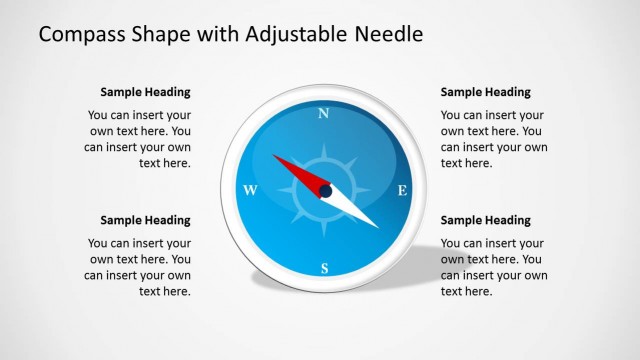
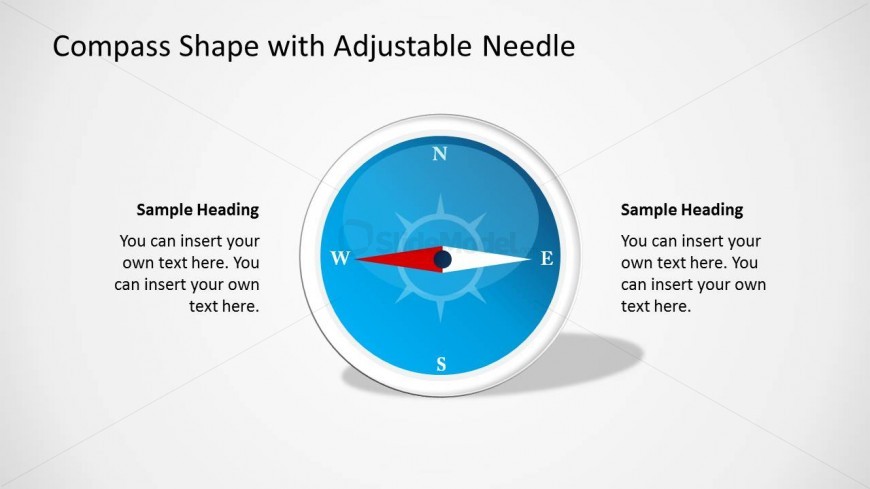
Create professional presentations with this Compass Shapes for PowerPoint. Each of the elements of the shape are created with PowerPoint objects, allowing the user to fully customize their appearance. In this slide the arrow points west.
What’s on This Slide
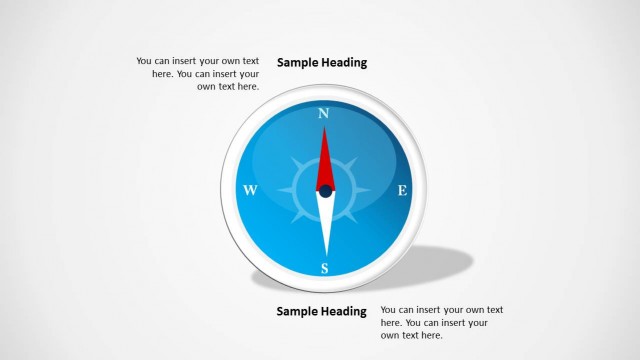
The slide features a central compass graphic with a circular shape displaying cardinal directions: North, East, South, and West. The compass needle is adjustable, pointing towards the East. To the left and right of the compass are text placeholders labeled 'Sample Heading' and additional text areas below them. The placeholders are aligned vertically, providing space for titles and descriptions. The background is a light gradient, enhancing the compass's visibility. The overall layout is symmetrical, emphasizing the compass as the focal point.
How to Use It
This layout serves as a visual representation of direction and navigation concepts. It fits well in presentations discussing goals, strategies, or location-based topics. The compass can symbolize guidance in decision-making processes. It is suitable for business contexts where directional clarity is needed, such as project roadmaps or strategic planning sessions. This slide can be effectively used to illustrate progress towards objectives or to highlight key milestones in a journey.
Text Placeholders & Capacity
Keep your copy within these limits so it fits without resizing. Text slots can accommodate multiple lines, roughly 5-8 words each.
| Placeholder | Count | Max characters (approx.) |
|---|---|---|
| Slide title | 1 | 30 |
| Item heading | 4 | 20 |
| Item body | 4 | 50 |
Slide Keywords
Download unlimited PowerPoint templates, charts and graphics for your presentations with our annual plan.
DOWNLOADReturn to Compass Shape for PowerPoint.