Slide 1 of 5 from Compass Shape for PowerPoint
Magnetic Compass for PowerPoint presentations
Compass Shape for PowerPoint Overview
- Diagram
- Other
- Context Slide
- 16:9
- 100% Editable
The Compass Shape with Callouts slide from the Compass Shape for PowerPoint template offers a clear visual framework for strategic planning and goal-setting discussions. Featuring editable slides with compass visuals and text placeholders, it supports business presentations that focus on navigation concepts and directional guidance within a corporate presentation or pitch deck template.
About This Slide
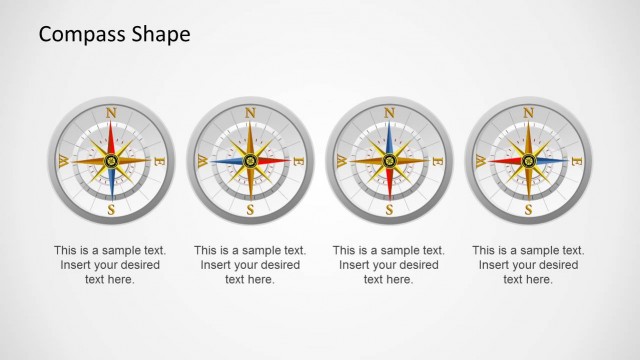
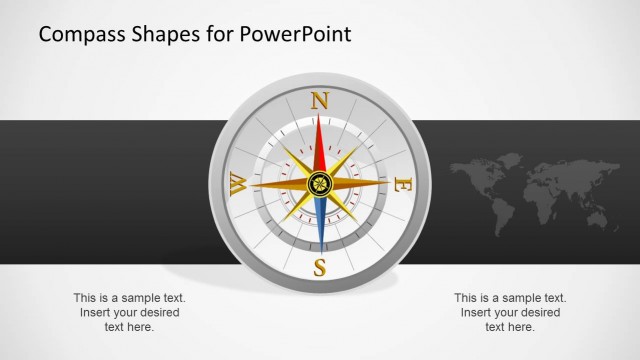
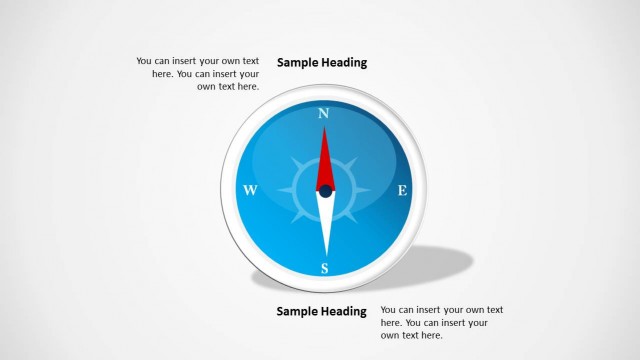
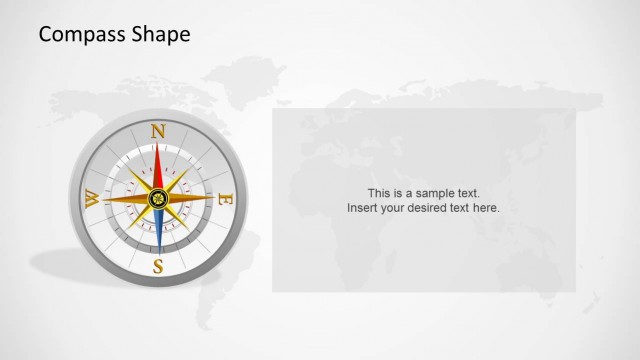
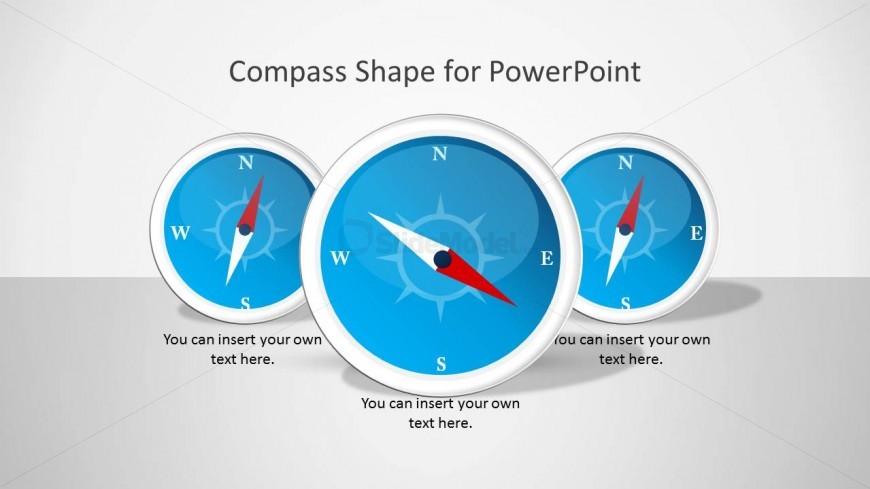
This slide presents three (3) magnetic compass PowerPoint shapes, with a text placeholder in the bottom. Each of the shapes are created with PowerPoint objects, with vectorial properties. The user can adapt the shapes appearance to the PowerPoint theme of its presentations. The 3D effects are created with modern material techniques, providing a flat layout.
What’s on This Slide
The layout features three compass visuals arranged in a row at the center. Each compass has cardinal points labeled: North, East, South, and West. The compasses are circular with a blue background and a white border. Below each compass, there are text placeholders aligned centrally, allowing for custom text insertion. The overall background is a light gray gradient, enhancing the visibility of the compasses. The visual hierarchy emphasizes the compasses as the primary elements, supported by the text placeholders for additional context.
How to Use It
This layout serves as an introductory slide, suitable for presentations focused on navigation, direction, or goal-setting themes. It can effectively frame discussions around strategic planning or location-based analysis. In a presentation sequence, it typically follows an agenda slide and precedes detailed content on navigation strategies. This format is useful for business scenarios where directional guidance or goal orientation is essential, such as project management or marketing strategies.
Text Placeholders & Capacity
Keep your copy within these limits so it fits without resizing. Text slots can accommodate roughly 5-6 words each.
| Placeholder | Count | Max characters (approx.) |
|---|---|---|
| Slide title | 1 | 30 |
| Item body | 3 | 30 |
Slide Keywords
Download unlimited PowerPoint templates, charts and graphics for your presentations with our annual plan.
DOWNLOADReturn to Compass Shape for PowerPoint.