Slide 7 of 8 from Comparison Layouts for PowerPoint with Spheres
6235-01-comparison-layout-spheres-7
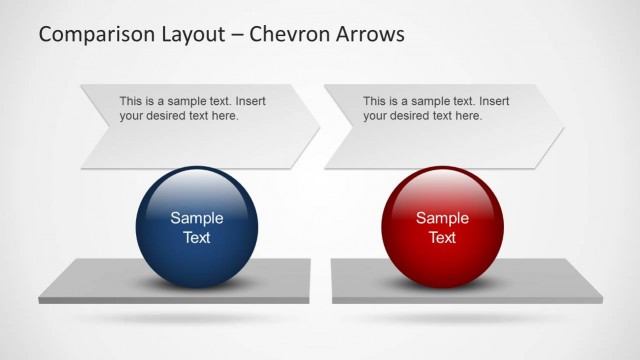
Comparison Layout with Chevron Arrows
- Diagram
- Comparison Split
- Comparison Slide
- 16:9
- 100% Editable
The Comparison Layout with Chevron Arrows slide from the Comparison Layouts for PowerPoint with Spheres template offers a clear visual method for contrasting product features or strategic initiatives. This slide uses editable shapes and vector icons arranged in a balanced design, making it suitable for business presentations or pitch deck templates that require side-by-side evaluation of options. Its structure supports effective communication in corporate presentations and slide decks focused on decision-making.
What’s on This Slide
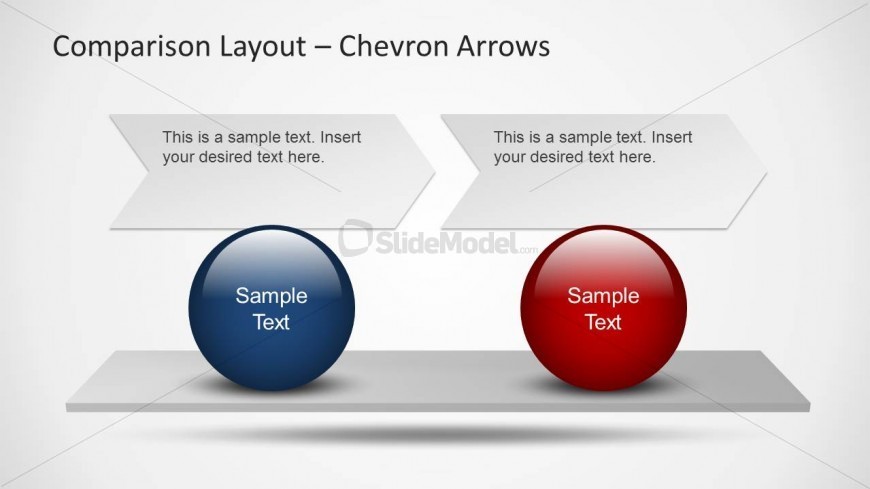
The layout features two large spheres positioned on a horizontal pedestal. Each sphere is colored differently, with the left sphere in blue and the right sphere in red. Above each sphere, there are chevron-shaped text boxes aligned diagonally, containing text placeholders. The placeholders are centered within the chevrons. The overall background is light, enhancing the visibility of the elements. The spheres are equal in size and visually balanced, while the chevrons are slightly larger than the spheres, creating a clear hierarchy.
How to Use It
This layout serves as a comparison tool, ideal for evaluating two distinct options or concepts side by side. It is suitable for business presentations where comparisons of products, strategies, or phases are necessary. This slide fits well after a problem or context slide, leading into a discussion of solutions or alternatives. It can be used in various scenarios, such as comparing project outcomes, product features, or strategic initiatives.
Text Placeholders & Capacity
Keep your copy within these limits so it fits without resizing. Node body slots can hold roughly 10 words each.
| Placeholder | Count | Max characters (approx.) |
|---|---|---|
| Item heading | 2 | 20 |
| Item body | 2 | 50 |
Slide Keywords
Download unlimited PowerPoint templates, charts and graphics for your presentations with our annual plan.
DOWNLOAD