Slide 6 of 8 from Comparison Layouts for PowerPoint with Spheres
6235-01-comparison-layout-spheres-6
Comparison Layout with Chevron Arrows for Presentations
- Diagram
- Comparison Split
- Comparison Slide
- 16:9
- 100% Editable
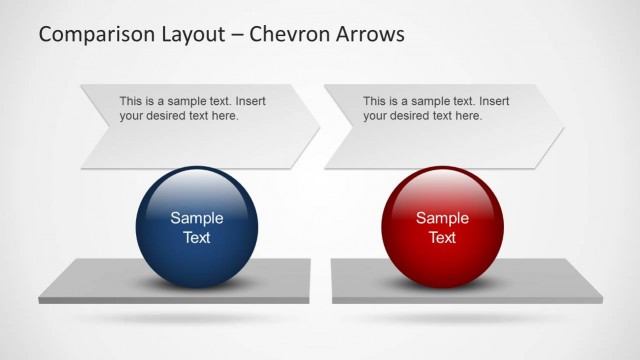
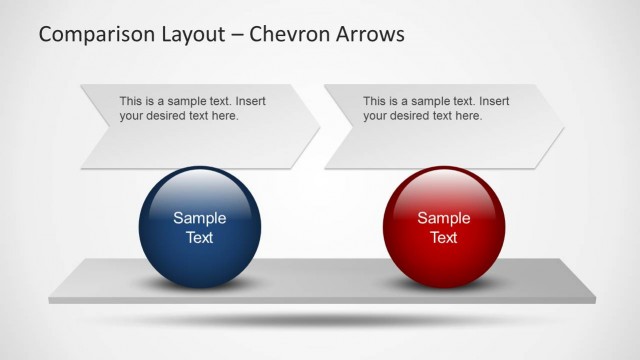
The Comparison Layout with Chevron Arrows from the Comparison Layouts for PowerPoint with Spheres template offers a clear visual structure for product comparisons or strategic option analysis. This slide design uses editable shapes and vector icons to highlight three distinct items, making it suitable for business presentations or pitch deck templates. Its balanced arrangement of chevron arrows and colored spheres enhances clarity in corporate presentations or slide decks.
What’s on This Slide
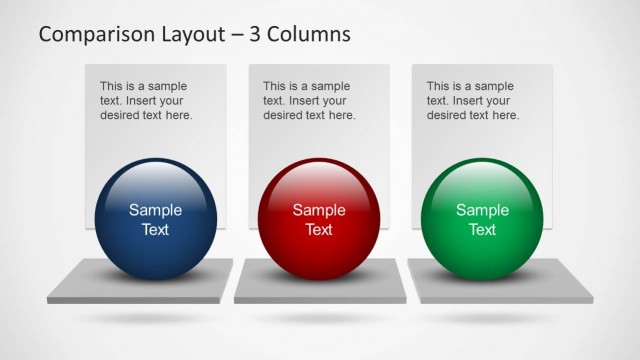
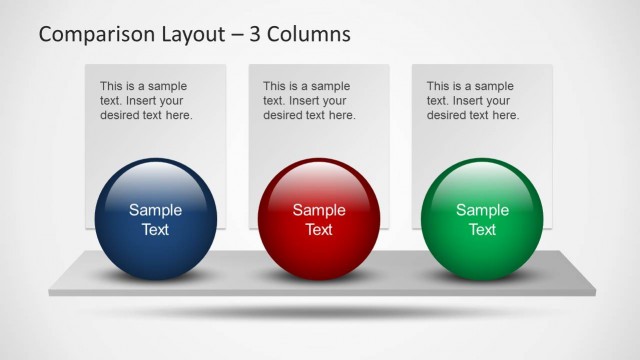
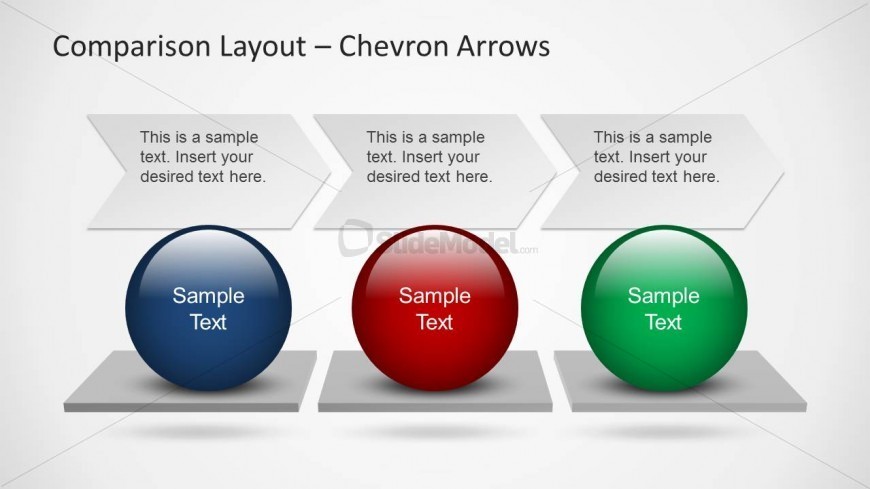
The layout features three chevron arrows positioned at the top, each containing a text placeholder aligned to the left. Below each arrow is a colored sphere, with the left sphere in blue, the middle in red, and the right in green. Each sphere has a text placeholder centered within it. The spheres rest on rectangular bases, creating a clear visual hierarchy. The background is a light gradient, enhancing the overall composition. The arrows and spheres are evenly spaced, contributing to a balanced design.
How to Use It
This layout serves as a comparison tool, ideal for evaluating three distinct options or phases. It fits well in a presentation sequence following an introduction or problem statement, guiding the audience through a structured comparison. This layout is useful in business contexts such as product comparisons, project phases, or strategic evaluations, allowing for clear visual differentiation between the items being compared.
Text Placeholders & Capacity
Keep your copy within these limits so it fits without resizing. Node labels can hold about 3-5 words each, while node bodies can accommodate around 10-12 words.
| Placeholder | Count | Max characters (approx.) |
|---|---|---|
| Item heading | 3 | 30 |
| Item body | 3 | 50 |
| Chart title | 1 | 50 |
Slide Keywords
Download unlimited PowerPoint templates, charts and graphics for your presentations with our annual plan.
DOWNLOAD