Slide 8 of 8 from Comparison Layouts for PowerPoint with Spheres
6235-01-comparison-layout-spheres-8
Comparison Layout with Chevron Arrows
- Diagram
- Comparison Split
- Comparison Slide
- 16:9
- 100% Editable
The Comparison Layout with Chevron Arrows from the Comparison Layouts for PowerPoint with Spheres template offers a clear side-by-side format ideal for business presentations. This slide template uses editable shapes and vector icons to visually contrast two subjects, making it suitable for comparing product features or evaluating performance metrics in a corporate presentation or pitch deck template.
What’s on This Slide
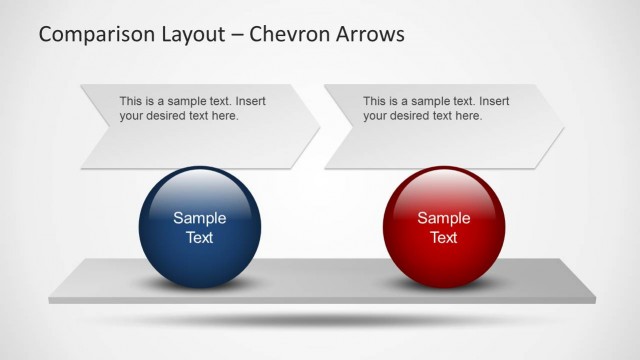
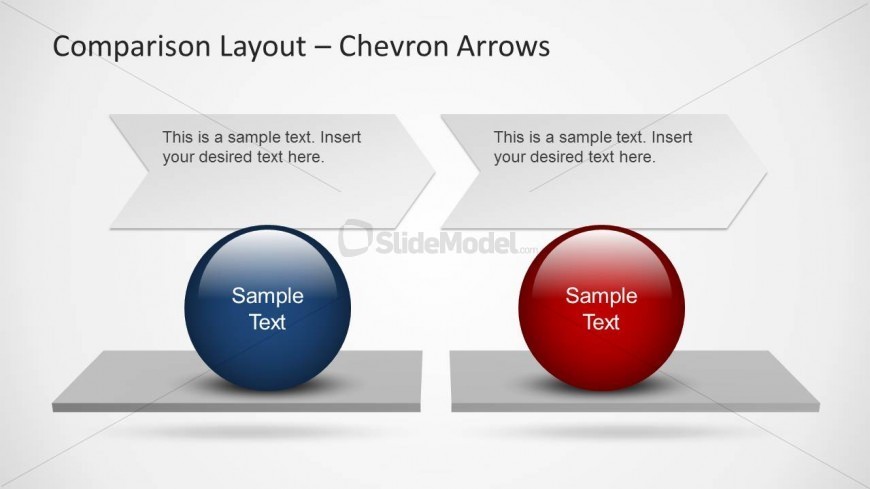
The layout features two large spheres positioned at the bottom left and right, each on a rectangular base. Above each sphere, there are chevron-shaped text boxes aligned horizontally, pointing towards the spheres. The left sphere is blue, while the right sphere is red, creating a visual contrast. Each chevron box contains a text placeholder, centrally aligned, indicating where content can be inserted. The background is a light gradient, enhancing the visibility of the elements. The overall composition is balanced, with clear separation between the two sections.
How to Use It
This layout serves as a side-by-side comparison tool, ideal for evaluating two options or arguments. It fits well in a presentation sequence following an introduction or problem statement, leading into a detailed analysis. Business scenarios include comparing product features, performance metrics, or strategic initiatives. The visual structure allows for clear differentiation between the two subjects, making it suitable for persuasive presentations where clarity is essential.
Text Placeholders & Capacity
Keep your copy within these limits so it fits without resizing. Node body slots can hold roughly 10 words each.
| Placeholder | Count | Max characters (approx.) |
|---|---|---|
| Item body | 2 | 50 |
| Item heading | 2 | 20 |
| Chart title | 1 | 50 |
Slide Keywords
Download unlimited PowerPoint templates, charts and graphics for your presentations with our annual plan.
DOWNLOAD