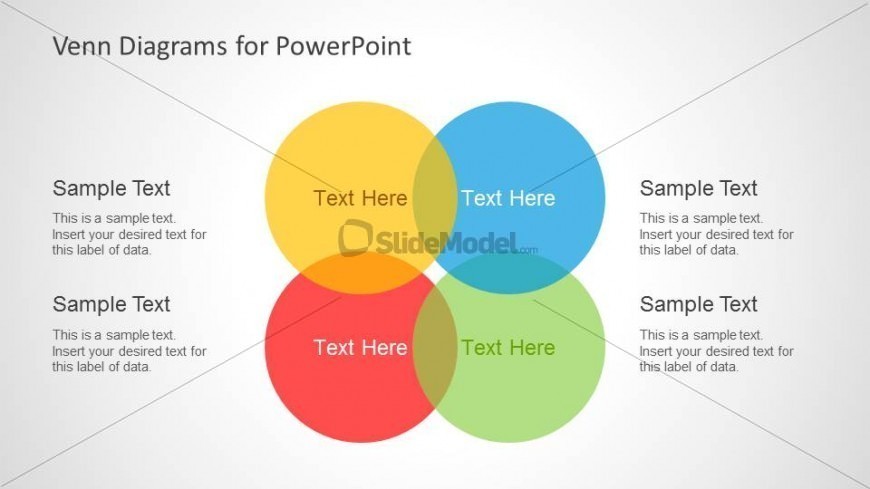
Slide 4 of 6 from Colorful Venn Diagrams for PowerPoint
8075-colorful-venn-diagram-4
Venn Diagram with Four Circles for PowerPoint
- Diagram
- Venn
- Comparison Slide
- 16:9
- 100% Editable
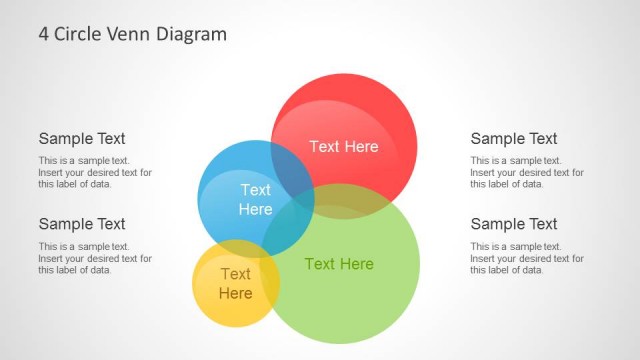
The Venn Diagram with Four Circles slide from the Colorful Venn Diagrams for PowerPoint template offers a clear way to compare and analyze overlapping concepts. This slide layout uses editable shapes and vector icons to visually represent set relationships, making it suitable for business presentations and educational content. Its balanced design enhances the communication of complex intersections in a professional slide deck.
What’s on This Slide
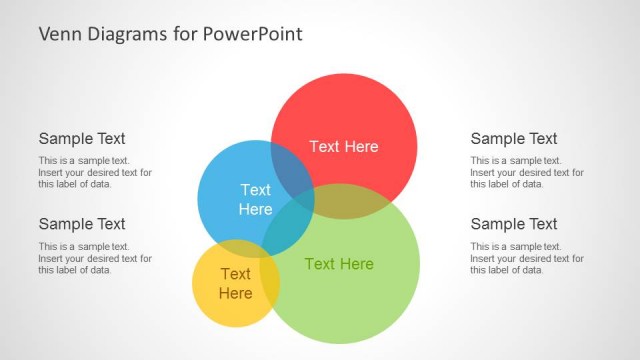
The layout features four overlapping circles arranged in a central cluster. The circles are colored yellow, red, blue, and green, each containing text placeholders for labels. The circles intersect at various points, creating overlapping areas that can be filled with additional text. The placeholders are positioned within the circles and are aligned centrally. The background is a light gradient, enhancing the visibility of the colored circles. The overall composition is balanced, with equal emphasis on each circle's content and their intersections.
How to Use It
This layout serves as a visual representation of relationships among four distinct sets. It is suitable for presentations that require illustrating complex intersections, such as in educational contexts or analytical discussions. This slide fits well in a sequence that introduces concepts, followed by detailed analysis or comparisons. It can be used in business presentations to analyze market segments, product features, or team roles, allowing for clear visual communication of overlapping attributes.
Text Placeholders & Capacity
Keep your copy within these limits so it fits without resizing. Node body slots can hold about 15-20 words each.
| Placeholder | Count | Max characters (approx.) |
|---|---|---|
| Item heading | 4 | 20 |
| Item body | 4 | 100 |
Slide Keywords
Download unlimited PowerPoint templates, charts and graphics for your presentations with our annual plan.
DOWNLOADReturn to Colorful Venn Diagrams for PowerPoint.