Are you running a coffee business and searching for a template to craft an impressive pitch deck? Look no further! Try our Coffee Company Profile PowerPoint Template to showcase an attractive coffee business company profile to the investors and win more investments for your company. The company profile outlines the organization’s vision, mission, and business model. An engaging company profile lets you connect with your audience and efficiently convey your objectives. We have created this company profile template to help entrepreneurs, founders, and other professionals showcase their business attributes to the stakeholders. If you successfully portray a good image of your company, you will surely get more funds to run and scale your operations. Our template is 100% editable and compatible with Google Slides and Keynote. Moreover, we have an extensive collection of company profile templates for you so that you can choose the template that suits you the best.
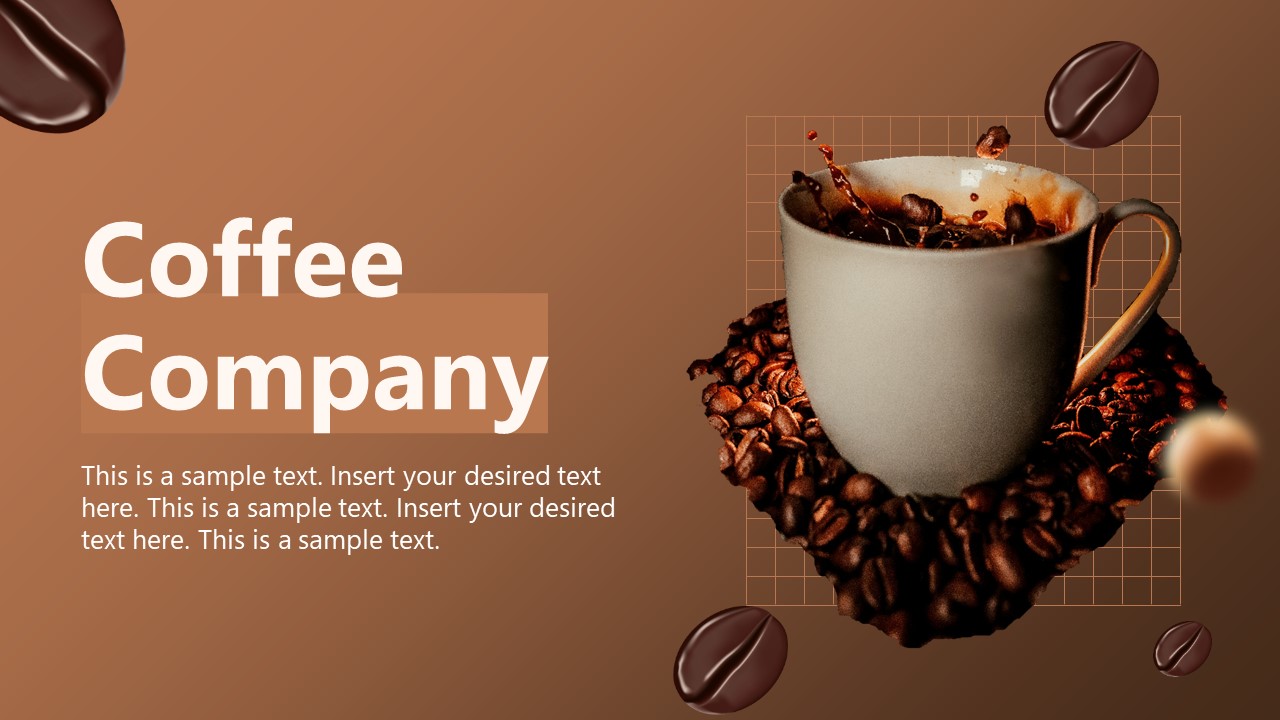
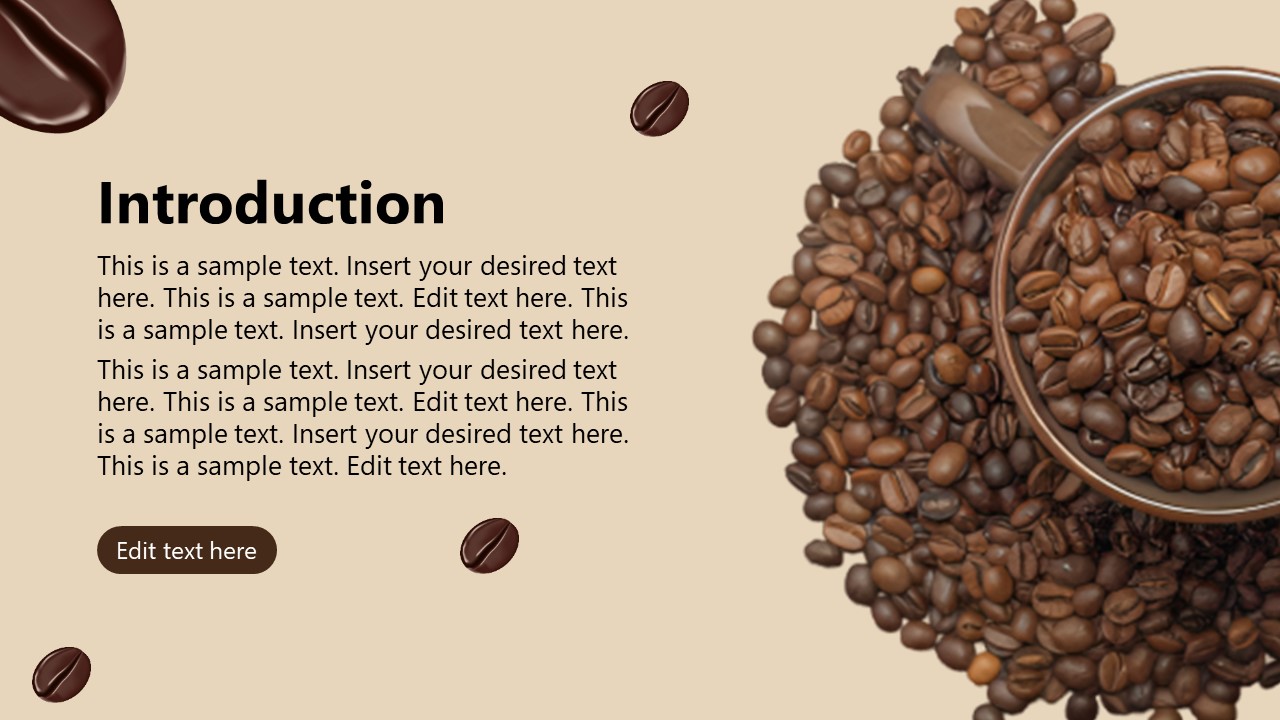
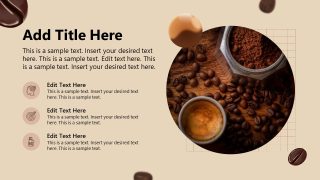
The Coffee Company Profile PowerPoint Template contains six slides with amazing coffee-related images. Professionals can display their company name, logo, and description on the first slide. There is a cup image surrounded by coffee beans and splashed coming out of the black coffee. The following slide has a cup image full of beans and covered in beans. Users can display the business ideas and thoughts to scale it. The following slide contains bullet points with infographics so presenters can mention the customer reviews, KPIs, key features, and other aspects.
Further, professionals can share their future goals and next operational steps in the template. Presenters can also modify the PPT features of the template to fit their requirements. They can change the colors, shapes, and images used in the template according to the company theme. Download the coffee company profile template and use it now! Alternatively, check our collection of pitch deck templates and business plan presentations.
What’s inside this template
Example presentation scenarios
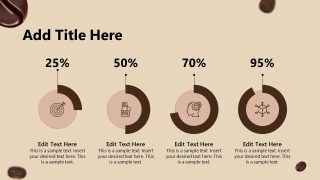
- A coffee startup founder can use the cover, introduction slide, and radial percentage infographic to present the brand story, business idea, and early traction to potential investors.
- A cafe owner can use the icon feature list and thank-you contact slide to introduce services, customer strengths, and follow-up details during a partnership meeting.
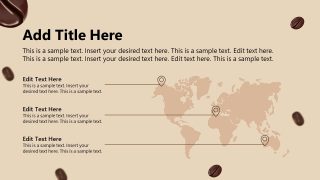
- A roastery sales manager can use the world map layout to explain supply regions, market coverage, or distribution plans to retail buyers.
- A marketing team can use the coffee photography, editable text sections, and metric circles to build a short brand overview for trade shows or local business events.
Features
- 100% editable presentation template
- Compatible with Microsoft PowerPoint and Google Slides
- 16:9 aspect ratio slides
- Scalable vector shapes, icons and illustrations
- AI-Ready for Microsoft Copilot and Claude
- Instant access and download
Frequently asked questions
Q: How should a presenter organize the message with this coffee company profile deck?
A: Start with the cover as a brand moment, then use the introduction slide to explain the company in plain business terms. Treat the icon feature slide as the evidence section, not a decoration slide. Use the map to ground the business in locations or markets, then make the percentage slide support only the most important claims.
Q: Who is this template best suited for in a business presentation setting?
A: This template is a good fit for coffee founders, cafe owners, roasters, and beverage marketers who need a short profile rather than a full financial pitch. It works well when the goal is to introduce the company, show market presence, highlight key metrics, and leave clear contact information for follow-up.
Q: Why does the coffee imagery and warm visual system help the presentation?
A: The cup, beans, and cream-brown palette create an immediate category cue before the presenter explains the business. That visual metaphor reduces setup time and makes the deck feel specific to coffee. The layouts then balance atmosphere with structured elements: icons for capabilities, map pins for reach, and circles for metric emphasis.
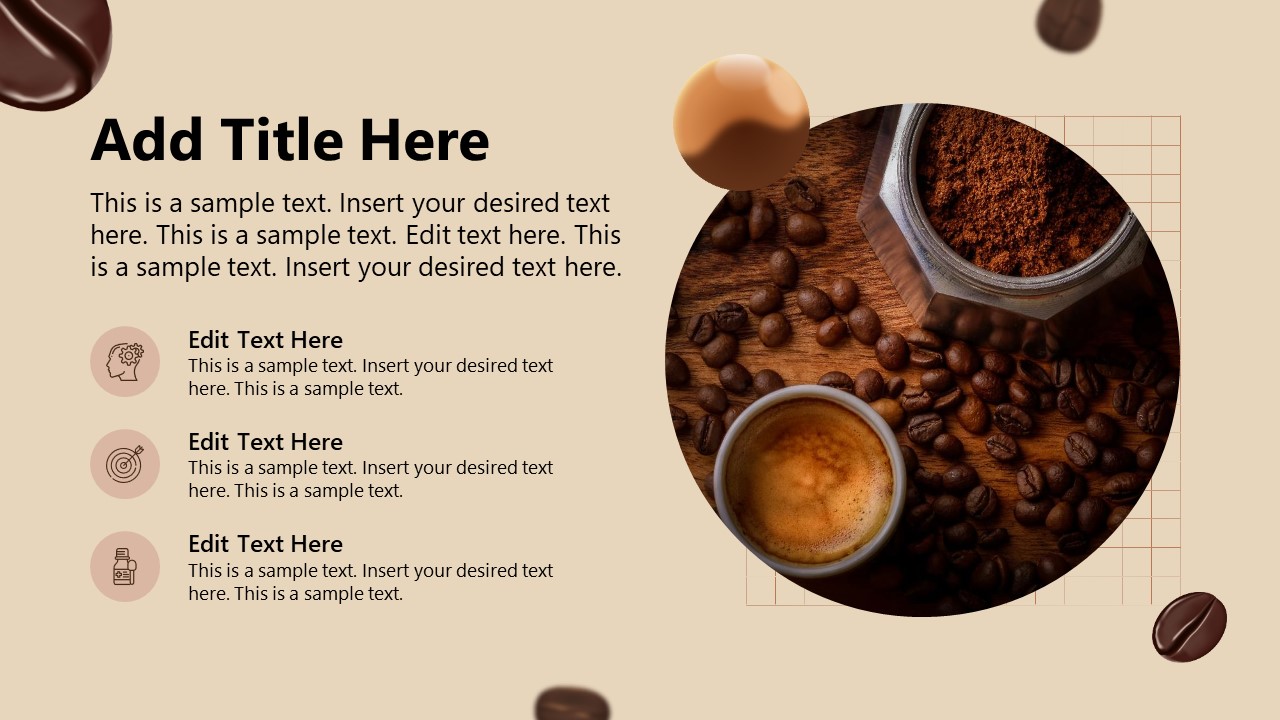




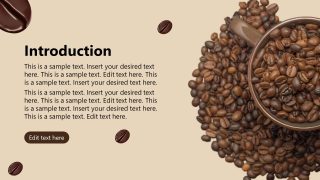

Coffee Company Profile PowerPoint Template
6-slide coffee company profile presentation template with intro, map, metrics, and closing contact slides
The Coffee Company Profile PowerPoint Template is a 6-slide company introduction deck for coffee shops, roasters, and beverage startups. It includes a cover, introduction slide, icon-based feature list, world map layout, radial percentage infographic, and thank-you contact slide for Microsoft PowerPoint and Google Slides.
- Category
- Template Backgrounds
- Rating

 Loading...
- Aspect ratio
- 16:9
- Item ID
- 77048-01
- Colors
 Microsoft PowerPoint
 Microsoft Copilot
 Claude for PowerPoint
Other formats supported
Subscribe today and get immediate
access to download our PowerPoint templates.