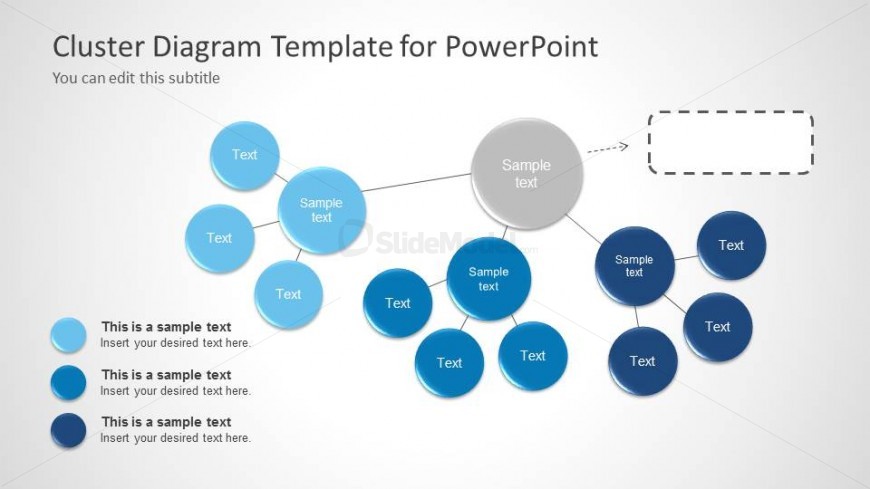
Slide 2 of 6 from Cluster Diagram Template for PowerPoint
6052-01-cluster-diagram-2
Cluster Diagram Template for PowerPoint
- Diagram
- Other
- Analysis Slide
- 16:9
- 100% Editable
The Cluster Diagram with Nodes slide from the Cluster Diagram Template for PowerPoint offers a clear visual structure for analyzing relationships among data points. This slide layout uses editable shapes and vector icons to highlight hierarchical connections, making it suitable for business presentations and academic reports that require detailed concept mapping and data visualization.
What’s on This Slide
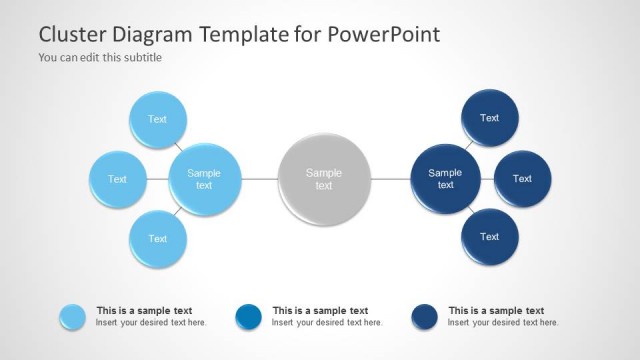
The slide features a central node labeled 'Sample text' surrounded by multiple smaller nodes. These nodes are circular and vary in shades of blue, indicating a visual hierarchy. The central node is larger and connects to other nodes through straight lines. There are placeholders for text positioned within each node, with some nodes having additional text placeholders below them. The background is light, enhancing the visibility of the blue nodes. The layout is structured to show relationships among the nodes clearly.
How to Use It
This layout serves as a cluster diagram, ideal for illustrating relationships among concepts or data points. It fits well in presentations focused on analysis or data mining, providing a visual representation of interconnected ideas. It can be used to present findings from cluster analysis or to summarize key elements of a business intelligence report. This structure is suitable for both academic and professional contexts where data relationships need to be communicated effectively.
Text Placeholders & Capacity
Keep your copy within these limits so it fits without resizing. Node labels can accommodate about 20 characters each, while body text can hold roughly 30 characters.
| Placeholder | Count | Max characters (approx.) |
|---|---|---|
| Item heading | 6 | 20 |
| Item body | 6 | 30 |
| Slide title | 1 | 50 |
| Subtitle | 1 | 50 |
Slide Keywords
Download unlimited PowerPoint templates, charts and graphics for your presentations with our annual plan.
DOWNLOADReturn to Cluster Diagram Template for PowerPoint.