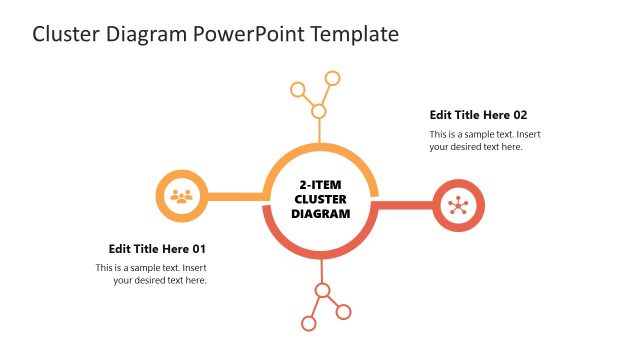
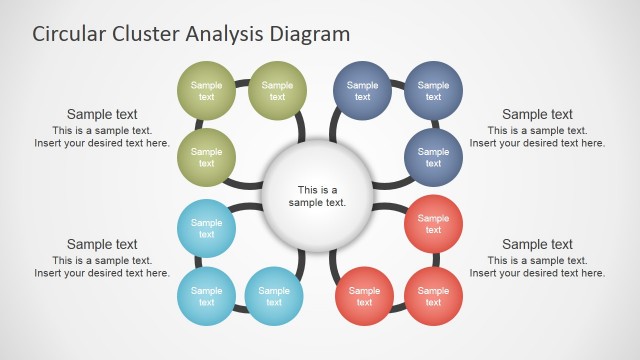
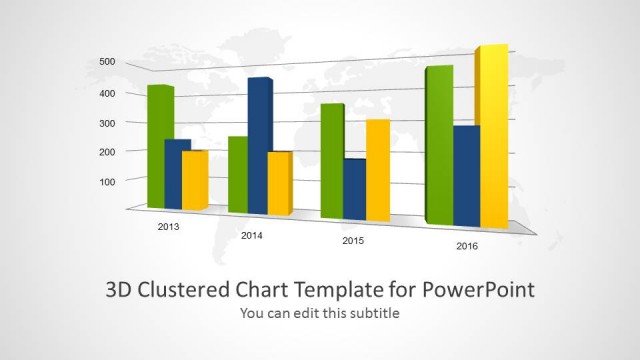
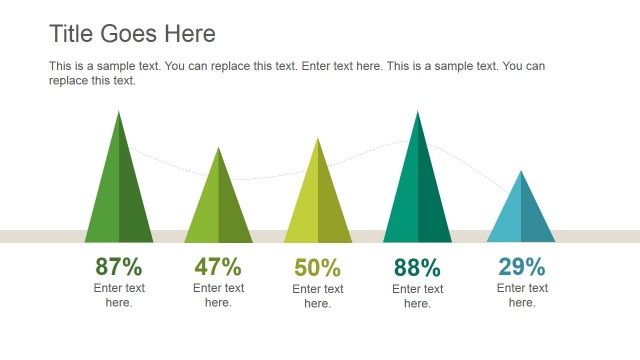
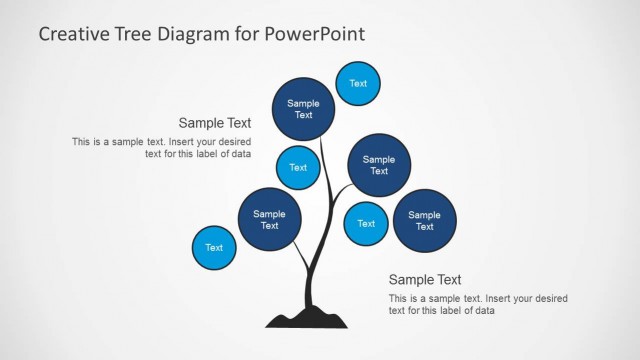
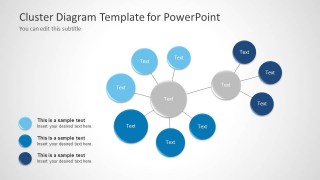
Cluster Diagram Template for PowerPoint provides a range of attractive sample diagrams which can be edited to create neat looking cluster diagrams.
This PowerPoint Template is highly customizable, which is why you can easily generate custom cluster diagrams by rearranging, recoloring and reshaping the default slide layouts.
The sample cluster diagrams have been created with professionally crafted designs with a nice combination of circular shapes and well-matched color tones; with enough scope to change the given layouts to make attractive cluster diagrams with ease.
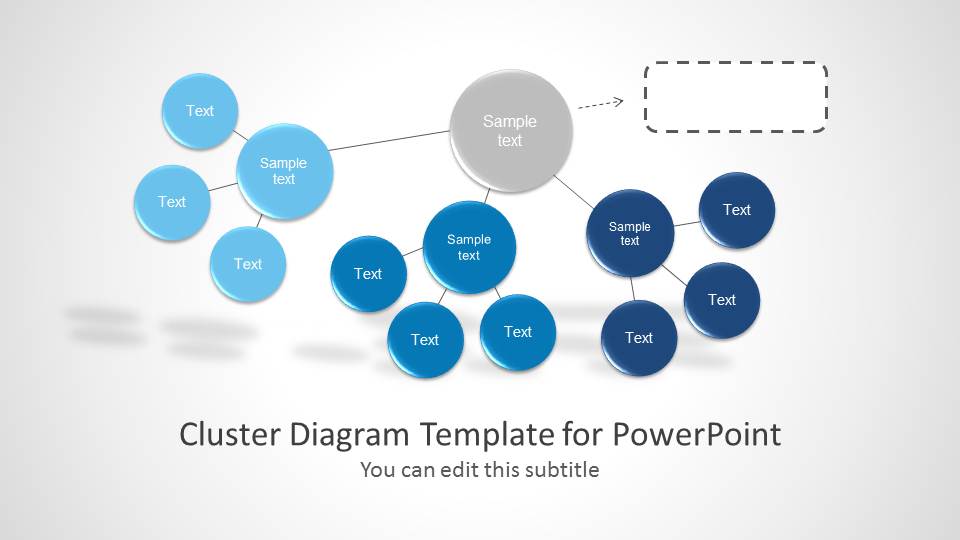
The strings attached to clusters help represent patterns, whereas the different colors of clusters can also help you form a sequence that is easy to identify for your audience.
What’s inside this template
Example presentation scenarios
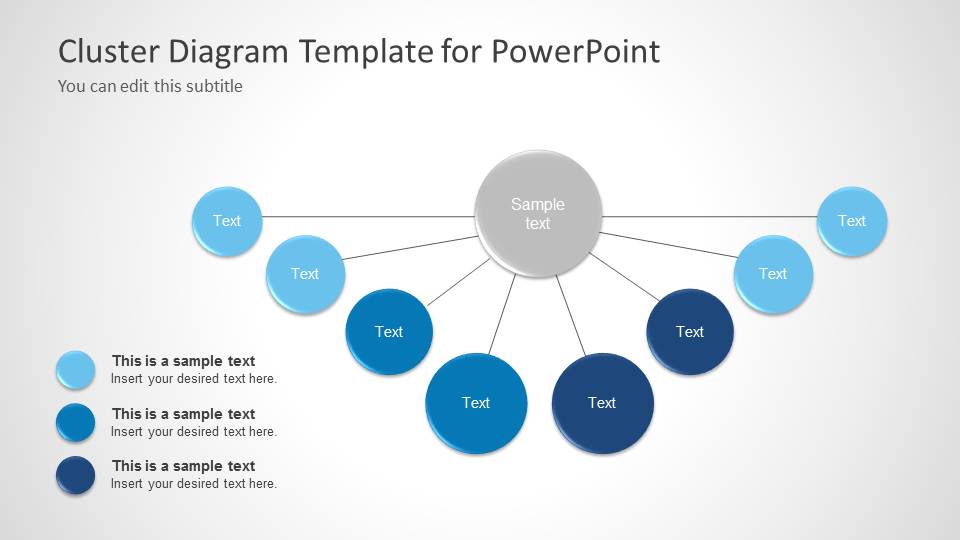
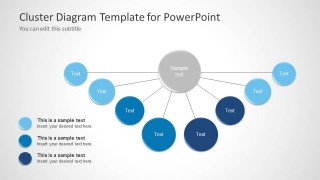
- A business analyst can use the hub-and-spoke cluster layout to explain how several data groups relate to one central pattern during an internal analysis review.
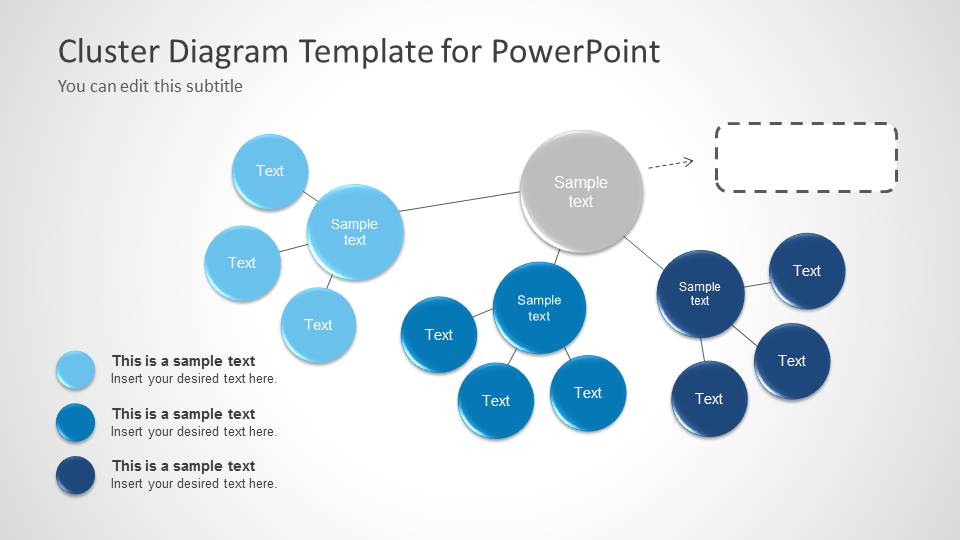
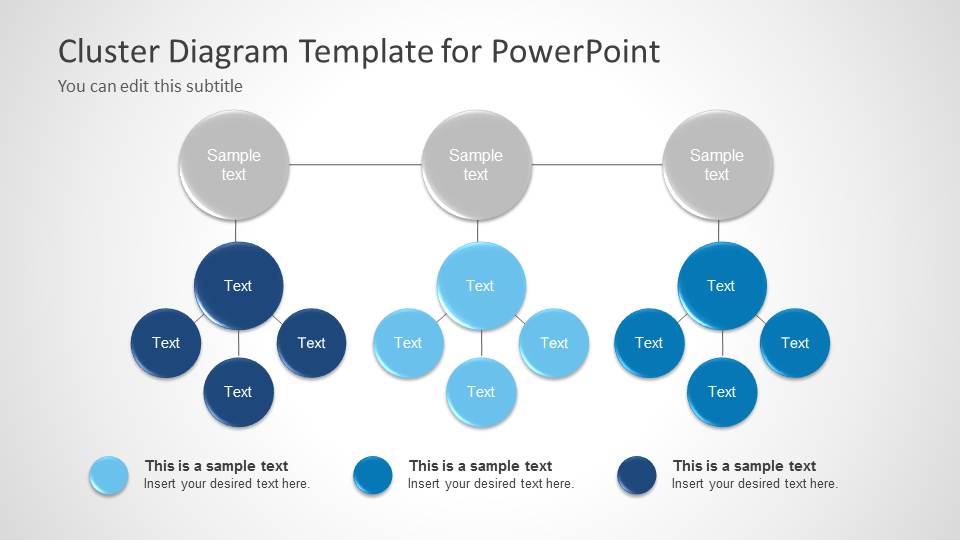
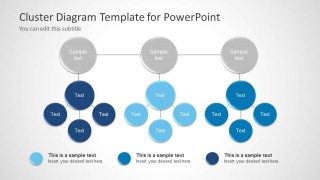
- A consultant can use the three-column cluster hierarchy to compare separate market, customer, or operational groupings for an executive audience.
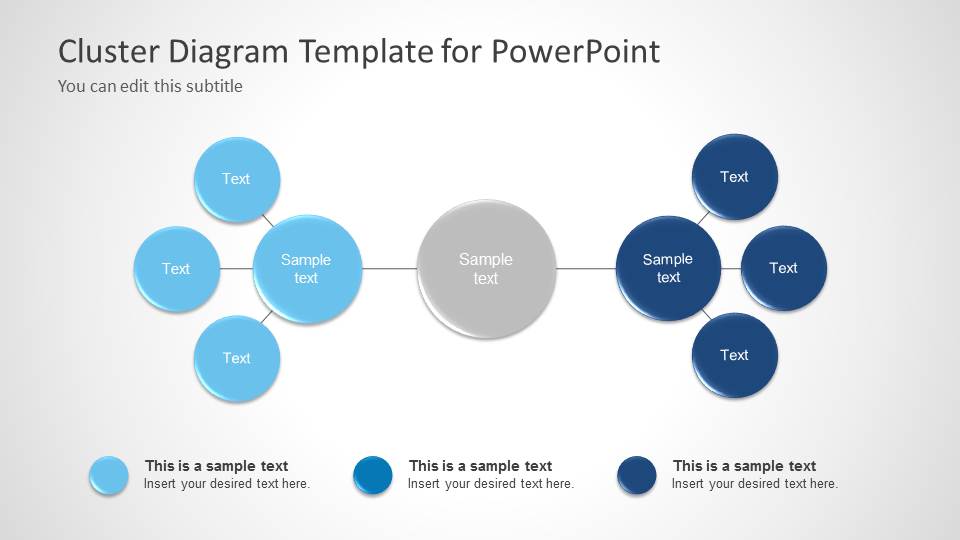
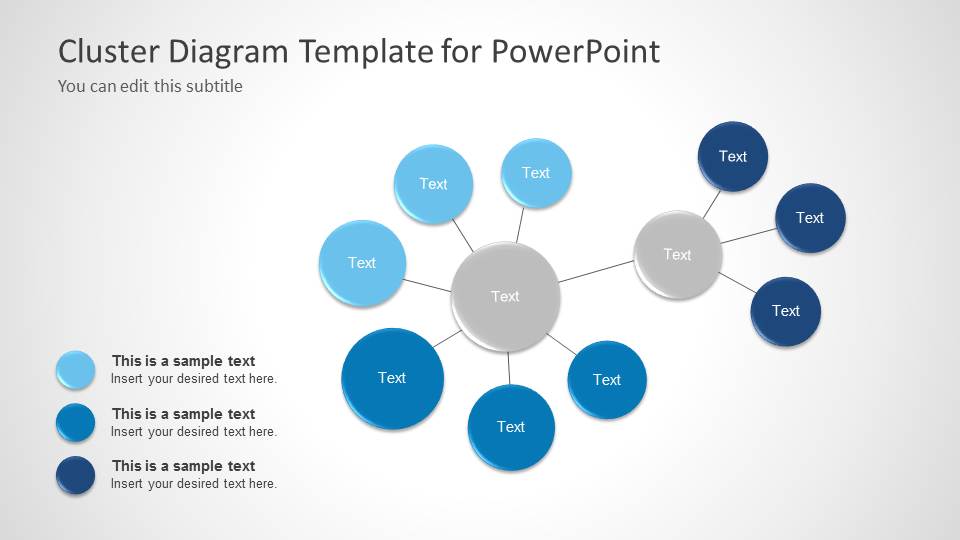
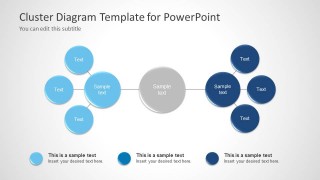
- A data mining presenter can use the linear cluster map to show how one cluster connects to another through a central relationship or transition point.
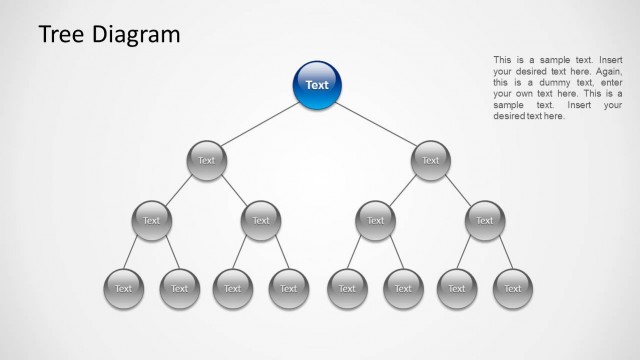
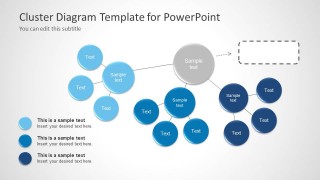
- A strategy team can use the node-link cluster network to discuss dependencies among initiatives, teams, or business units before prioritization.
Features
- 100% editable presentation template
- Compatible with Microsoft PowerPoint and Google Slides
- Scalable vector shapes, icons and illustrations
- AI-Ready for Microsoft Copilot and Claude
- Instant access and download
Frequently asked questions
Q: How should a presenter choose the right cluster layout from this template?
A: Start with the relationship you need the audience to understand. Use the hub-and-spoke layout when one central idea connects to many items, the linear cluster map when groups link across a chain, and the three-column hierarchy when you need side-by-side comparison. Keep each node label short so the pattern remains visible.
Q: Who is this cluster diagram template best suited for?
A: This template fits analysts, consultants, and business intelligence presenters who need to explain grouped observations without showing a dense data table. It is especially useful when the audience must see how segments, variables, behaviors, or concepts form clusters before discussing conclusions, actions, or follow-up analysis.
Q: Why do the connected circles and color groups help communication?
A: The circular nodes create a visual metaphor for clusters, while connecting lines show association without forcing a strict process order. The blue color families separate categories and intensity levels, and the gray central nodes act as anchors. This helps the audience read structure first, then inspect individual labels.
Cluster Diagram Template for PowerPoint
6-slide PowerPoint presentation template for cluster diagrams, hub-and-spoke networks, and relationship mapping
Cluster Diagram Template for PowerPoint is a 6-slide diagram set for presenting cluster analysis, data mining patterns, and grouped relationships. Visible layouts include a cover cluster chain with callout, linear cluster map, three-column cluster hierarchy, hub-and-spoke network, and node-link cluster. It is intended for analysts, consultants, and business intelligence presenters.


 Loading...
 Microsoft PowerPoint
  Microsoft Copilot
  Claude for PowerPoint
 Other formats supported
Subscribe today and get immediate
access to download our PowerPoint templates.