Slide 6 of 6 from Cluster Diagram Template for PowerPoint
6052-01-cluster-diagram-6
Cluster Diagram with Nodes for Analysis
- Diagram
- Other
- Concept Explanation Slide
- 16:9
- 100% Editable
The Cluster Diagram with Nodes slide from the Cluster Diagram Template for PowerPoint offers a clear visualization of interconnected concepts using editable shapes and vector icons. This slide layout is suited for business presentations and brainstorming sessions, enabling users to illustrate relationships among data points effectively within a corporate presentation or pitch deck template.
What’s on This Slide
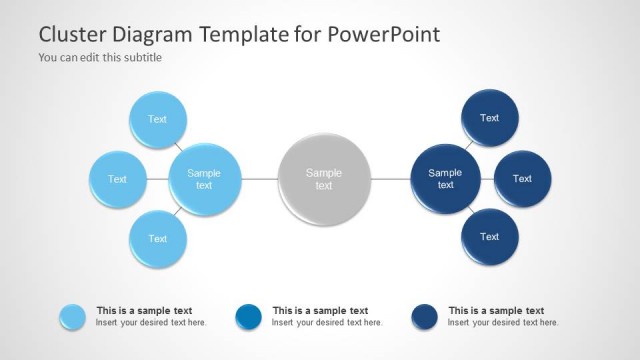
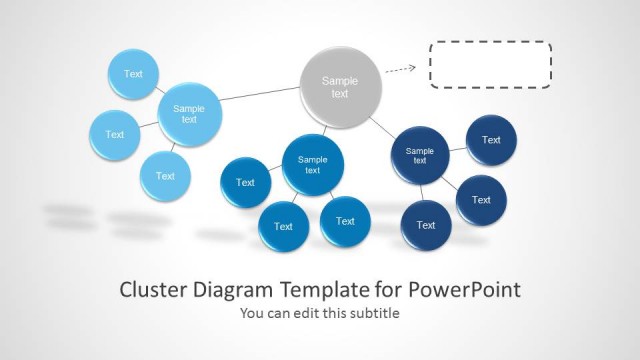
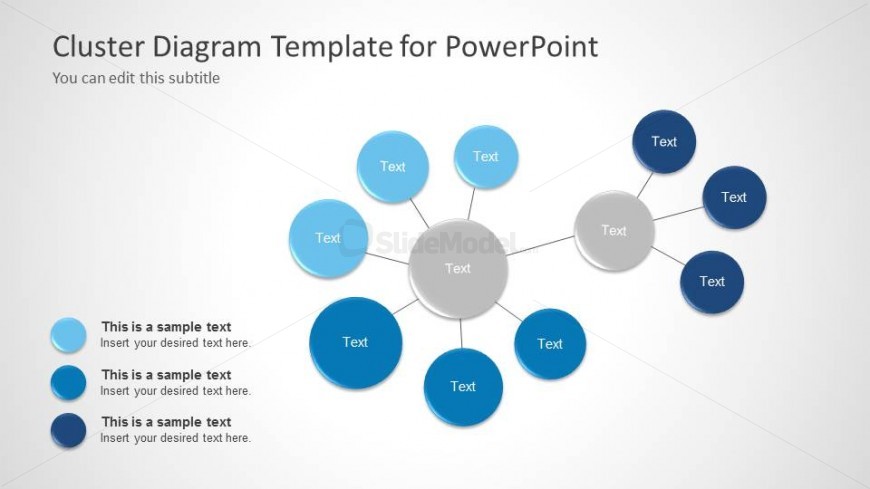
The layout features a central node surrounded by eight peripheral nodes. The central node is gray and larger, while the surrounding nodes are in varying shades of blue. Each node contains a text placeholder, with the central node's placeholder positioned prominently in the middle. The peripheral nodes are evenly spaced around the central node, connected by thin lines. The background is light gray, enhancing the visibility of the nodes. The overall composition is circular, emphasizing relationships among the elements.
How to Use It
This layout serves as a cluster diagram, ideal for illustrating relationships or groupings among concepts. It fits well in presentations discussing data analysis, brainstorming sessions, or organizational structures. This structure is effective for visualizing interconnected ideas, making it suitable for business intelligence discussions or project planning. It can be used to highlight key themes or categories within a larger topic, providing clarity in complex information.
Text Placeholders & Capacity
Keep your copy within these limits so it fits without resizing. Node labels can hold about 20 characters each, while the body text has a larger capacity.
| Placeholder | Count | Max characters (approx.) |
|---|---|---|
| Item heading | 8 | 20 |
| Item body | 1 | 30 |
| Slide title | 1 | 40 |
| Subtitle | 1 | 40 |
Slide Keywords
Download unlimited PowerPoint templates, charts and graphics for your presentations with our annual plan.
DOWNLOADReturn to Cluster Diagram Template for PowerPoint.