Slide 11 of 13 from Client Onboarding PowerPoint Template
FAQs Slide for PowerPoint – Client Onboarding Template
FAQs Section for Client Onboarding Presentation
- Text Layout
- Other
- Context Slide
- 16:9
- 100% Editable
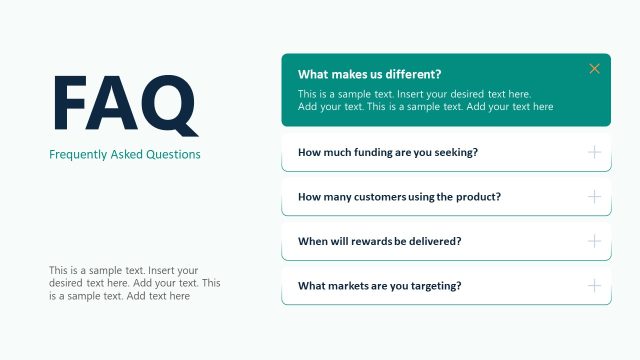
The FAQs Section with Icons slide from the Client Onboarding PowerPoint Template provides a clear, structured format for addressing common client questions. This slide layout uses editable shapes and vector icons to visually enhance responses, making it suitable for business presentations, training materials, and service explanations within a slide deck.
What’s on This Slide
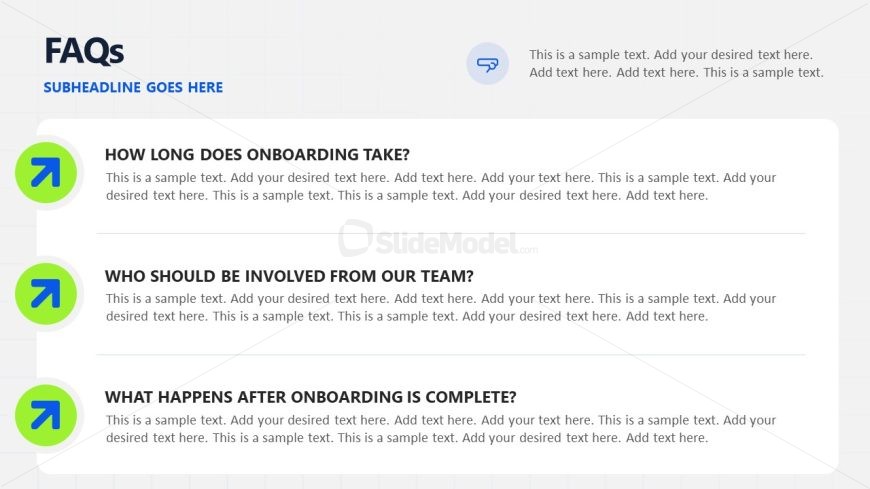
The layout features a title at the top left, with a subtitle positioned directly below it. Three sections are arranged vertically, each containing a question in bold text aligned to the left. Each question is accompanied by a circular icon on the left, featuring an upward arrow in a green circle. Below each question, there is a text placeholder for responses, aligned to the left and extending across the width of the slide. A small icon resembling a speech bubble is placed in the top right corner. The background is light gray with a subtle grid pattern.
How to Use It
This layout serves as a question-and-answer format, ideal for addressing common inquiries during the onboarding process. It fits well after introductory slides, providing clarity on client expectations. This structure is useful in business contexts where FAQs are relevant, such as client onboarding sessions, training materials, or service explanations. It allows for clear communication of essential information while engaging the audience with visual elements.
Text Placeholders & Capacity
Keep your copy within these limits so it fits without resizing. Node body slots can hold roughly 30-40 words each.
| Placeholder | Count | Max characters (approx.) |
|---|---|---|
| Slide title | 1 | 30 |
| Subtitle | 1 | 30 |
| Item heading | 3 | 50 |
| Item body | 3 | 200 |
| Callout | 1 | 50 |
Slide Keywords
Download unlimited PowerPoint templates, charts and graphics for your presentations with our annual plan.
DOWNLOADReturn to Client Onboarding PowerPoint Template.