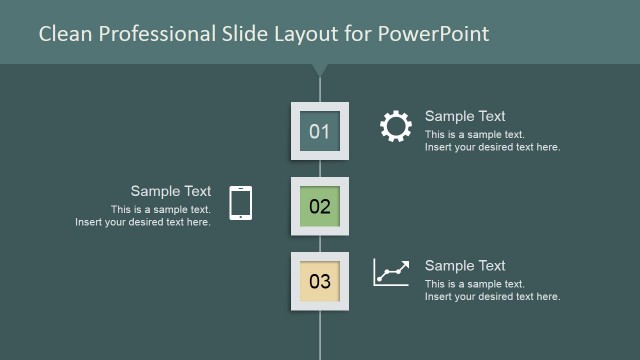
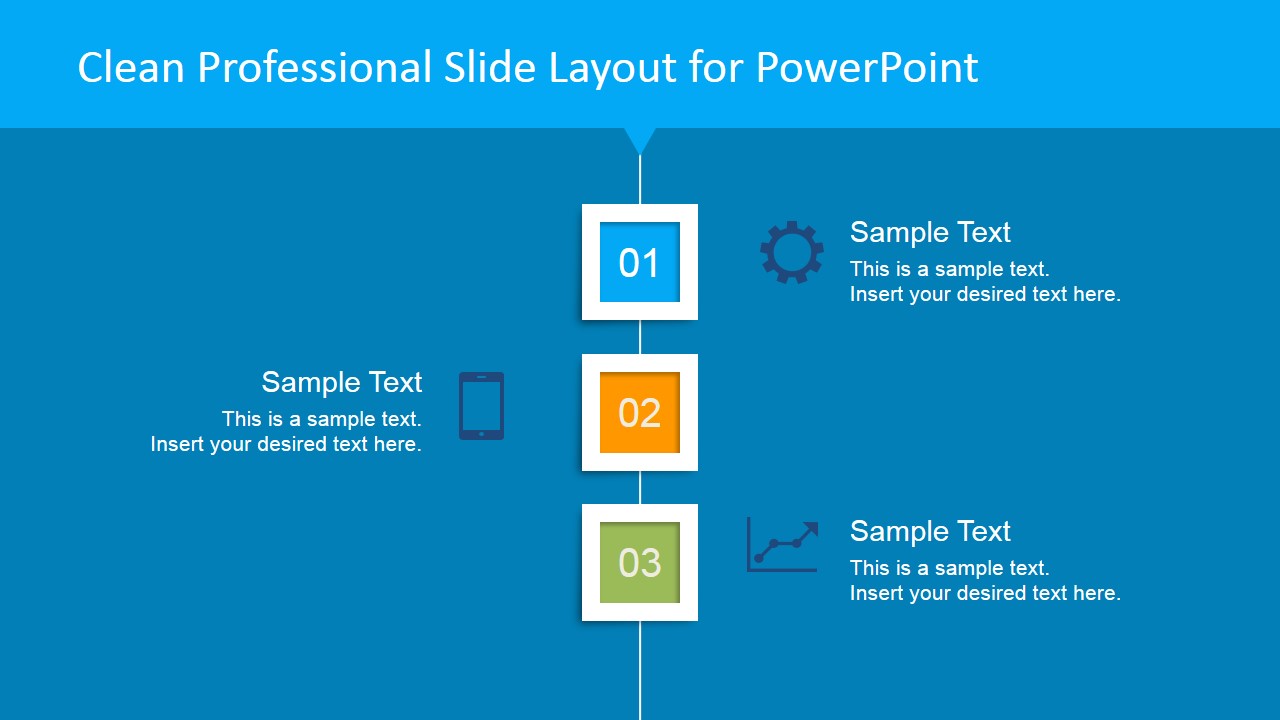
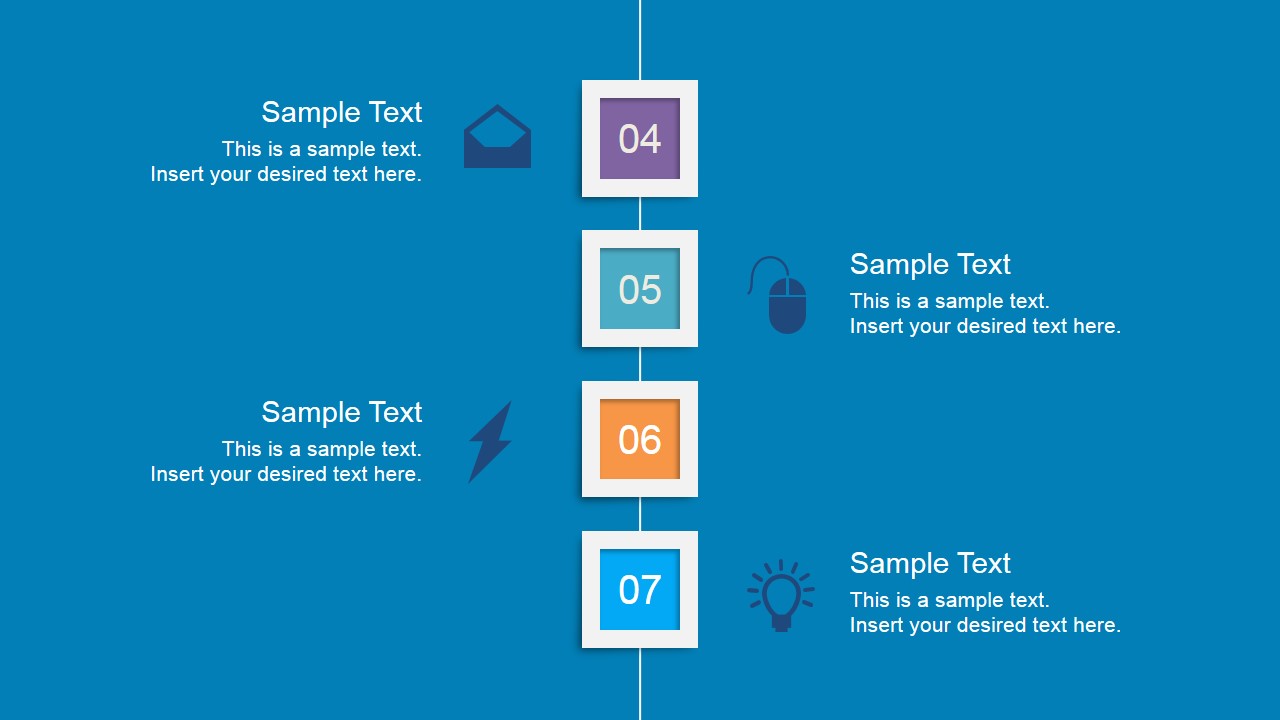
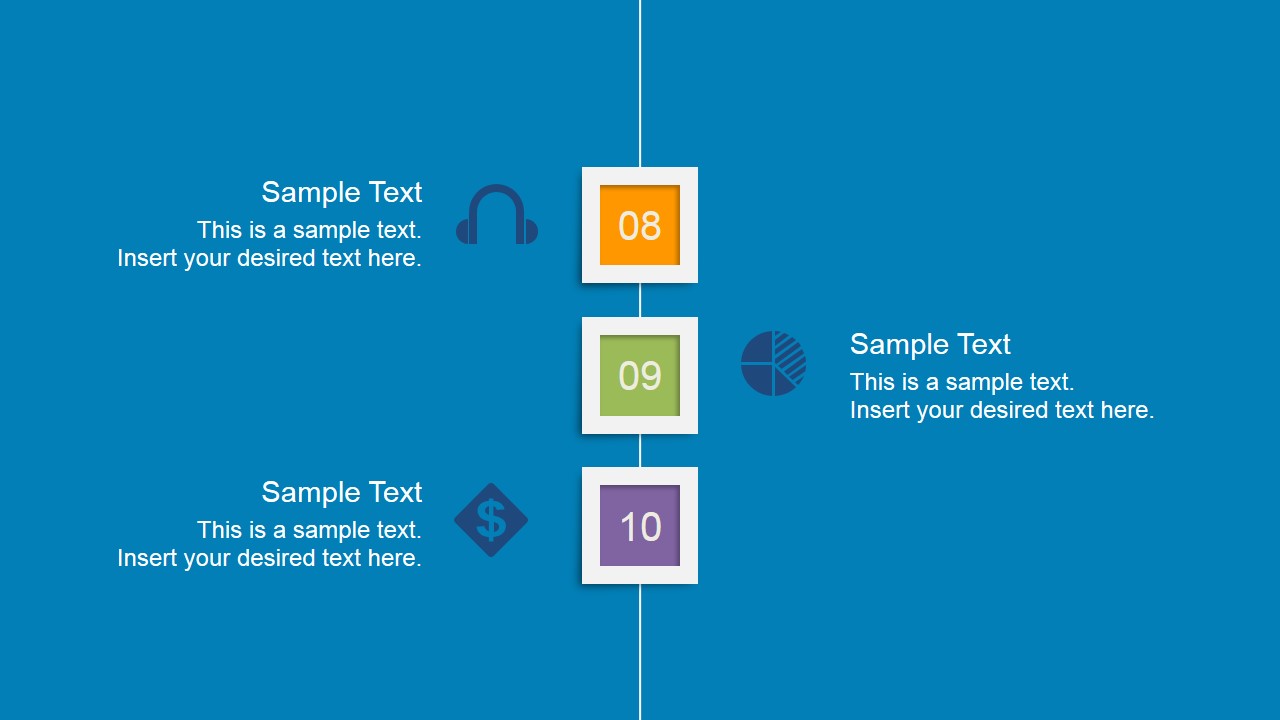
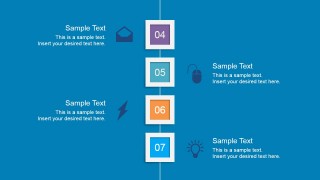
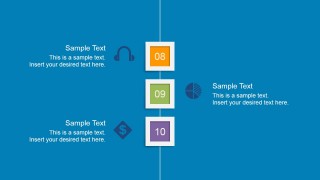
Clean Blue Professional Vertical Layout is a presentation template for Microsoft PowerPoint containing a creative layout with vertical design that you can use to present a timeline with milestones, make a presentation agenda or present key concepts in a PowerPoint presentation.
This is a new color variant of the previous published Clean PowerPoint Vertical Layout with Green color style using the Google Material colors. You can download this vertical layout template for PowerPoint to enhance your presentations and make slides with fresh and new styles.
What’s inside this template
Example presentation scenarios
- A project manager can use the 10-step vertical timeline to walk stakeholders through project phases, assigning each numbered card to a milestone and each icon to a workstream.
- A consultant can present an implementation plan by placing key recommendations in the alternating text callouts and using the icon sheet to mark technology, finance, analytics, and communication topics.
- A training facilitator can structure a short course outline with slides 1 to 3 as module segments and the numbered squares as lesson checkpoints.
- A product manager can map a rollout agenda across the vertical steps, using the title slide area, milestone cards, and business icons to keep the sequence easy to follow.
Features
- 100% editable presentation template
- Compatible with Microsoft PowerPoint and Google Slides
- 16:9 aspect ratio slides
- Scalable vector shapes, icons and illustrations
- AI-Ready for Microsoft Copilot and Claude
- Instant access and download
Frequently asked questions
Q: How should a presenter make the 10-step sequence easy to follow?
A: Treat the numbered squares as the main spine of the message and keep each callout to one clear action, decision, or milestone. Use the icons as recognition cues, not decoration. If the process has phases, group steps 01 to 03, 04 to 07, and 08 to 10 as separate speaking beats.
Q: Who is this template best suited for?
A: This template fits presenters who need to explain a short linear sequence without building a full project plan. Project managers, consultants, trainers, and product leads can use it for agendas, process walkthroughs, rollout steps, or onboarding outlines where the audience needs order, pacing, and quick topic recognition.
Q: Why does the vertical layout work for agendas and processes?
A: The centered vertical line creates a clear path for the eye, while numbered cards show progress from one point to the next. Alternating text blocks prevent the slide from feeling one-sided, and the icon metaphors, such as lightbulb, chart, and money, help the audience remember the role of each step.


Clean Professional Vertical Layout for PowerPoint (Blue)
4-slide presentation template with blue vertical timeline steps and vector business icon set
Clean Professional Vertical Layout for PowerPoint (Blue) is a 4-slide presentation template built around blue vertical milestone layouts for a 10-step agenda, timeline, or process. It includes numbered step cards, alternating text callouts, business icons, and a separate vector icon sheet for presenters working in Microsoft PowerPoint or Google Slides.
- Category
- Text & Tables
- Rating


 Loading...
- Aspect ratio
- 16:9
- Item ID
- 6758-03
- Colors
 Microsoft PowerPoint
  Microsoft Copilot
  Claude for PowerPoint
 Other formats supported
Subscribe today and get immediate
access to download our PowerPoint templates.