Slide 11 of 13 from CIRQA Business PowerPoint Template
Performance Comparison Discussion Slide – CIRQA Business Template
Performance Comparison Slide Overview
- Chart
- Line Chart
- Evaluation Slide
- 16:9
- 100% Editable
The Performance Comparison Slide from the CIRQA Business PowerPoint Template offers a clear line chart layout ideal for quarterly performance reviews and growth strategy presentations. This slide template features editable shapes and vector icons that enhance data visualization, making it suitable for corporate presentations and business presentation slide decks requiring precise evaluation of performance metrics over time.
What’s on This Slide
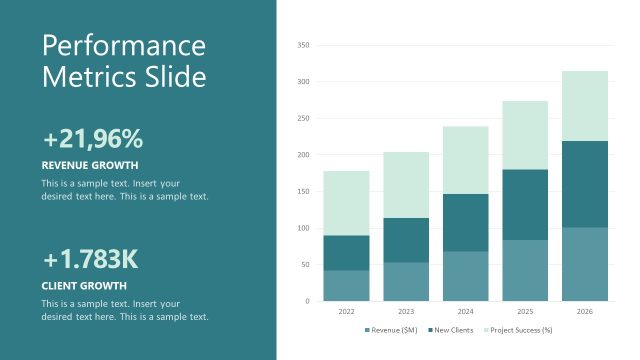
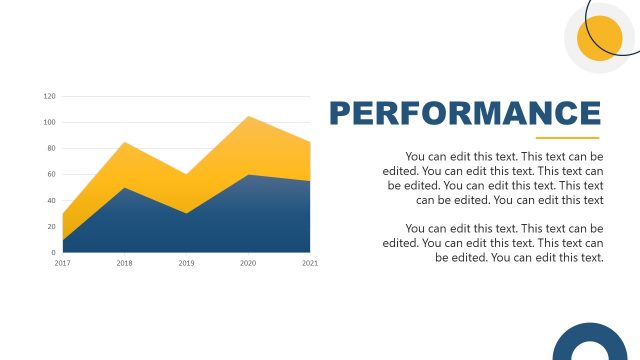
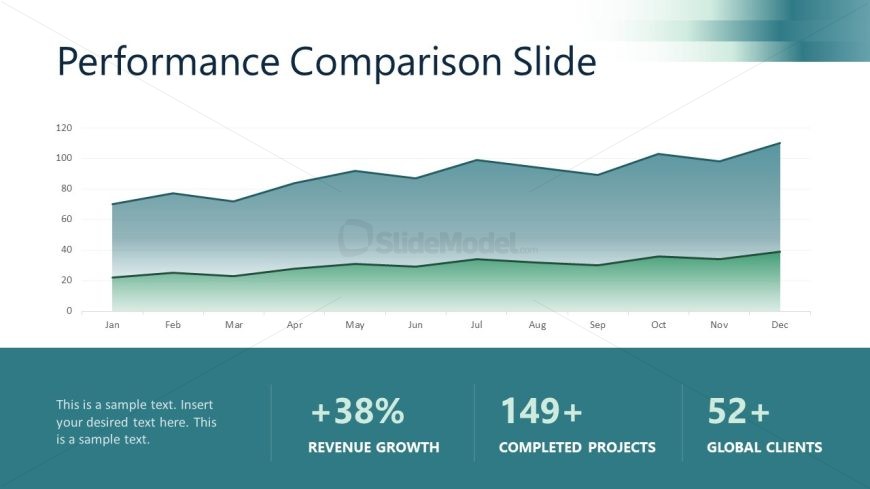
The slide features a line chart positioned centrally, depicting performance metrics over months from January to December. The chart has a gradient fill, transitioning from light green to dark green, with a maximum value of 120 on the vertical axis. Above the chart, the title is aligned left, using a large, bold font. Below the chart, there are three text placeholders aligned horizontally, each containing sample text with varying emphasis. The overall color scheme includes a teal background at the bottom, creating a clear visual separation from the chart.
How to Use It
This layout serves to present performance metrics in a clear, visual format, ideal for business reviews or investor presentations. It fits well within a sequence that discusses company growth or market performance. Scenarios include quarterly performance reviews, project updates, or growth strategy discussions, where visual data representation is crucial for effective communication.
Text Placeholders & Capacity
Keep your copy within these limits so it fits without resizing. Body slots can hold around 10-12 words each.
| Placeholder | Count | Max characters (approx.) |
|---|---|---|
| Slide title | 1 | 30 |
| Body paragraph | 3 | 50 |
Slide Keywords
Download unlimited PowerPoint templates, charts and graphics for your presentations with our annual plan.
DOWNLOADReturn to CIRQA Business PowerPoint Template.