Slide 2 of 7 from Circular Labels Six Steps PowerPoint Diagram
Slide of Six Step Labels Circular Diagram
Circular Labels Diagram for PowerPoint
- Diagram
- Circular Cycle
- Process Slide
- 16:9
- 100% Editable
What’s on This Slide
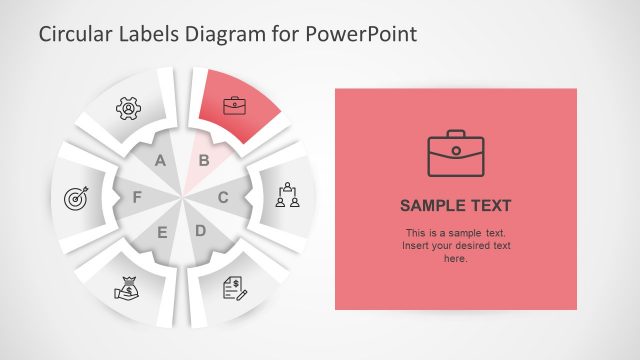
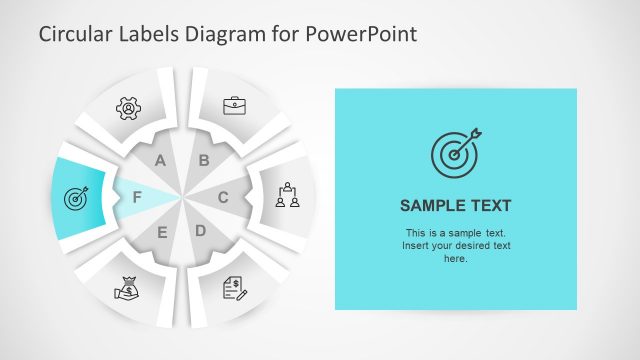
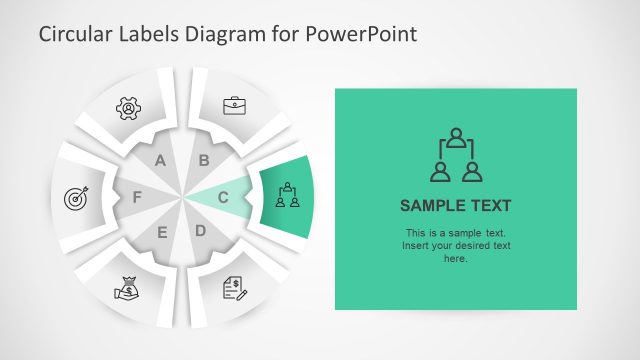
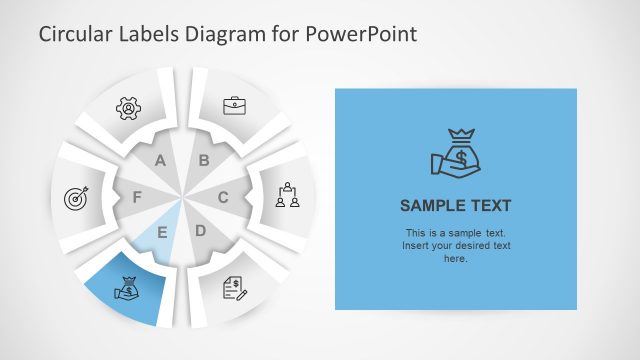
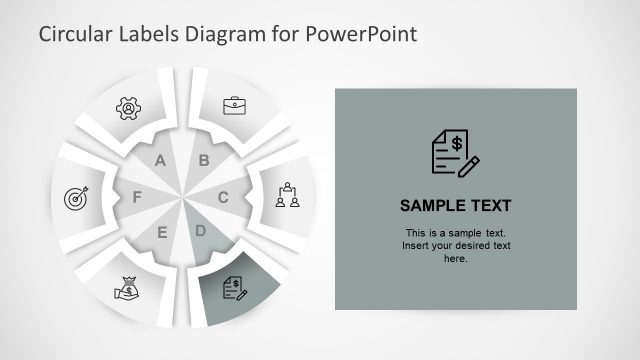
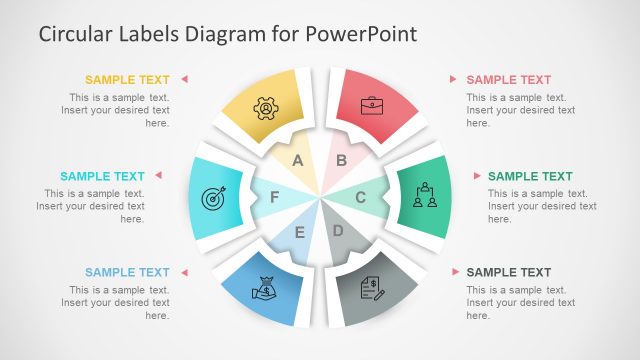
The layout features a circular diagram divided into six segments, each labeled with letters A through F. Each segment contains an icon representing different concepts, positioned within the segments. To the right, there is a rectangular placeholder with a yellow background, containing sample text and an icon. The circular diagram is centered on the left side, while the text placeholder is aligned to the right. The overall composition uses a light background, creating a clear visual hierarchy between the diagram and the text area.
How to Use It
This layout serves as a step-by-step process diagram, ideal for illustrating sequential concepts or stages. It fits well within a presentation that discusses methodologies or frameworks, allowing for easy visual reference. Scenarios include project management, strategic planning, or educational content where each step or component needs clear labeling. The circular format emphasizes continuity and connection among the steps, making it suitable for both business and academic contexts.
Text Placeholders & Capacity
Keep your copy within these limits so it fits without resizing. Node labels can hold single characters, while the body paragraph can accommodate about 25 words.
| Placeholder | Count | Max characters (approx.) |
|---|---|---|
| Item heading | 6 | 1 |
| Body paragraph | 1 | 150 |
| Chart title | 1 | 30 |
Slide Keywords
Download unlimited PowerPoint templates, charts and graphics for your presentations with our annual plan.
DOWNLOADReturn to Circular Labels Six Steps PowerPoint Diagram.