Slide 5 of 7 from Circular Labels Six Steps PowerPoint Diagram
Creative Arrow Shape Circular Diagram
Circular Labels Six Steps Diagram for PowerPoint
- Diagram
- Circular Cycle
- Process Slide
- 16:9
- 100% Editable
What’s on This Slide
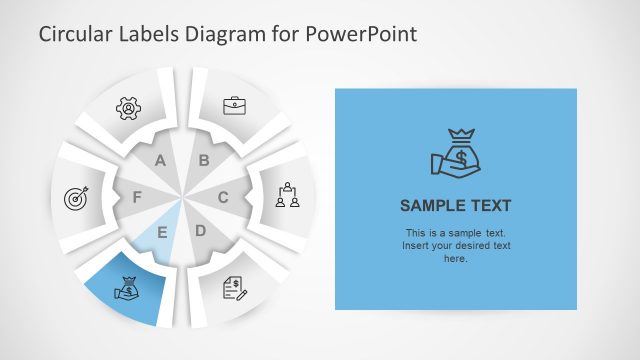
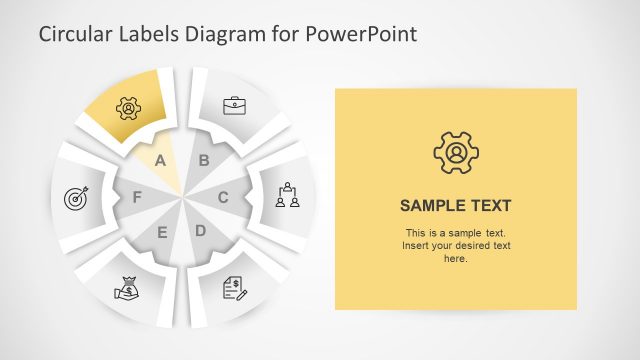
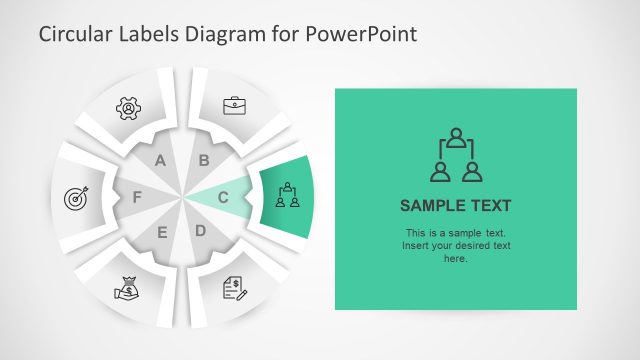
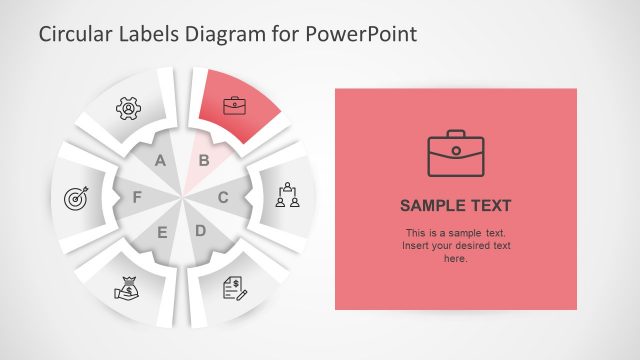
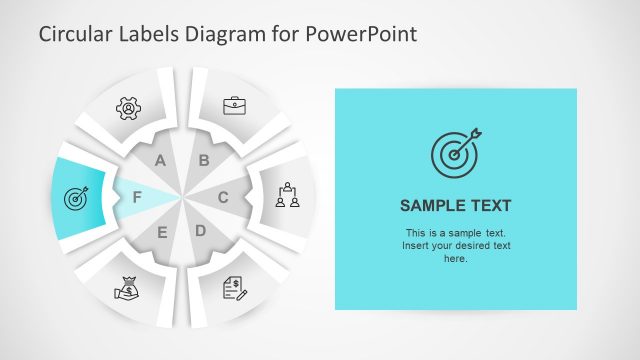
The layout features a circular diagram divided into six segments labeled A through F. Each segment contains an icon representing various concepts, positioned at the center of each segment. To the right, there is a rectangular text box with a gray background, containing sample text and a placeholder for additional content. The overall composition is balanced, with the circular diagram on the left and the text box on the right. The color scheme is monochromatic with shades of gray, enhancing visual clarity and focus on the icons and text.
How to Use It
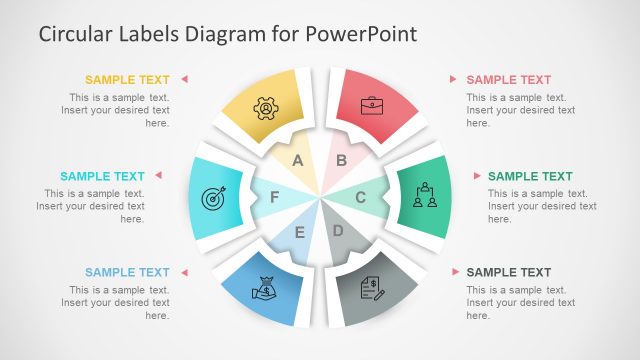
This layout serves as a six-step process diagram, ideal for outlining sequential concepts or phases in a presentation. It fits well after a problem statement slide, providing a clear visual transition to solutions or strategies. Suitable for business contexts, it can be used to present project steps, marketing strategies, or operational processes. The right-side text box allows for detailed explanations or notes related to each step, enhancing audience understanding and engagement.
Text Placeholders & Capacity
Keep your copy within these limits so it fits without resizing. Node labels can hold short phrases, while the body paragraph can accommodate detailed explanations.
| Placeholder | Count | Max characters (approx.) |
|---|---|---|
| Slide title | 1 | 30 |
| Item heading | 6 | 10 |
| Body paragraph | 1 | 150 |
Slide Keywords
Download unlimited PowerPoint templates, charts and graphics for your presentations with our annual plan.
DOWNLOADReturn to Circular Labels Six Steps PowerPoint Diagram.