Slide 3 of 7 from Circular Labels Six Steps PowerPoint Diagram
Circular Organizational Diagram Template
Circular Labels Diagram for PowerPoint
- Diagram
- Circular Cycle
- Process Slide
- 16:9
- 100% Editable
What’s on This Slide
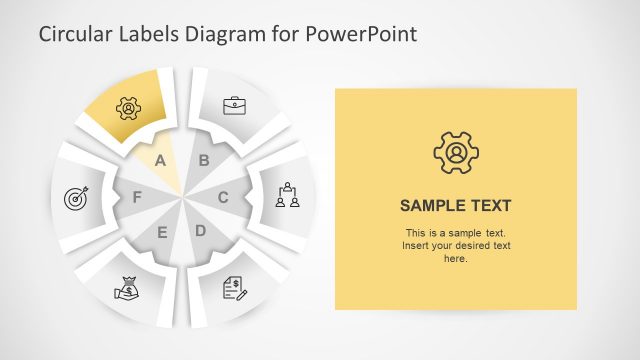
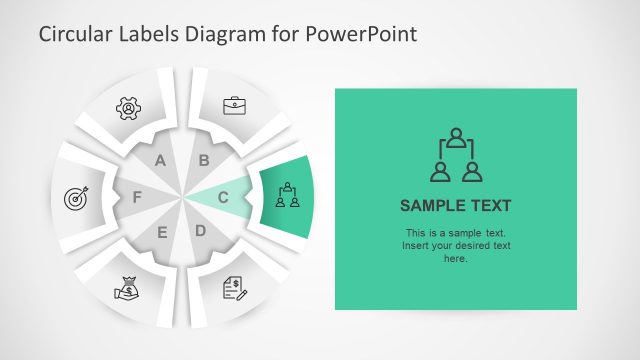
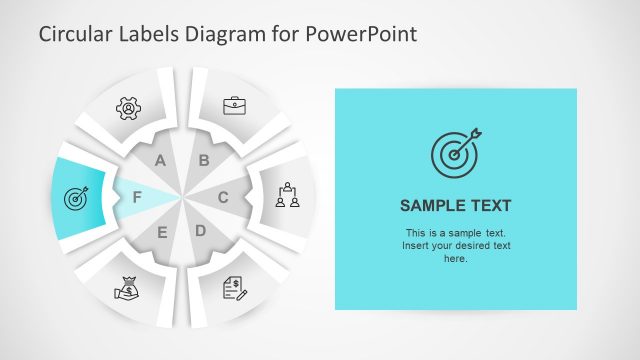
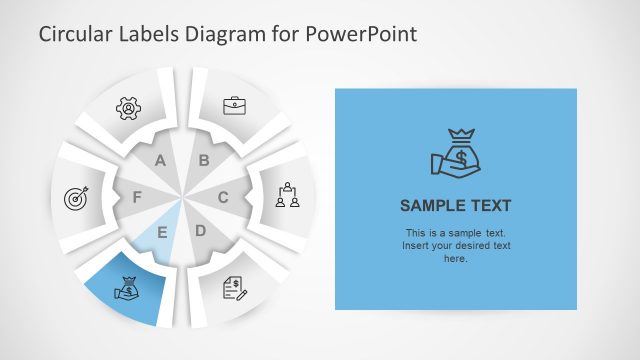
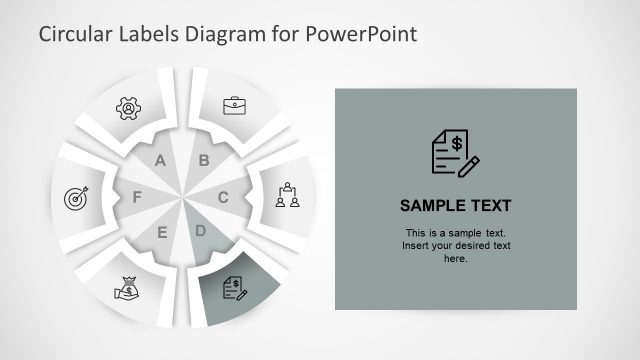
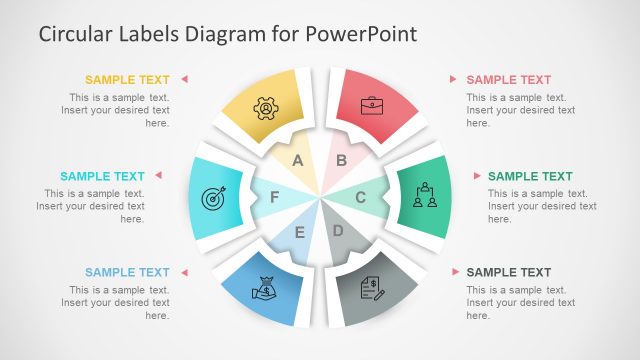
The layout features a circular diagram divided into six sections labeled A to F, with one section highlighted in red. Each section contains an icon representing different concepts, such as a briefcase and gears. To the right, there is a rectangular text box with a red background, containing sample text that is centrally aligned. The overall composition emphasizes the circular flow of information, with the highlighted section drawing attention. The background is light, enhancing the visibility of the elements.
How to Use It
This layout serves as a visual representation of a six-step process or framework. It fits well in presentations that require a clear depiction of sequential stages or components. Suitable scenarios include project management, strategic planning, or process improvement discussions. The highlighted section allows for emphasis on a specific step or concept, making it useful for presentations that need to prioritize information effectively.
Text Placeholders & Capacity
Keep your copy within these limits so it fits without resizing. Text slots are spacious, allowing for concise content in each area.
| Placeholder | Count | Max characters (approx.) |
|---|---|---|
| Slide title | 1 | 30 |
| Item heading | 6 | 10 |
| Body paragraph | 1 | 150 |
Slide Keywords
Download unlimited PowerPoint templates, charts and graphics for your presentations with our annual plan.
DOWNLOADReturn to Circular Labels Six Steps PowerPoint Diagram.