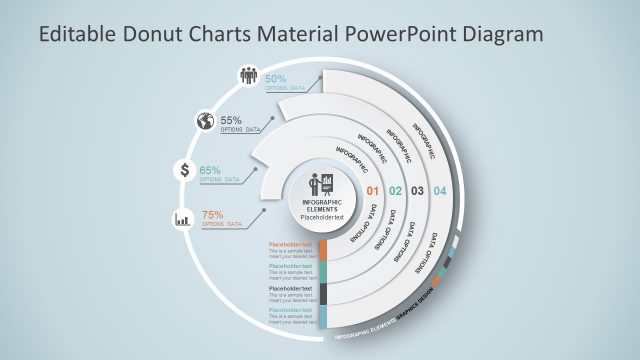
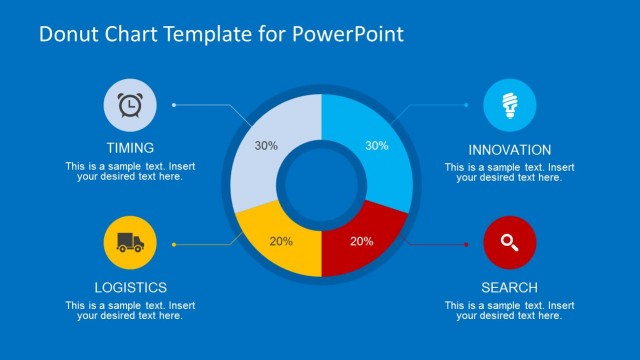
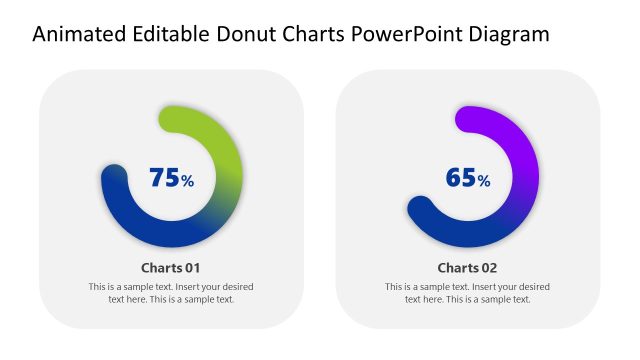
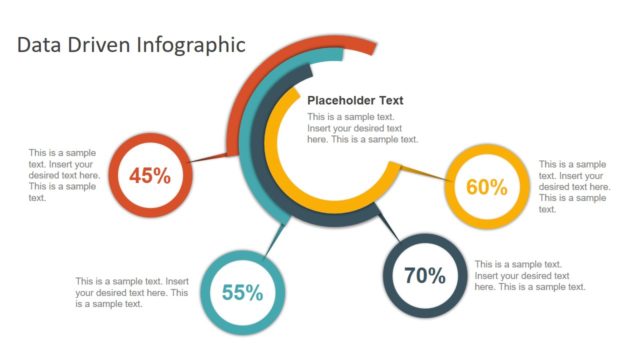
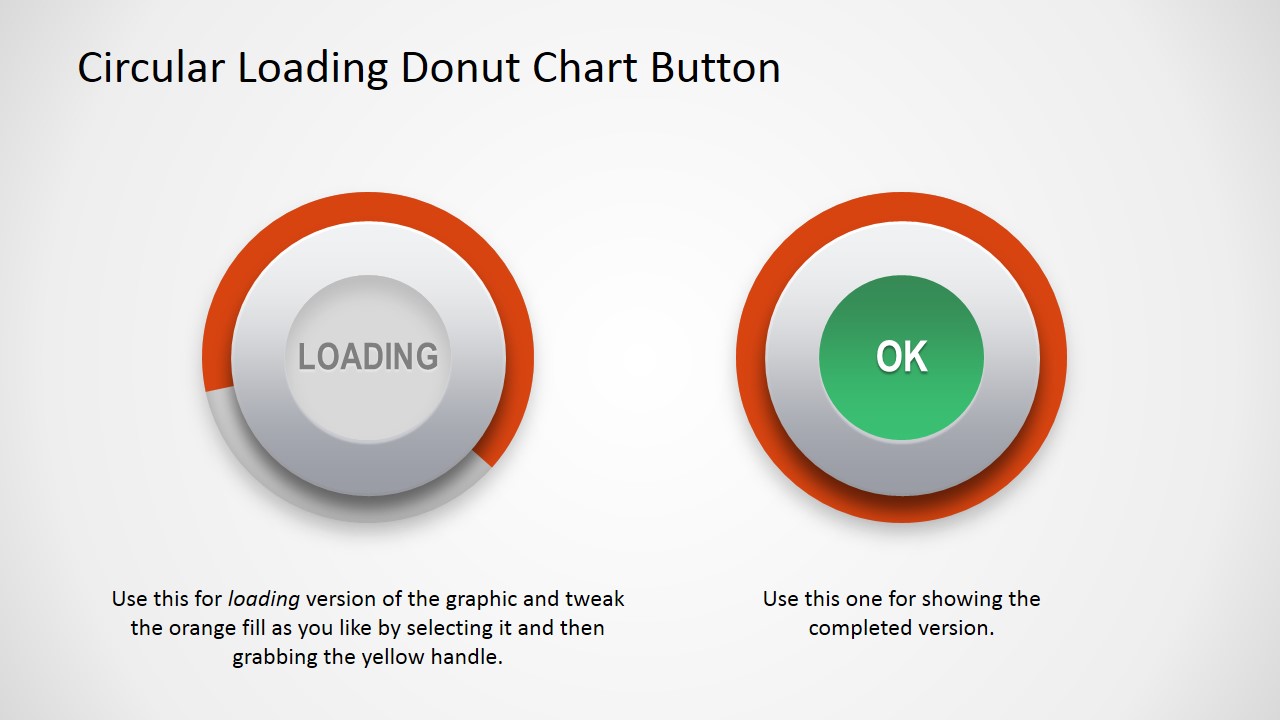
Circular Donut Chart Button is a creative design for PowerPoint with a nice loading button design and material design effects. Ideal for decorating PowerPoint Dashboards or to highlighting an important KPI in your presentation. The shapes is created with PowerPoint shapes, allowing the user to fully customize its appearance and visual effects.
The loading metaphor can be applied in very heterogeneus domains as business processes, marketing campaigns and even quarterly reports. The shapes can be resized to be included inside tables or existing presentations, without losing visual quality because of their vectorial nature.
Alternatively, you can download other infographics for PowerPoint and creative slide templates to make visually appealing presentations.
What’s inside this template
Example presentation scenarios
- A business analyst can add the loading donut button to a KPI dashboard to show whether a metric is still progressing or already complete.
- A project manager can use the OK completion button in a milestone review to mark finished tasks with a clear visual status indicator.
- A marketing manager can place the data-driven donut/pie chart button beside campaign metrics to show progress toward a target.
- An operations presenter can use the circular loading state in a quarterly report to highlight process readiness or implementation status.
Features
- 100% editable presentation template
- Compatible with Microsoft PowerPoint and Google Slides
- 16:9 aspect ratio slides
- Scalable vector shapes, icons and illustrations
- Data-driven charts, editable in Microsoft Excel
- AI-Ready for Microsoft Copilot and Claude
- Instant access and download
Frequently asked questions
Q: How should this circular button be used so it supports the message instead of distracting from it?
A: Treat the circular button as a status callout, not as the main analytical chart. Put it near one KPI, milestone, or process step and keep the center label short, such as Loading, OK, or a percentage. Use the data-driven version when the number must match a reported metric.
Q: What presentation situation is the best fit for this template?
A: This template fits dashboards, status reports, and project updates where the presenter needs a compact visual cue for progress or completion. It is especially useful for analysts, project managers, and marketing teams who already have surrounding data but need a clear indicator beside a KPI, campaign, or task.
Q: Why does the loading button metaphor work for business presentations?
A: The loading ring gives viewers an immediate progress metaphor, while the green OK center signals completion without requiring much text. The circular form also makes the status feel self-contained, so it can sit inside a table, dashboard, or process slide without competing with larger charts.

Circular Donut Chart Button for PowerPoint
2-slide presentation template with circular loading buttons, donut chart progress, and KPI status indicators
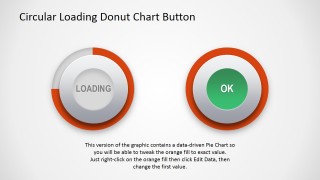
Circular Donut Chart Button for PowerPoint is a 2-slide, 16:9 presentation template with circular loading and completion button graphics. It includes a manual loading ring, an OK state button, and a data-driven donut/pie chart version for KPI status indicators, dashboards, and progress visuals in Microsoft PowerPoint and Google Slides.
- Category
- Shapes
- Rating

 Loading...
- Aspect ratio
- 16:9
- Item ID
- 2023-01
- Colors
 Microsoft PowerPoint
  Microsoft Copilot
  Claude for PowerPoint
 Other formats supported
Subscribe today and get immediate
access to download our PowerPoint templates.