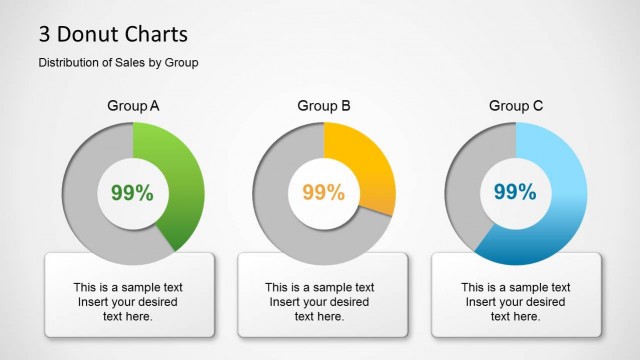
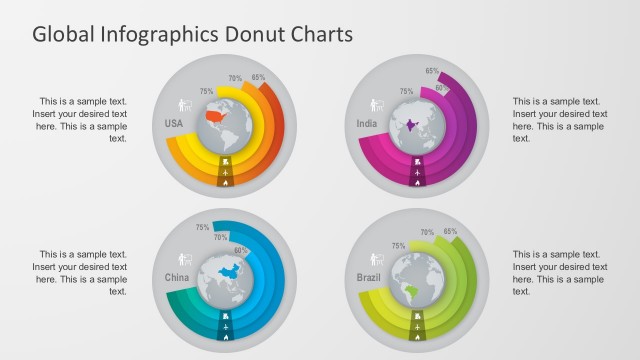
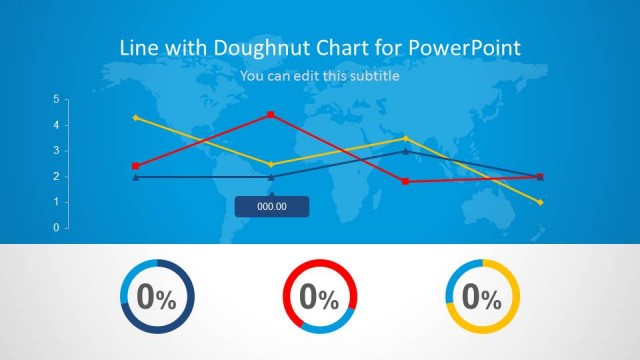
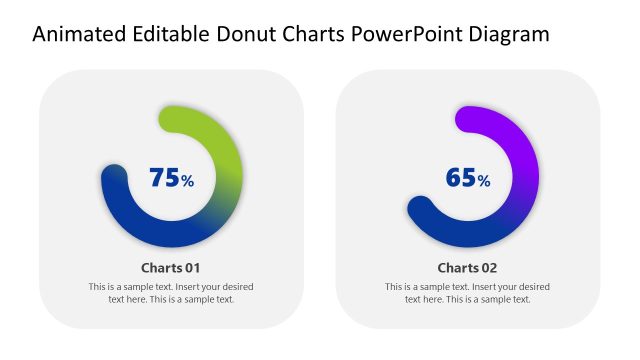
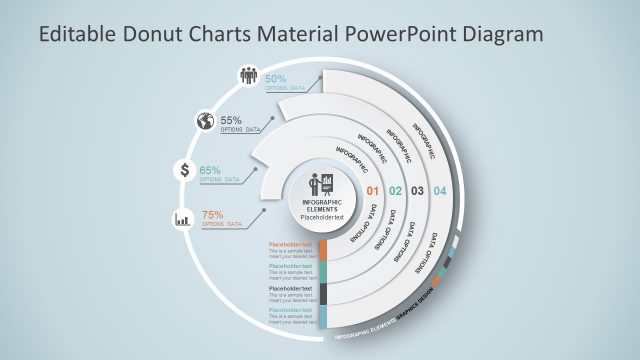
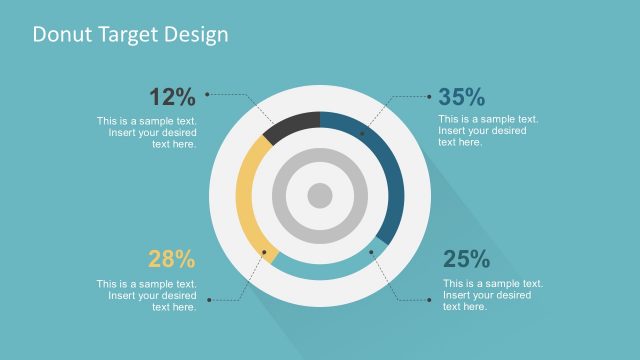
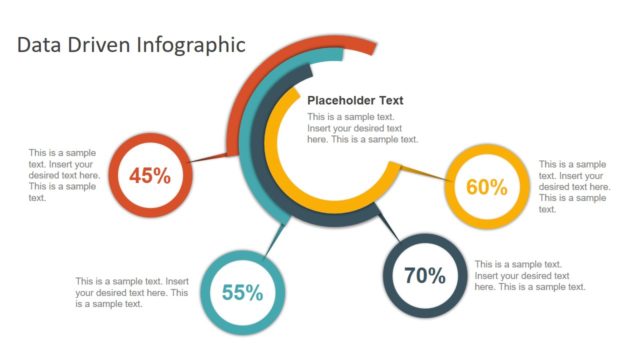
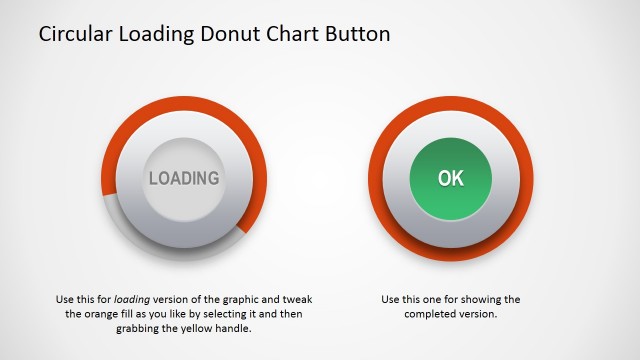
Improve the presentation of statistical data using the Donut Chart Template Design for PowerPoint. The template is a presentation theme containing creative doughnut diagrams that can be easily edited and customized for all presentation needs.
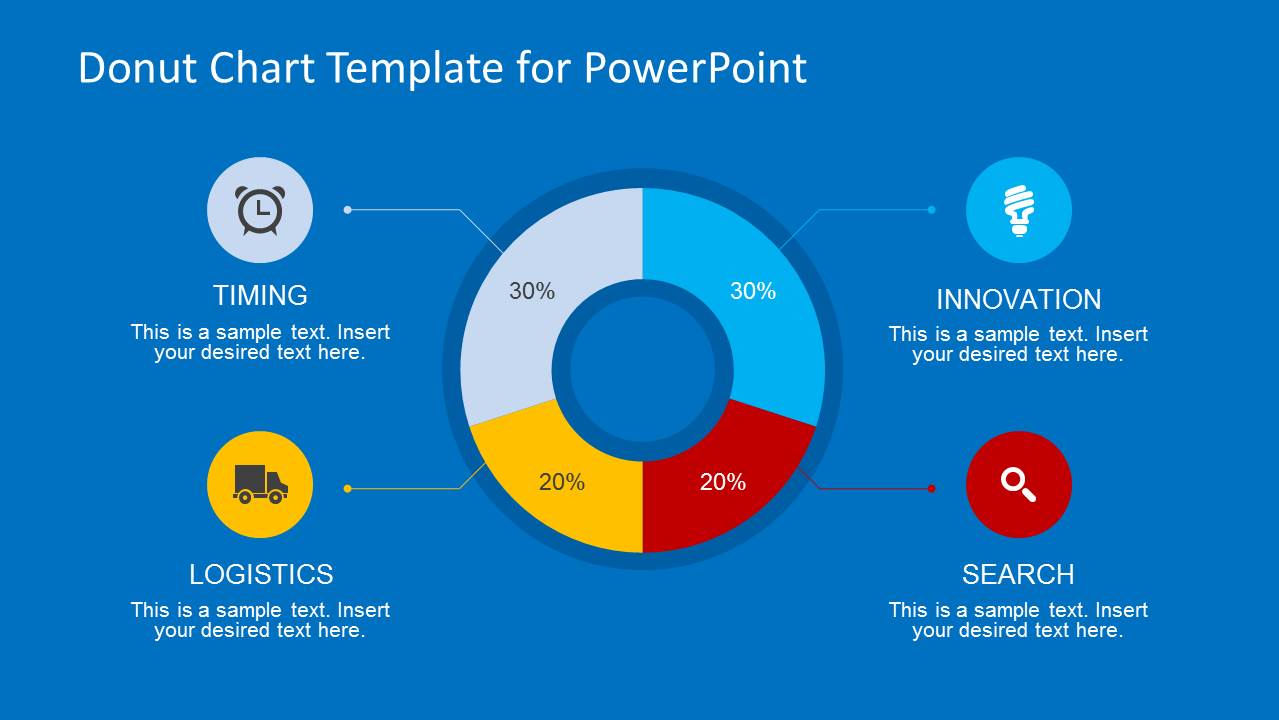
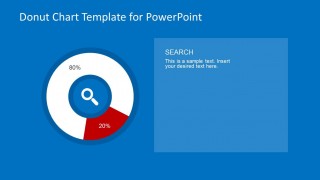
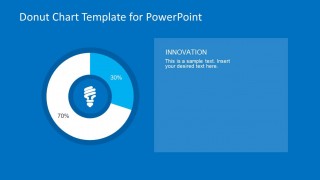
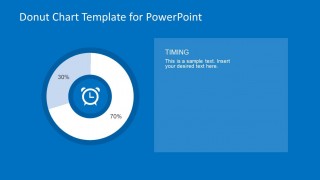
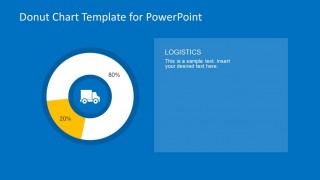
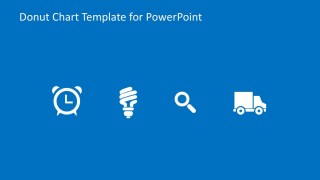
The template uses generic minimalist icons that the audience can easily relate to in these infographics. These flat-design icons include an alarm clock, a light bulb, a magnifying glass, and a delivery van. These are common symbols which have presumed definitions when they are used. For example, the alarm clock refers to time, the lightbulb to energy, the magnifying glass to discovery, and the delivery truck to delivery. These concepts can be translated to the doughnut charts as parts of a whole.
A doughnut chart can show the percentage distribution of the amount of resources given to a particular components of business, relative to the other components. The presenter can show that 20% of all manpower and other resources is allocated to research and discovery. This is then compared with the other components, allowing the audience and the presenter to analyze the proper allocation of the resources.
The Donut charts are created with PowerPoint Charts. They are 100% editable through excel data. No design customization is needed to change the values.
The Donut Chart Template Design for PowerPoint is suitable for business plans and deliberations where the comparison allocation are being discussed. The charts and graphs located in the slides can be edited with the Excel function, as they are data-driven, by using the raw data as input in a spreadsheet. The PowerPoint objects are fully customizable.
The user can combine this Donut Chart with additional graphics from our Data & Charts Gallery and create professional infographics that appeal to global audiences.
What’s inside this template
Example presentation scenarios
- An operations manager can report resource distribution by using the four-segment donut chart with timing, innovation, logistics, and search callouts.
- A logistics presenter can explain delivery-related allocation with the logistics donut chart and the truck icon text panel.
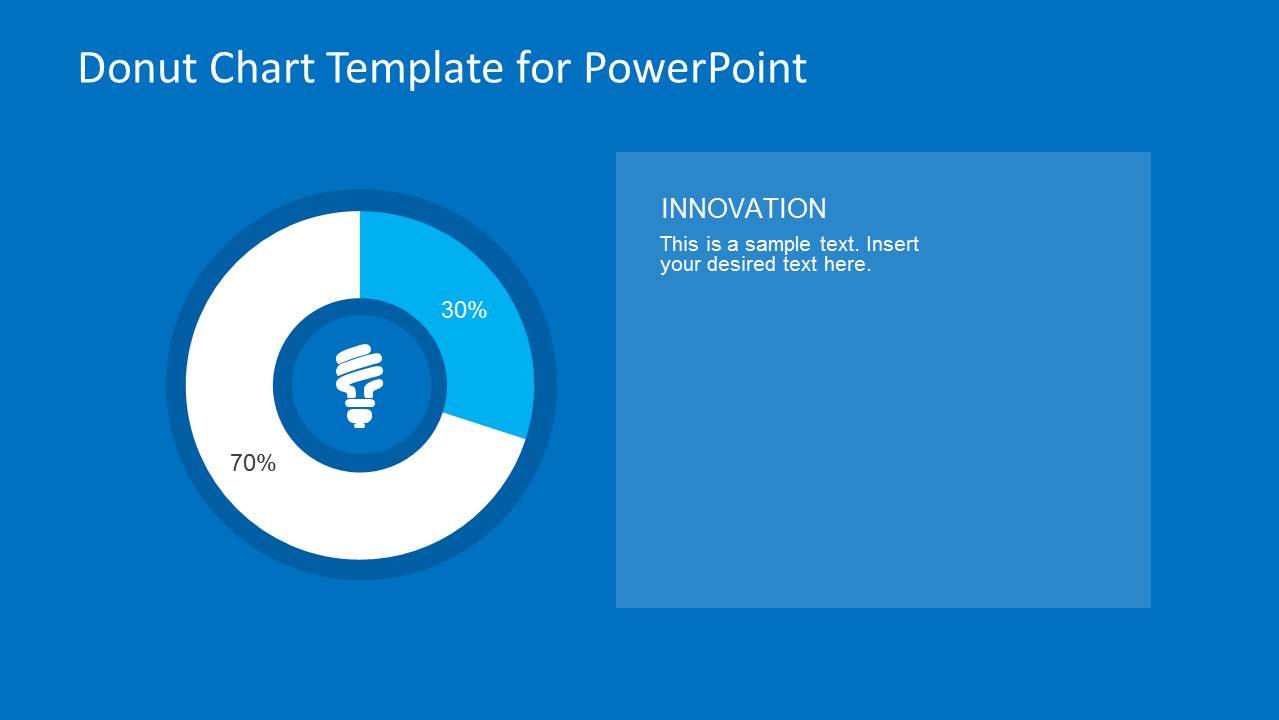
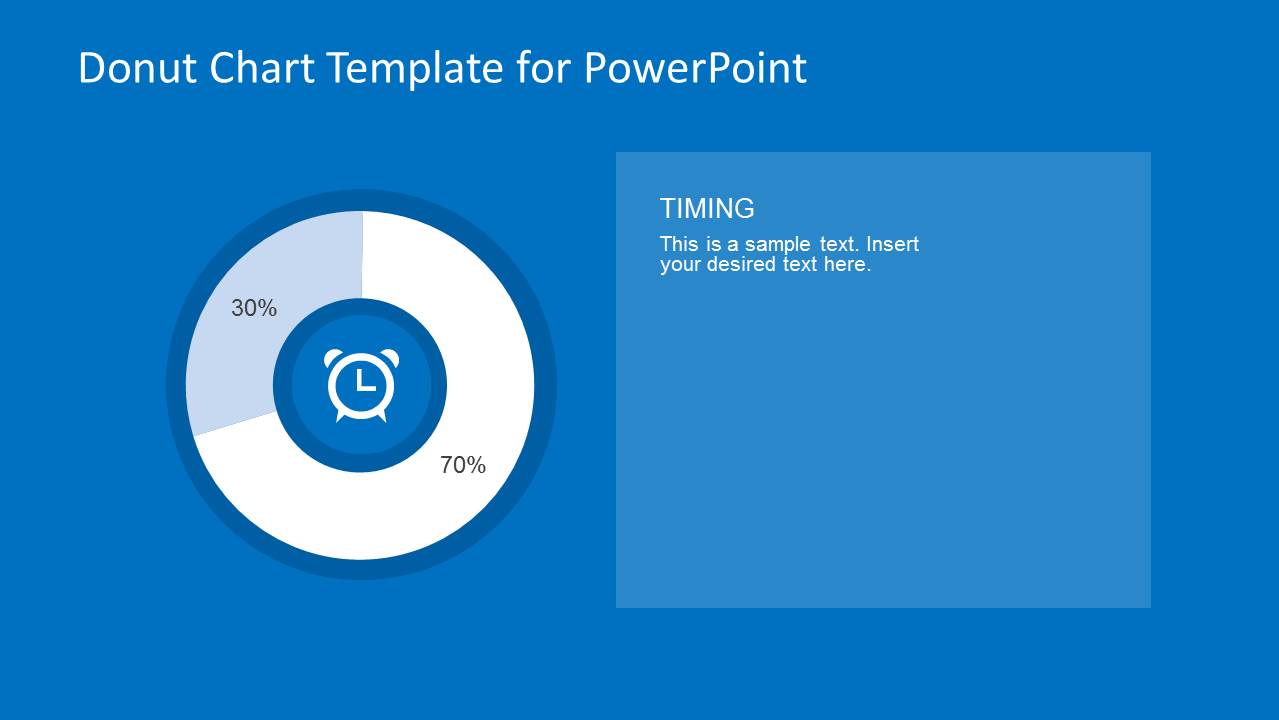
- A consultant can compare business priorities by assigning categories to the single-category donut chart slides and using the right-side text panels for interpretation.
- A data analyst can prepare a concise executive update by starting with the combined donut chart and then moving into the focused search, innovation, timing, and logistics views.
Features
- 100% editable presentation template
- Compatible with Microsoft PowerPoint and Google Slides
- 16:9 aspect ratio slides
- Scalable vector shapes, icons and illustrations
- AI-Ready for Microsoft Copilot and Claude
- Instant access and download
Frequently asked questions
Q: How should a presenter explain the donut charts without making the audience read every percentage?
A: Start with the four-part donut chart to establish the full allocation picture, then move to the focused category slides only for the areas that need explanation. Use the text panel to state the interpretation, not to repeat the label. The icon should act as a quick cue, while the spoken message explains why the percentage matters.
Q: When is this template a better fit than a bar chart or pie chart deck?
A: This template works best when the presenter needs to show parts of a whole and keep attention on a few business categories. Donut charts are useful for allocation, share, or capacity discussions where the exact category identity matters. The timing, logistics, innovation, and search icons make the categories easier to recognize in a short review.
Q: Why does the design use icons in the center of the donut charts?
A: The centered icons turn each donut chart into a labeled visual unit, which reduces the need for a long legend. The alarm clock, light bulb, magnifying glass, and truck act as business metaphors for time, ideas, discovery, and delivery. This helps audiences remember what each percentage represents after the slide changes.



Donut Chart Template Design for PowerPoint
6-slide donut chart presentation template for allocation, logistics, timing, innovation, and search metrics
Donut Chart Template Design for PowerPoint is a 6-slide data chart template for showing percentage splits and category allocation. It includes a four-part donut chart with callouts, single-category donut chart slides, editable text panels, and a vector icon slide. Chart data can be edited as an Excel spreadsheet in PowerPoint.
- Category
- Data & Charts
- Rating


 Loading...
- Aspect ratio
- 16:9, 4:3
- Item ID
- 6641-01
- Colors
 Microsoft PowerPoint
  Microsoft Copilot
  Claude for PowerPoint
 Other formats supported
Subscribe today and get immediate
access to download our PowerPoint templates.