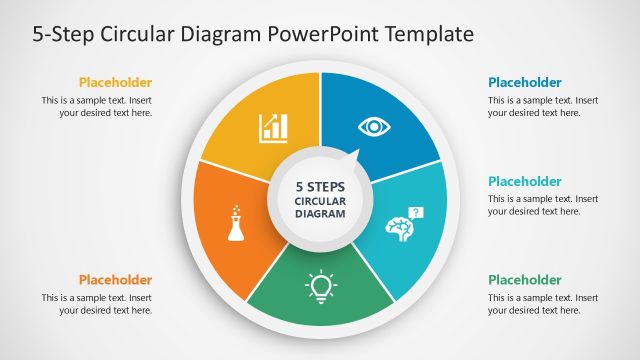
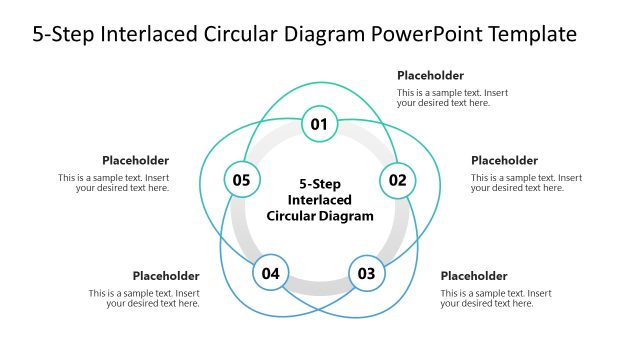
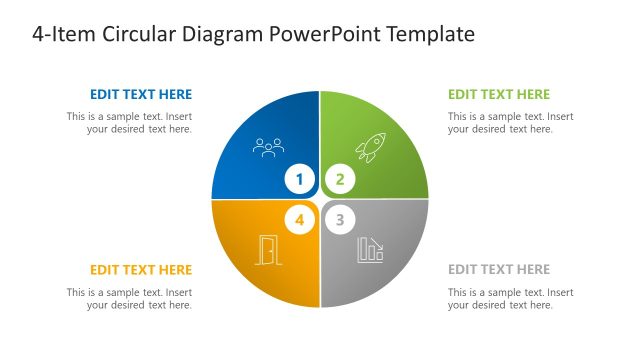
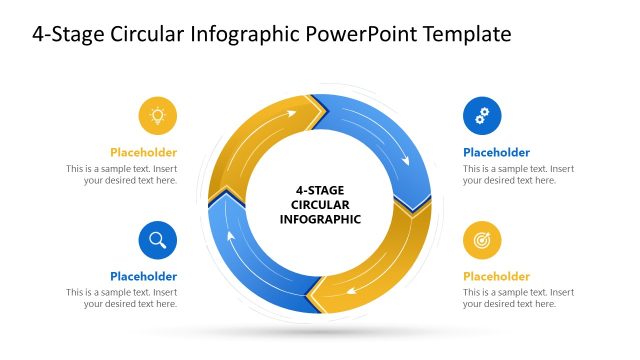
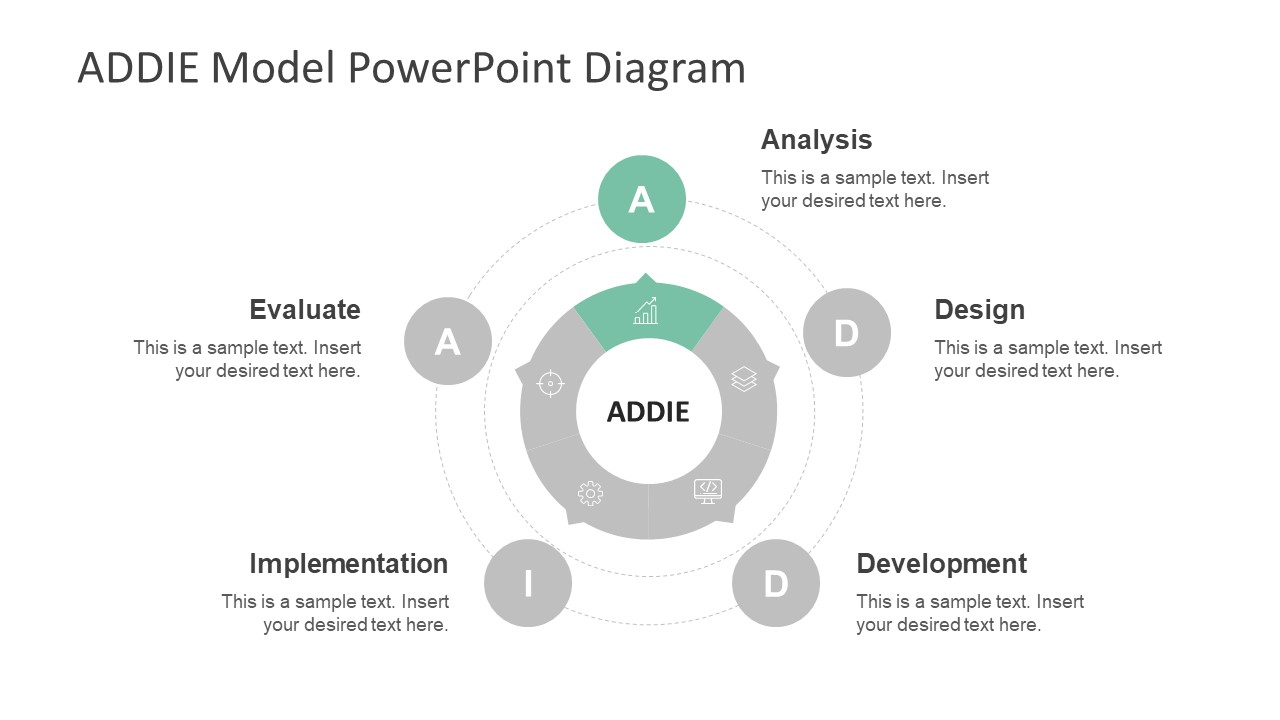
The Circular ADDIE Model PowerPoint Template is a learning and training methodology presentation. This circular model PowerPoint is a traditional design of five phase ADDIE, i.e., Analysis, Design, Development, Implementation, and Evaluation. Also, this is an infographic PowerPoint template of flat vector graphics and icons illustrating the components of the diagram. However, it is a business model design template to present a practical training and performance tool dynamically. The circular diagram template ADDIE model PowerPoint has six slides of the main template and subsequent designs. At the same time, these slides highlight one segment of 5 step circular diagram at a time. This model ppt presentation assists business professionals in creating flexible content for training programs.
The Circular ADDIE Model PowerPoint Template is a cycle process flow diagram presentation. Hence, the outcome of every step is an input to the subsequent stage. It is the commonly used project management tool slides aiding in the design and development framework presentation. Further, technology, management, skill development, and learning professionals can use this presentation for their projects, such as explaining the training procedure to the team or brainstorming certain strategies for effective delivery and desired outcomes. The ADDIE model, a PowerPoint of a circular diagram template, displays five processes, like the planets orbiting around the sun. Here is the basic functionality as a brief description of each element:
- Analysis: Collect data that clearly defines the scope and problem.
- Design: This is a planning stage with precise and realistic objectives.
- Development: Here, create a blueprint of the plan to develop and test the progress continually.
- Implementation: Delivering the outcome of development, training individuals on how to use these tools, and take feedback
- Evaluation: The assessment phase of the ADDIE model monitors each stage and assesses the project as a whole.
The circular ADDIE model PPT template is ideal for the organizations requiring to prepare training presentations. The graphics of business model templates assist the audience in understanding the logical flow of processes quickly.
What’s inside this template
Example presentation scenarios
- A learning and development manager can present a new training program roadmap by starting with the full ADDIE process wheel and then discussing each phase highlight slide.
- An instructional designer can brief stakeholders on course creation responsibilities by using the Analysis, Design, and Development highlight diagrams to separate discovery, planning, and build work.
- A project manager can explain a repeatable development framework to a cross-functional team using the circular cycle layout and editable phase notes.
- A corporate trainer can teach ADDIE basics in a workshop by using the center ADDIE label, phase initials, and icons as visual anchors for group discussion.
Features
- 100% editable presentation template
- Compatible with Microsoft PowerPoint and Google Slides
- 16:9 aspect ratio slides
- Scalable vector shapes, icons and illustrations
- AI-Ready for Microsoft Copilot and Claude
- Instant access and download
Frequently asked questions
Q: How should a presenter explain the ADDIE model with this template without overwhelming the audience?
A: Start with the full five-part wheel to establish the complete cycle, then move through the phase highlight slides one at a time. Keep each callout focused on the key decision, deliverable, or handoff for that phase. This sequencing helps the audience understand ADDIE as a connected workflow rather than a list of disconnected training tasks.
Q: Who is this template best suited for in a business or education presentation?
A: This template fits presenters who need to teach or align teams around a structured development method. Learning and development managers, instructional designers, HR trainers, and project leads can use the circular process wheel to explain the model, then use the highlighted phase slides to assign responsibilities or clarify what each stage produces.
Q: Why does the circular ADDIE layout communicate the methodology effectively?
A: The circular wheel reinforces the idea that evaluation and feedback can feed back into analysis instead of ending the process. The muted gray phases on the highlight slides keep the full system visible while directing attention to one active step. This visual hierarchy supports both big-picture understanding and phase-level discussion.



Circular ADDIE Model PowerPoint Template
8-slide ADDIE presentation template with circular process wheel and phase highlight diagrams
The Circular ADDIE Model PowerPoint Template is an 8-slide presentation template for explaining the Analysis, Design, Development, Implementation, and Evaluation cycle. Visible layouts include a five-part circular process wheel, individual phase highlight diagrams, radial text callouts, and center label badges. It is for instructional designers, trainers, and project teams using Microsoft PowerPoint or Google Slides.
- Category
- Models
- Rating

 Loading...
- Aspect ratio
- 16:9, 4:3
- Item ID
- 7759-01
 Microsoft PowerPoint
 Microsoft Copilot
 Claude for PowerPoint
Other formats supported
Subscribe today and get immediate
access to download our PowerPoint templates.