Slide 2 of 4 from Checklist Timeline Concept for PowerPoint
Checkbox and Check Mark Templte
Checklist Timeline Concept for PowerPoint
- Diagram
- Timeline Horizontal
- Process Slide
- 16:9
- 100% Editable
The Checklist Timeline with Icons slide from the Checklist Timeline Concept for PowerPoint template offers a clear visual process layout ideal for project milestones and task tracking. This slide uses editable shapes and vector icons arranged in a horizontal timeline to enhance business presentations and corporate planning discussions. Its design supports effective communication of sequential steps within a slide deck or pitch deck template.
What’s on This Slide
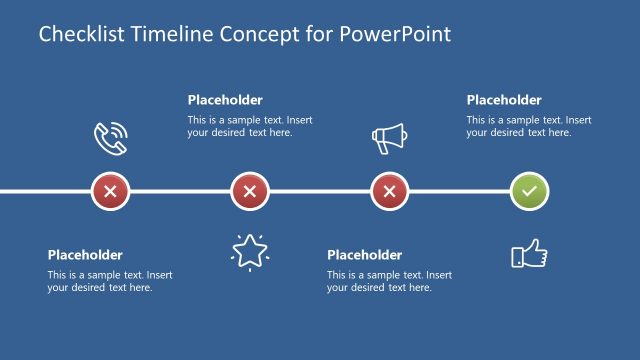
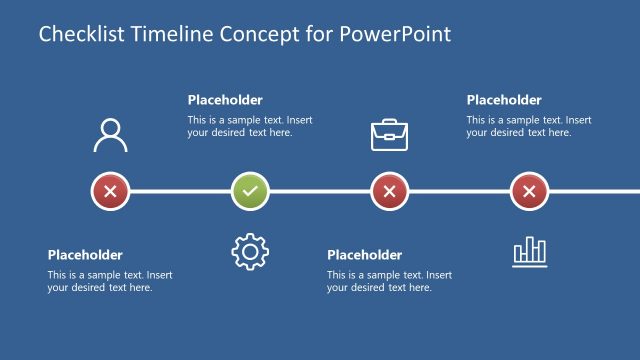
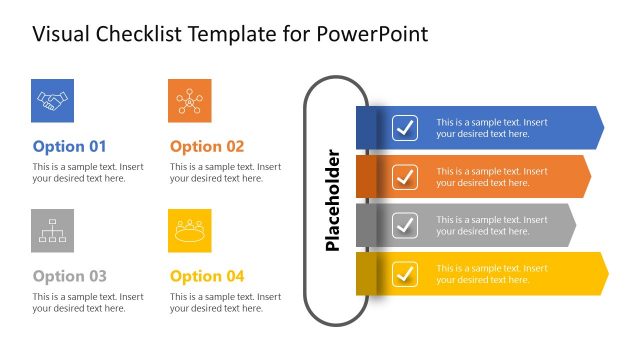
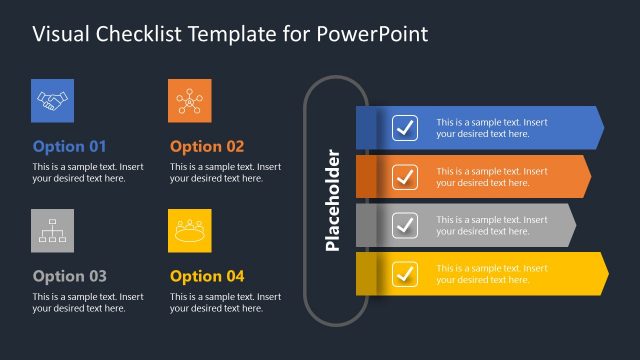
The layout features a horizontal timeline with five distinct nodes. Each node is represented by a circular shape, alternating between red crosses and a green checkmark. Icons accompany the nodes, positioned to the left of the text placeholders. Text placeholders are aligned to the right of each icon, providing space for descriptions. The background is a solid blue color, creating a cohesive visual theme. The overall composition emphasizes the timeline's sequential nature, with clear visual hierarchy and spacing between elements.
How to Use It
This layout serves as a checklist timeline, ideal for illustrating steps or phases in a process. It fits well in presentations that outline project milestones or tasks. The structure allows for easy tracking of progress, making it suitable for project management or planning discussions. This slide can be used in business contexts where clarity and organization are essential, such as team updates or strategic planning sessions.
Text Placeholders & Capacity
Keep your copy within these limits so it fits without resizing. Node body slots can hold about 10 words each.
| Placeholder | Count | Max characters (approx.) |
|---|---|---|
| Item body | 5 | 50 |
Slide Keywords
Download unlimited PowerPoint templates, charts and graphics for your presentations with our annual plan.
DOWNLOADReturn to Checklist Timeline Concept for PowerPoint.