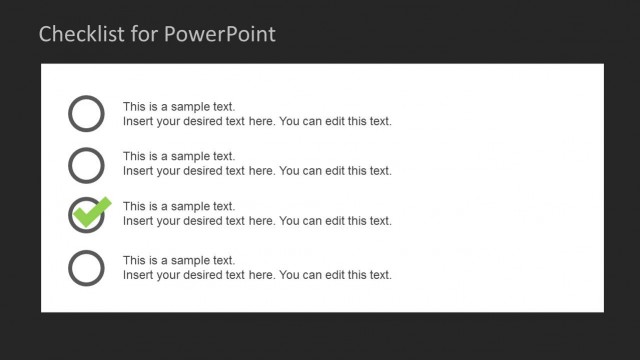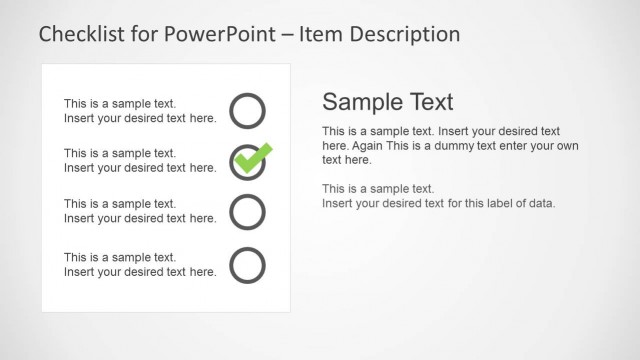
Slide 3 of 4 from Checklist Tables for PowerPoint
6075-01-checklist-table-3
Checklist Table for Task Management
- Table
- Checklist
- Process Slide
- 16:9
- 100% Editable
The Checklist Table slide from the Checklist Tables for PowerPoint template offers an editable slide layout designed for task tracking and project updates. Featuring a clear table with status indicators, it supports business presentations and team meetings by visually organizing task completion. This slide integrates well into corporate presentations or pitch deck templates where progress monitoring is essential, utilizing editable shapes and vector icons to enhance clarity and focus.
What’s on This Slide
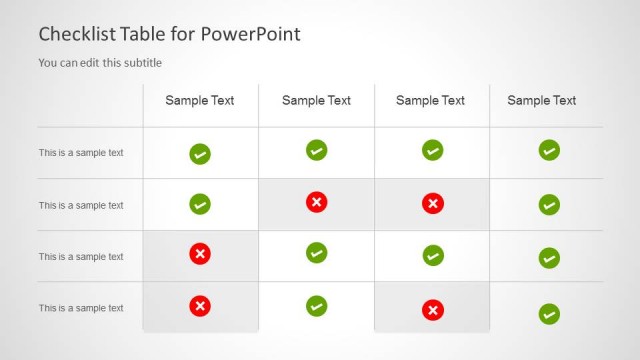
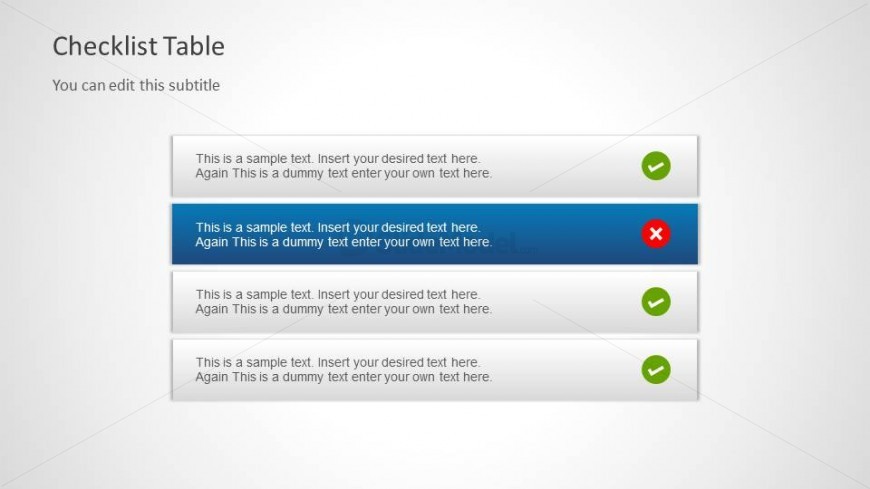
The layout features a checklist table with four rows and two columns. The first column contains text placeholders for task descriptions, while the second column displays status indicators. Each row has a green checkmark or a red cross, indicating completion status. The background is light with a subtle gradient. The title is positioned at the top left, with a subtitle directly below it. The visual hierarchy emphasizes the checklist items, with the selected row highlighted in blue to indicate focus. Text placeholders are aligned left.
How to Use It
This layout serves as a checklist table, ideal for task management and progress tracking. It fits well in a presentation sequence that discusses project milestones or task completion. This structure is useful for teams to visualize tasks, indicating which are complete and which are pending. It can be applied in project updates, team meetings, or performance reviews, allowing for quick assessments of task statuses.
Text Placeholders & Capacity
Keep your copy within these limits so it fits without resizing. Node body slots can hold roughly 15-20 words each.
| Placeholder | Count | Max characters (approx.) |
|---|---|---|
| Slide title | 1 | 30 |
| Subtitle | 1 | 50 |
| Item body | 4 | 100 |
| Item heading | 4 | 10 |
Slide Keywords
Download unlimited PowerPoint templates, charts and graphics for your presentations with our annual plan.
DOWNLOADReturn to Checklist Tables for PowerPoint.